To fill a water pouch in Enshrouded, select it on your action bar, aim at water or a stocked well, then use the displayed retrieve-water action. Check the pouch's water level afterwards. Retrieving water and pouring it out are separate actions, so read the hint before using the pouch.
This covers the water system in the PC and PS5 full release of 15 October 2026, with the PC hotfixes checked through 1.0.0.3, released on 21 October. Use the prompts for your current keyboard or controller layout when following the steps below.
Choose a source that contains water
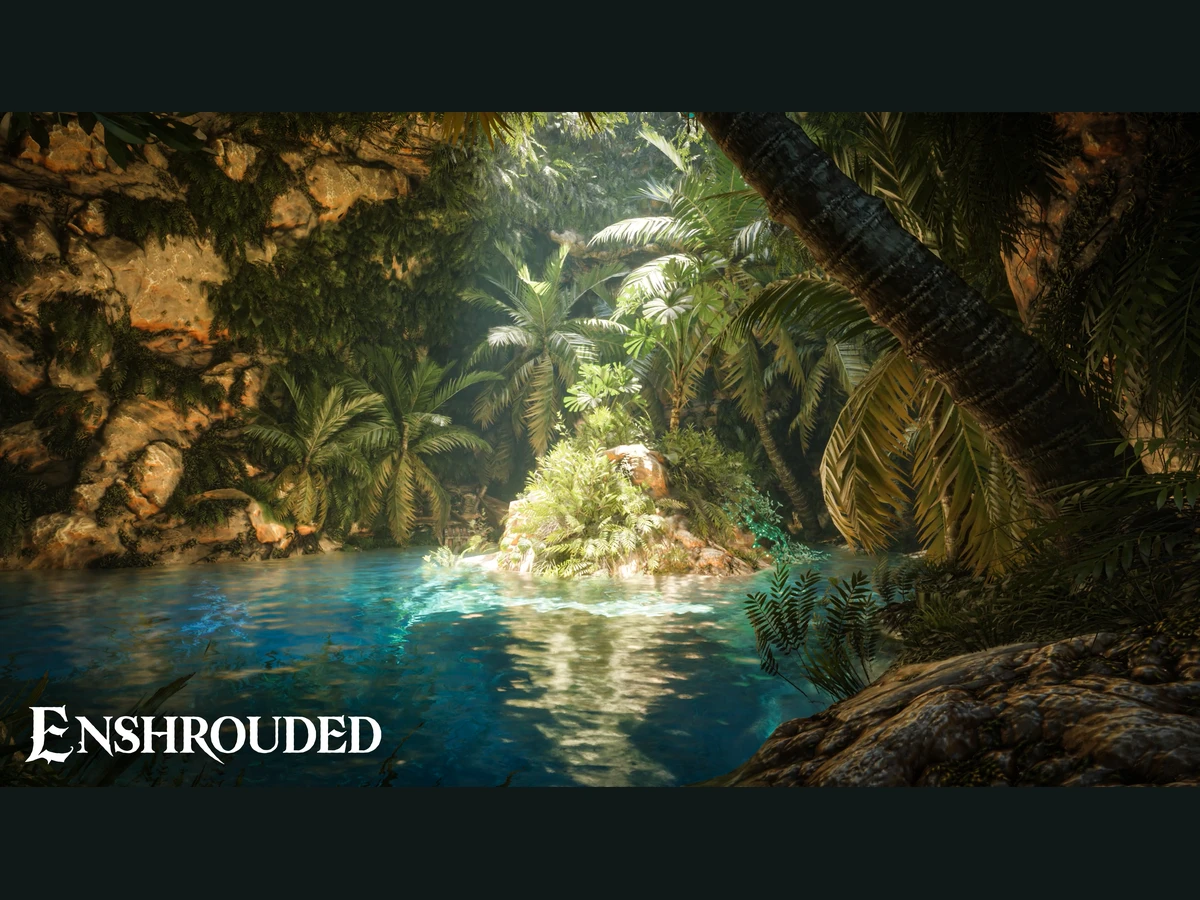
Take your existing pouch to open water, a well, a water barrel or a crafting factory that contains water. All four can supply a refill. Start with an accessible lake or a well you already know contains water, rather than building a new supply system just to refill one container.
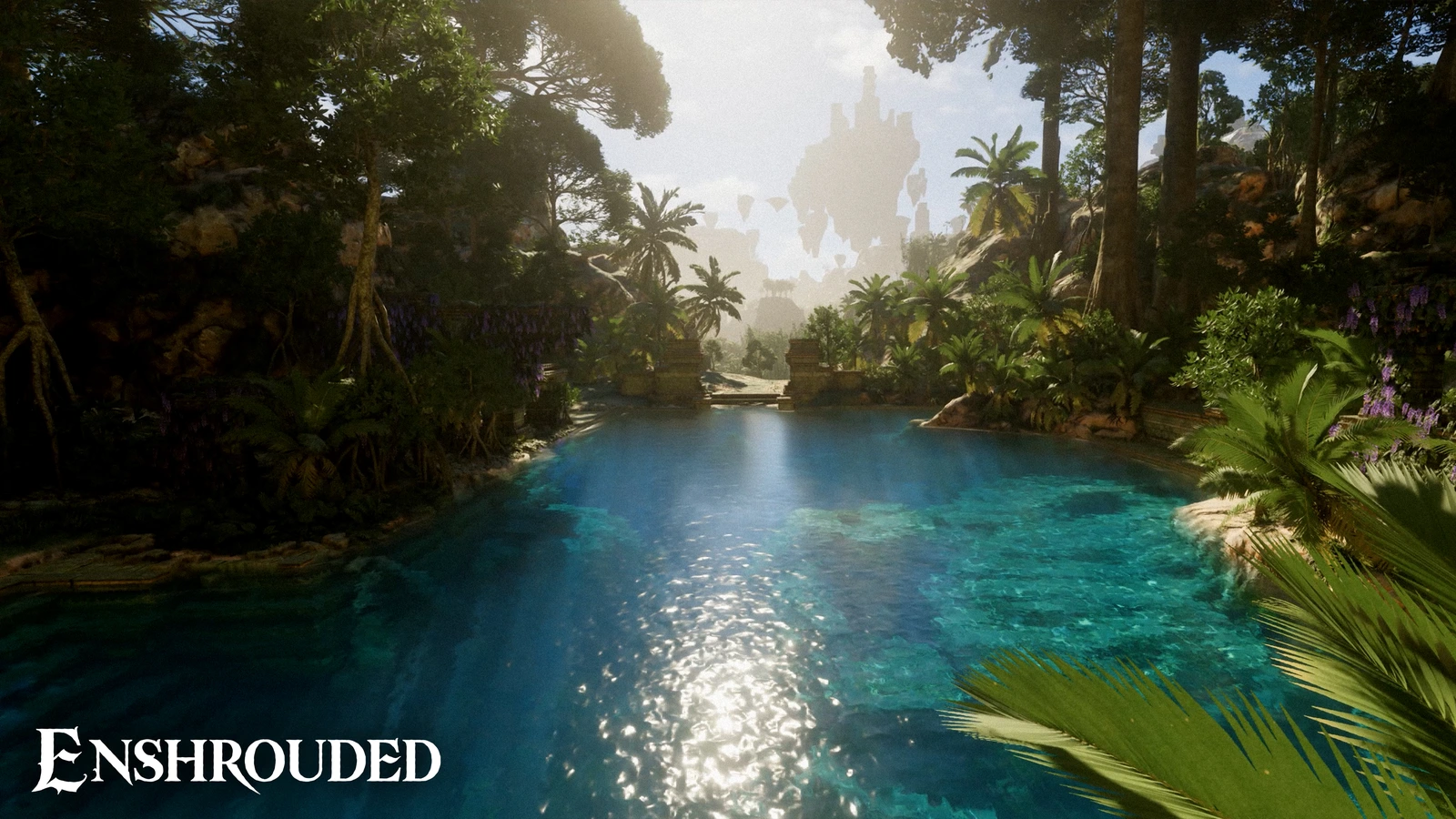
Check the source before changing your controls. Crafted wells start empty when you place them in your base. A newly placed well is therefore a poor first test of whether your pouch works. Try an available natural water source, or return to a stocked well, before treating the missing refill as an input problem.
Use the pouch's retrieve-water prompt
- Select the water pouch on your action bar so its water-action hints are available.
- Aim at the water source. At wells and other water props, use the cursor's target indication to check what you are interacting with.
- Read the displayed action and choose the input for retrieving water into the pouch. The alternative action pours water out.
- Complete the refill, then inspect the pouch's water level before leaving the source.
Use the action-bar hints as well as the hint at the prop. The pouch has persistent action-bar hints, and barrels, wells and similar water props show their inputs directly. Follow those displays on both PC and PS5; they let you choose the correct water action with the layout you are actually using.
Finish filling before trying to change the selected action-bar item. Scrolling through the action bar is deliberately blocked while water tools are filling. Wait until the action ends, then select your next item. That temporary restriction is part of the water interaction.
Check the direction and the contents
For a refill that appears to do nothing, work through these checks in order. Keep the same pouch while comparing sources, so you can distinguish an empty supply from the wrong action.
| What you see | What to check |
|---|---|
| A newly placed well gives no refill | Use a source that already contains water; crafted wells begin empty. |
| The cursor offers pouring | Choose the separate retrieve-water input shown for the pouch. |
| The action bar will not scroll | Finish the active filling action before switching items. |
Track the water inside the pouch rather than expecting a stack of separate water items. Since Wake of the Water, pouches store a variable amount of water and no longer stack. Refill the container you already have. In 1.0, enemies also stopped dropping water pouches, so fighting more enemies is no longer a way to replenish that supply.
Keep crafting use separate from refilling
For a water-consuming crafting factory, add a filled pouch to that factory's inventory. Its recipes use water portions. You can also supply the factory's own water storage with a water tool, or use its button to draw from a nearby well. Check that storage when a crafting job needs water.
For a base whose water vanished during the Early Access conversion, refill the base supply as well. Hotfix 1.0.0.3 corrects certain misplaced Flame Altars during migration, but water in those affected bases must be added again. Use the separate Early Access save carry-over checks if you are still locating the original world.
Sources
Where this story comes from, and where you can check it.
Official sources
- Keen GamesEnshrouded: Wake of the Water Update ↗
- Keen GamesChangelog for Patch #11 v.0.9.0.2 ↗
- Keen GamesChangelog for Patch #12 v.0.9.0.3 ↗
- Keen GamesRelease trailer, changelog... everything you need to wait for tomorrow! ↗
- Keen GamesChangelog for Hotfix 1.0.0.3 ↗
- Keen GamesEnshrouded ↗