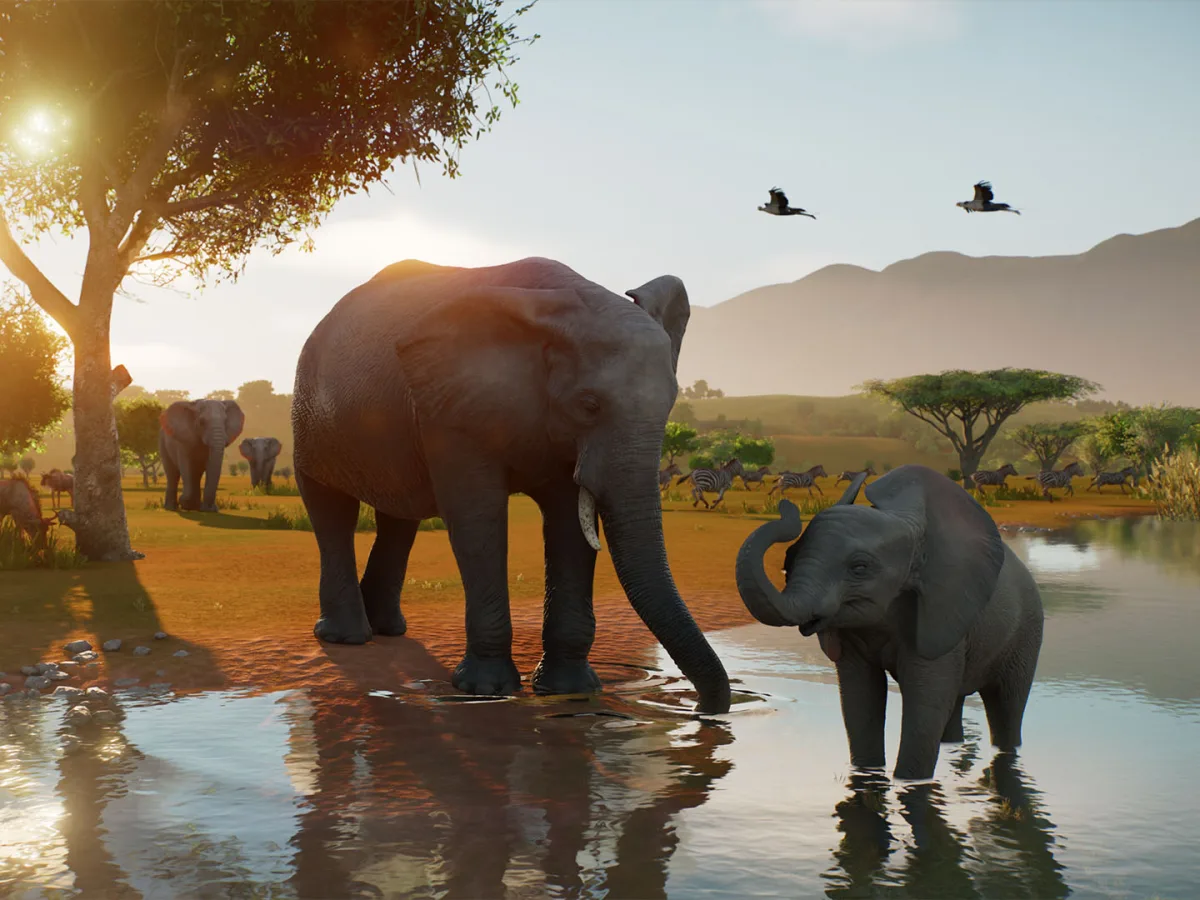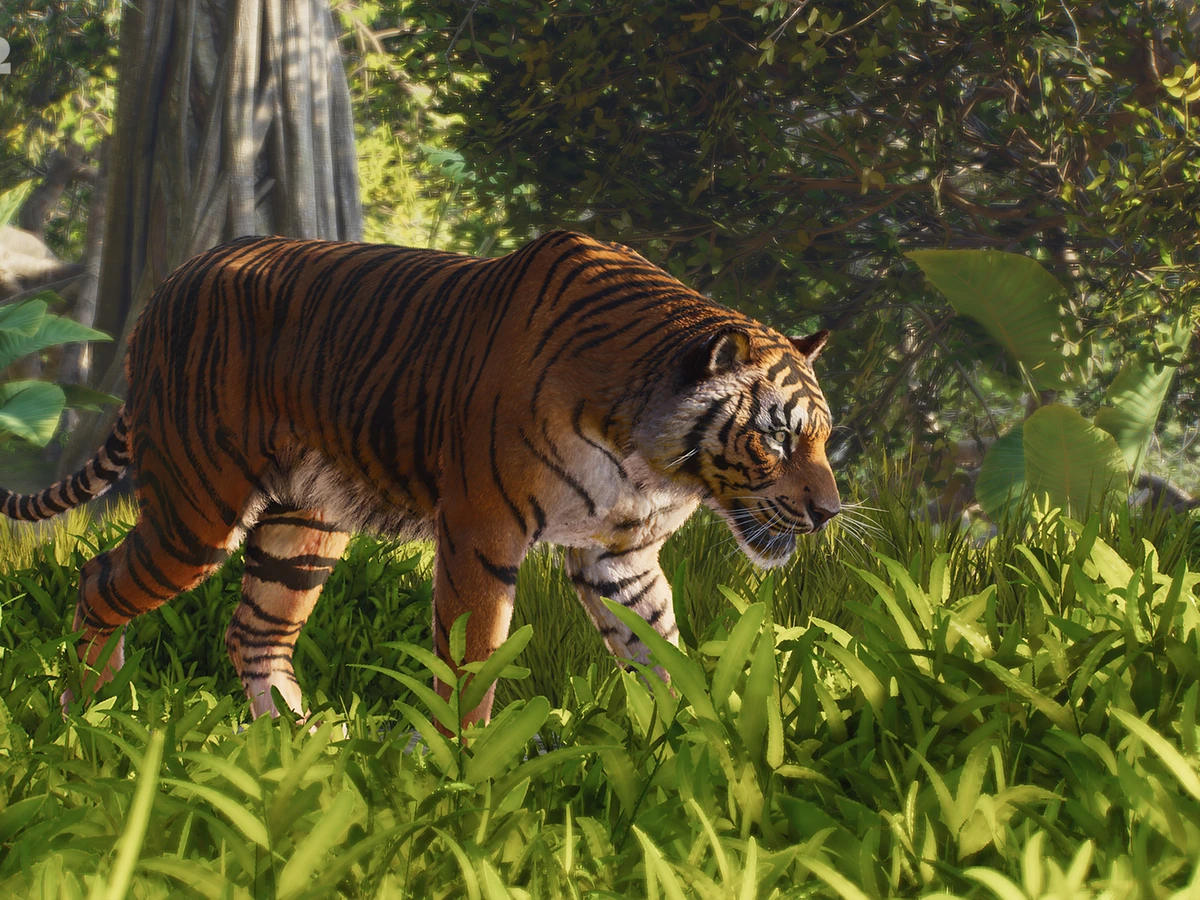
The tiger's face is sharp, the leaves in front of it soften, and the forest behind it becomes a green backdrop. In Planet Zoo 2's Photo Mode reveal, a familiar zoo animal becomes the subject of a carefully framed wildlife portrait. The useful part is how much of that picture you can choose: the camera position, the focus, the colour and the amount of the animal's surroundings you leave in view.
Frontier revealed the mode on 7 October, ahead of the game's 13 October launch on PC, PS5 and Xbox Series X|S. It works in both zoos and Wildlife Reserves, with photography advice from WWF UK accompanying the announcement. There are two appealing ways into it. You can watch an animal and wait for a picture, or build part of its world with a particular camera angle in mind. Frontier's own trailer artists already do the latter.
Start with the tiger's eye
Photo Mode sits in the Browser's Camera options. Once inside, roll and zoom establish the framing, while depth of field, contrast, saturation, exposure and colour tint change the image. The official tiger screenshot shows separate near and far focus distances alongside blur strength. That is a helpful distinction for a portrait: the animal can remain clear while foliage nearer the lens and scenery behind it fall out of focus.
Frontier's advice begins with position before effects. Getting down to the animal's eye level changes the relationship immediately. A view from above surveys an enclosure; a low camera places you amongst the vegetation with its occupant. Zoom then determines how much of that setting survives around the subject. A close face and a smaller animal within a broad landscape can tell very different stories about the same patch of ground.
WWF UK's accompanying tips make that choice explicit. For a portrait, concentrate on the eyes and a clean background. For an animal within a landscape, include enough habitat to show its world. Those are useful alternatives to trying every filter in turn. Decide whether the photograph is about the tiger's expression or its place in the forest, then use the settings to make that choice easier to see.
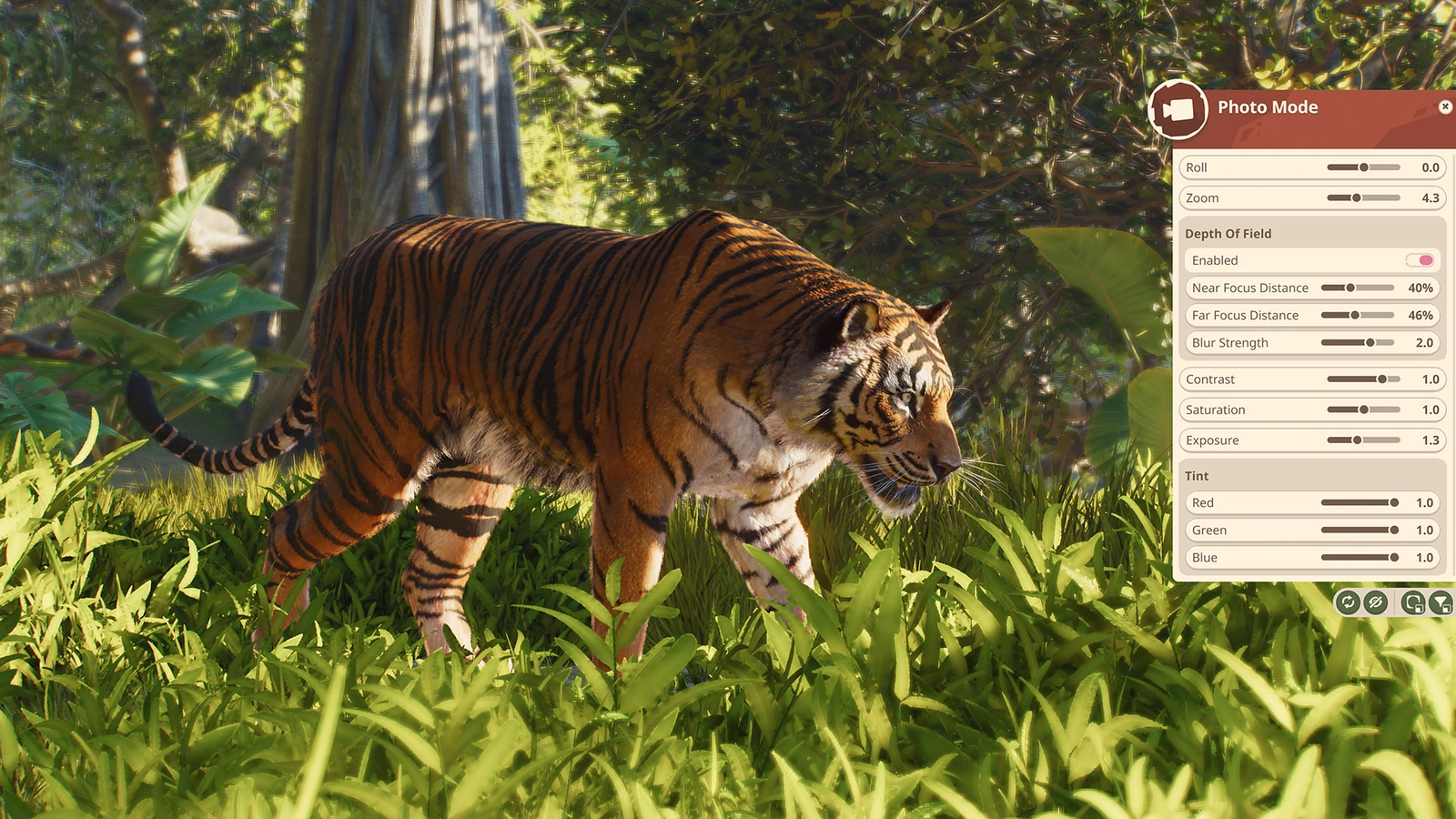
The filters include black and white, night vision and several colour options. They supply another way to organise a scene, with colour removed or details given a different emphasis. The reveal's green night-vision tiger is a particularly dramatic variation on its woodland portrait. Capturing the finished picture uses your platform's screenshot function: hide the camera interface first, take the screenshot, and find it in that platform's screenshot folder afterwards.
Build the view before taking it
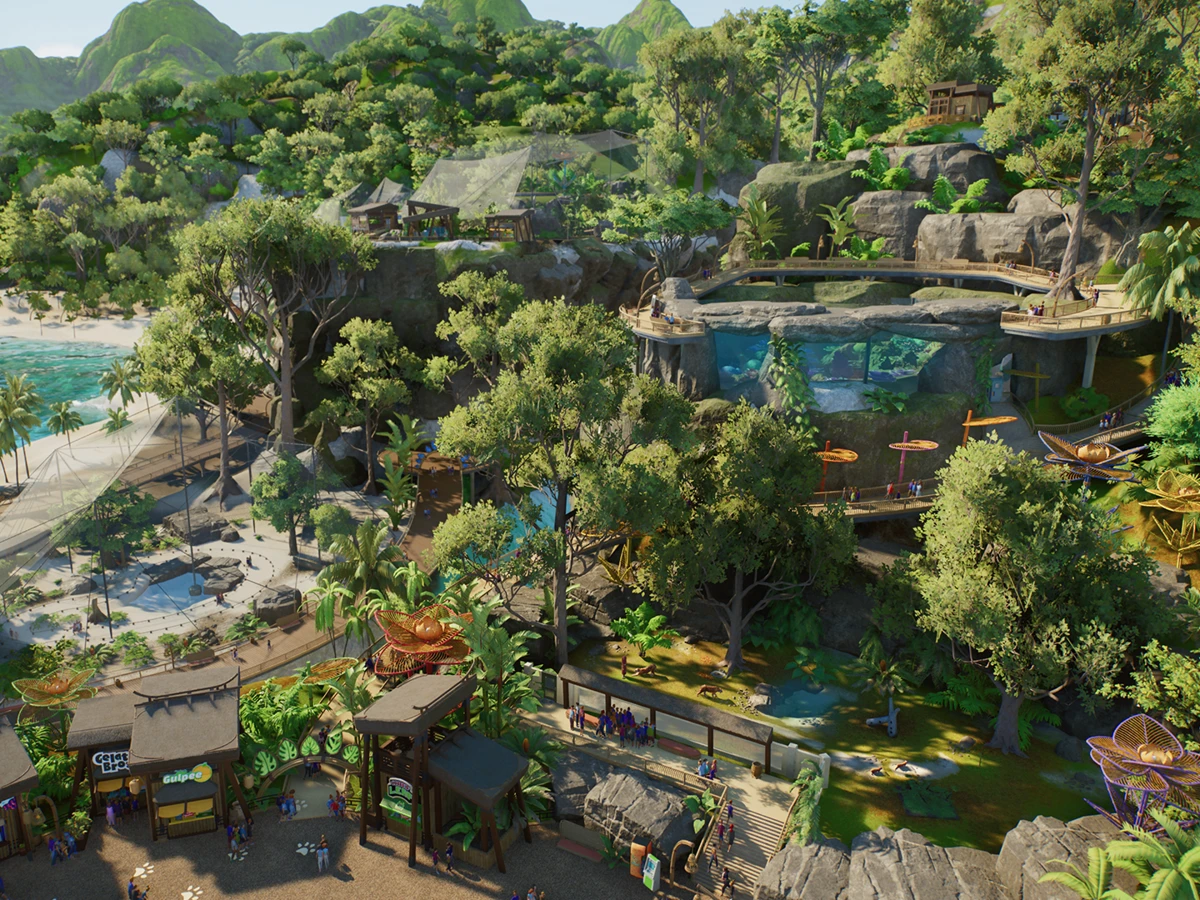
There is a lovely companion to this camera reveal in Frontier's 1 October account of building its marketing zoos. Environment artists Mel Cox and Josef Griffiths begin with storyboards and plans, considering lighting, movement and what each shot needs to contain. Cox describes smaller spaces dressed for a particular angle as "beautiful corners". The phrase is wonderfully practical: a photograph needs one convincing view, and a builder can work towards precisely that.
For the opening shots of the Animal Spotlight videos, the team locks the camera into position and adds scenery around the composition. Cox names the rule of thirds and leading lines amongst the techniques used. That offers a satisfying creative project for a player with an elaborate habitat: find a view worth keeping, then consider what the foreground, background and edges contribute. A photograph becomes another reason to revisit the details of a build.
Griffiths' manatee habitat gives that attention a concrete shape. He used reference images of Florida's hot springs, then worked with fallen trees and river banks to conceal glass boundaries. He also carries similar foliage into guest viewing areas, helping the habitat and its surroundings look connected. A carefully chosen camera angle can bring those layers together, letting the plants and banks carry the scene instead of making the barrier its most obvious feature.
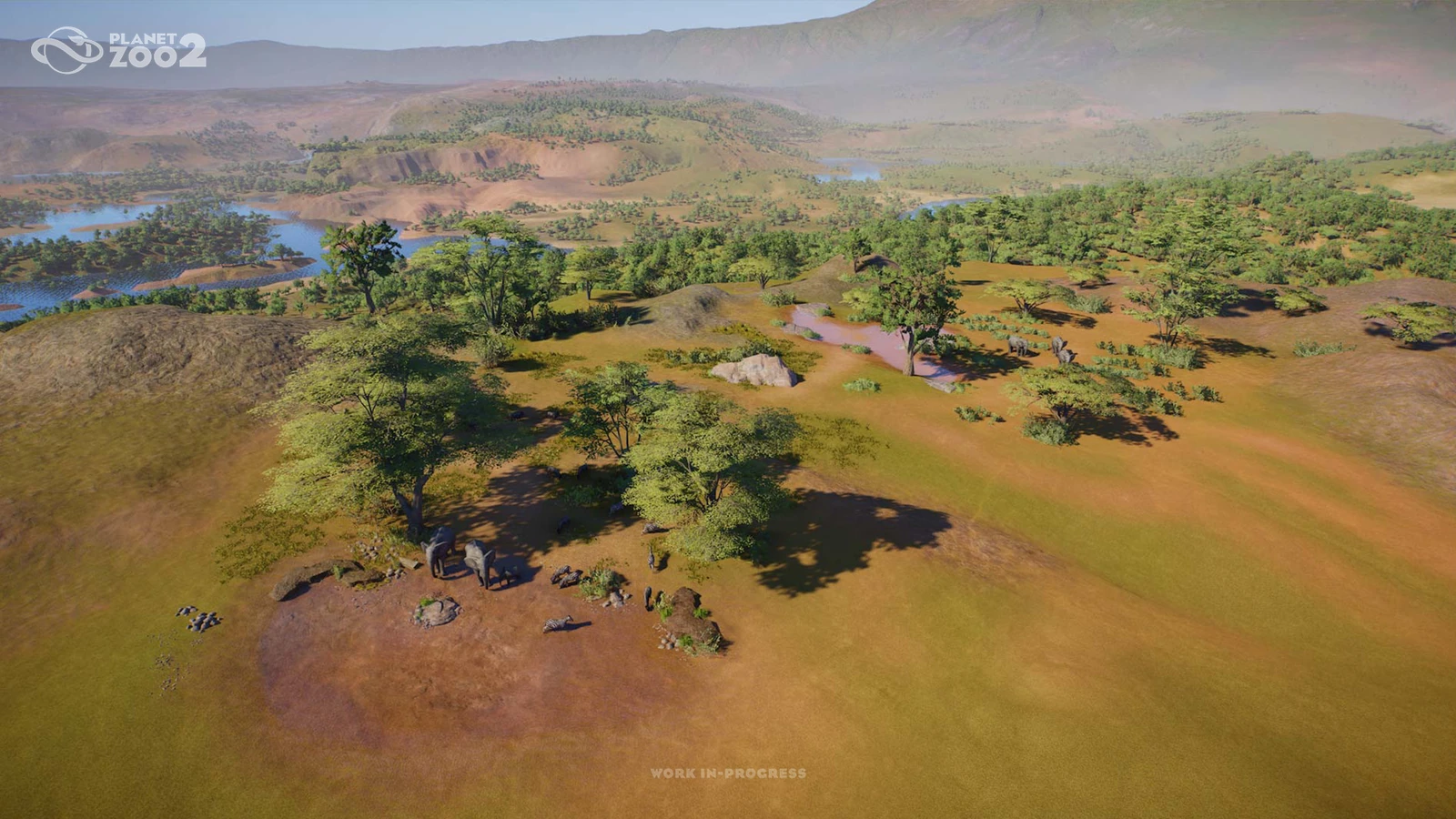
The building tools give that composition room for adjustment. Cox explains that foliage placed with a custom nature brush remains separate scenery: each plant can still be selected and moved. Scenery and natural scenery can also be scaled, which she uses to fit foliage into planters. The broad brush fills an area quickly; individual pieces let the builder refine the part a camera sees. A pleasing background can start with large planting and end with moving one awkward branch.
Leave room for the animal
Frontier's artists also test that their habitats function for the animals and their behaviours. That keeps the picture connected to something happening inside the game. For players interested in the care underneath the scenery, our look at Planet Zoo 2's visible welfare cues explains that side of the enclosure. Photography supplies a separate pleasure: choosing a moment from the life of a habitat you've spent time arranging.
Timing gives you another choice beyond decorating. Frontier points out that waiting for night can reveal animal behaviours different from those seen during the day. WWF's advice places patience and observation alongside composition, encouraging photographers to anticipate feeding, grooming and interactions. That invitation is especially appealing in a zoo sim. Once the paths and planting are finished, the animal can supply the next interesting detail simply by doing something worth watching.
The same advice encourages looking for textures, patterns and smaller details, and thinking about a sequence of pictures with context and action. A broad habitat view and a close portrait therefore have reasons to coexist in an album. One records the place; another brings its occupant forward. Frontier plans a virtual wildlife photography competition with WWF UK later in October, giving those pictures a timely destination beyond the usual screenshot folder.
Sources
Where this story comes from, and where you can check it.
Official sources
- Frontier DevelopmentsAnimal Photography Tips for Planet Zoo 2's Photo Mode ↗
- Frontier DevelopmentsBehind the Scenes: Building Zoos ↗
- Frontier DevelopmentsPlanet Zoo 2 | Release Timing! ↗