Planet Zoo 2 is single-player: you cannot build or manage a zoo together in multiplayer or co-op. To exchange creations with friends on PC, PS5 or Xbox Series X|S, use the cross-platform Frontier Workshop instead. This guide covers the 13 October 2026 launch, with Frontier's FAQ checked on launch day.
Share creations through Frontier Workshop
Use the in-game Frontier Workshop to browse community creations and download parks and blueprints. You can share your own creations there too. Because sharing works across platforms, a friend's different console or PC storefront is not a reason to limit your search to designs made on your own hardware. The shared content is the park or blueprint you download.
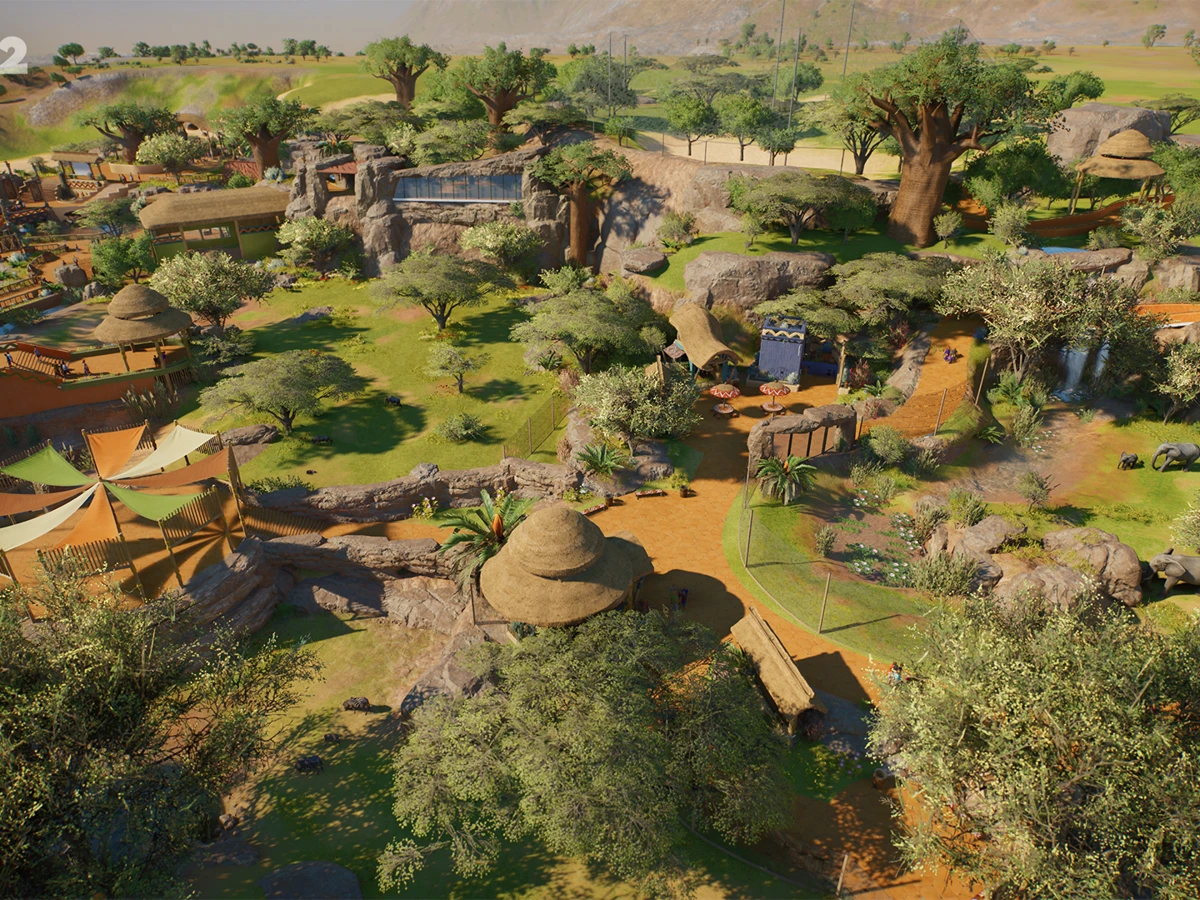
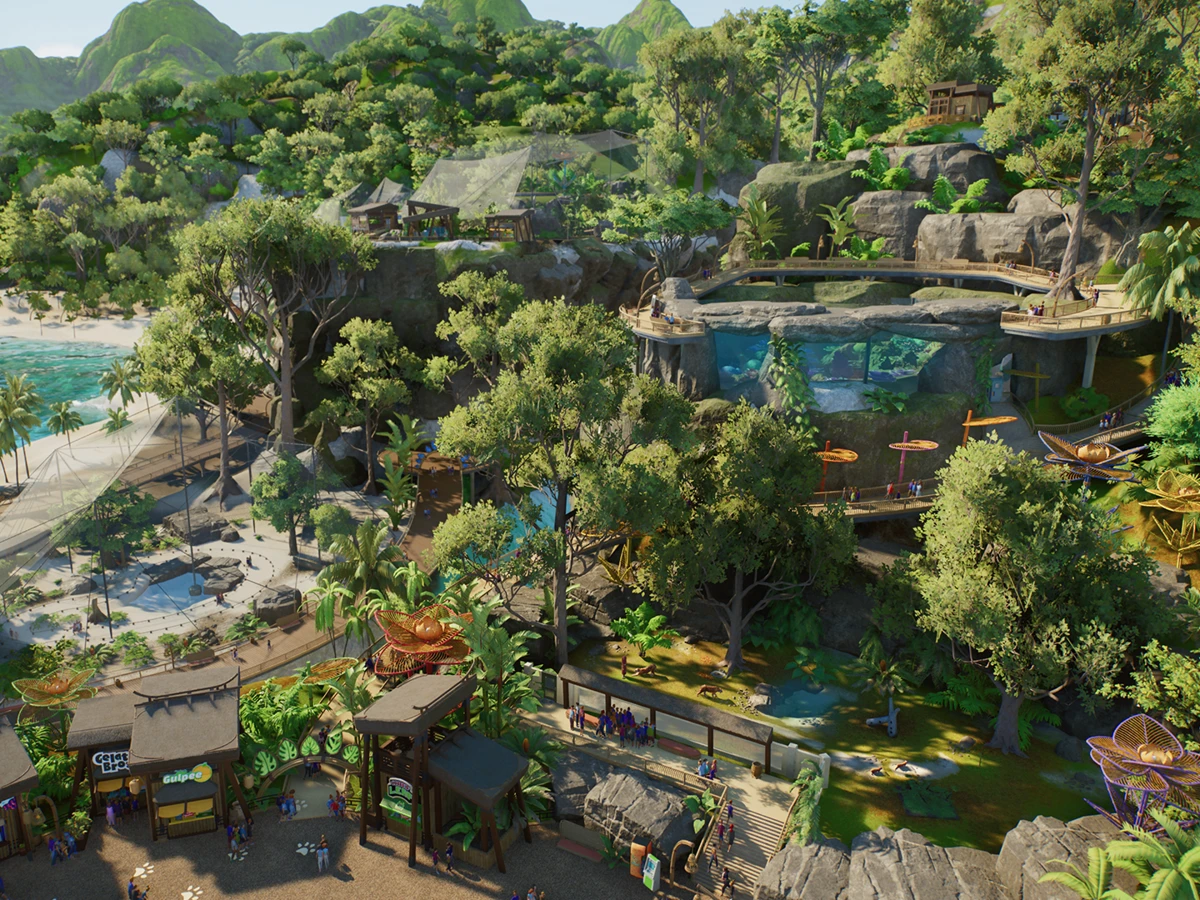
For a ready-made building, browse the blueprint selection directly inside Planet Zoo 2 and choose a creation you want to use. Frontier also supplies pre-fabricated blueprints of its own, giving you a starting point alongside community designs. You can take inspiration from another player's construction while managing your own zoo; sharing that design does not create a session with its maker.
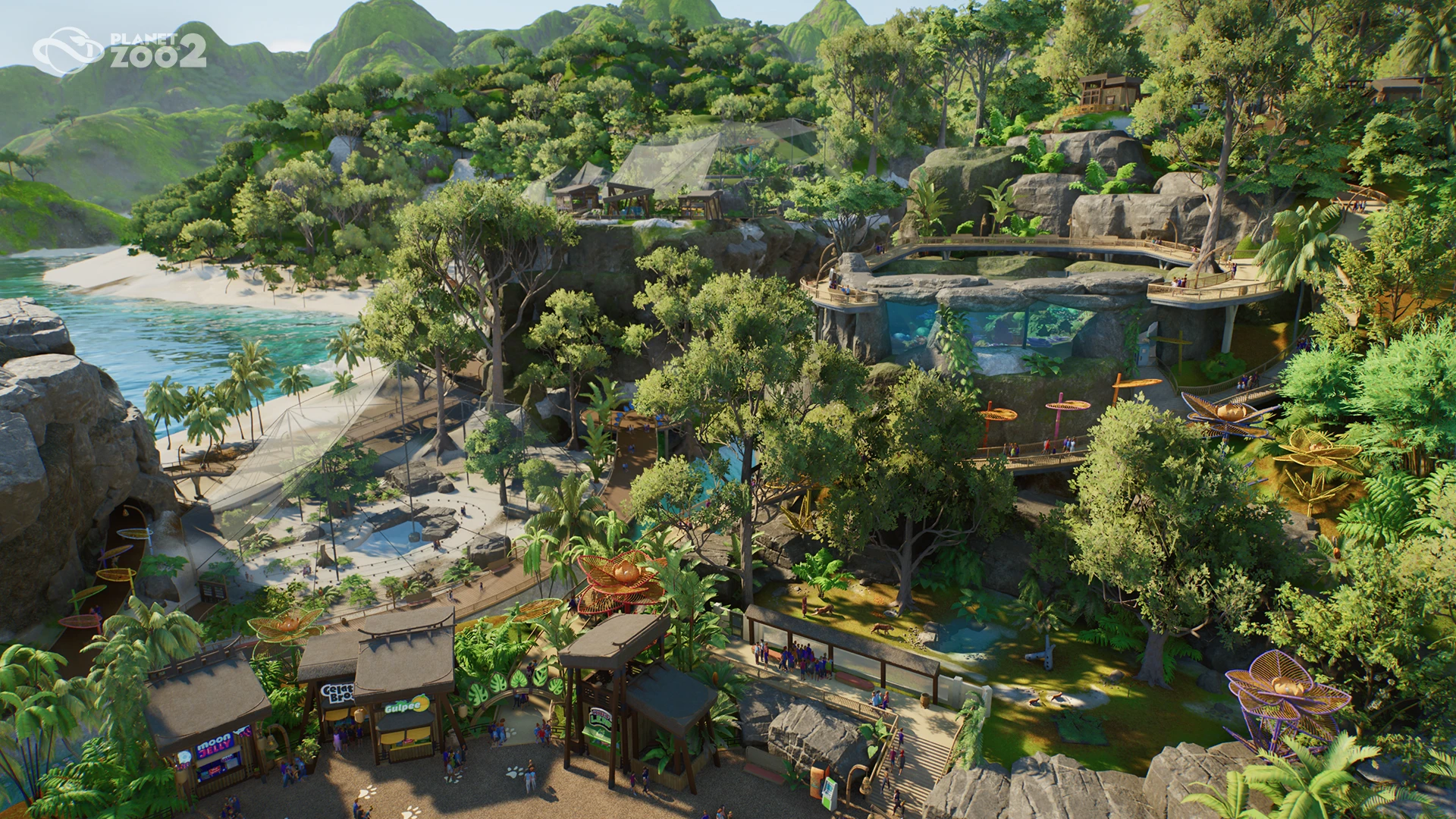
Keep sharing and playing together separate
| What you want to do | Launch support |
|---|---|
| Manage one zoo together | No multiplayer or co-op |
| Download parks and blueprints | In-game Workshop, across platforms |
| Share your creations | Internet connection required |
| Play offline after downloading the game | Supported; Workshop downloads require internet |
Connect to the internet before downloading blueprints or sharing parks with friends. Once you have downloaded the game, you can play offline, but the online sharing functions need a connection. If you are planning an evening together, plan separate zoo-building sessions and exchange creations through the Workshop rather than looking for a multiplayer invitation or a co-op lobby.
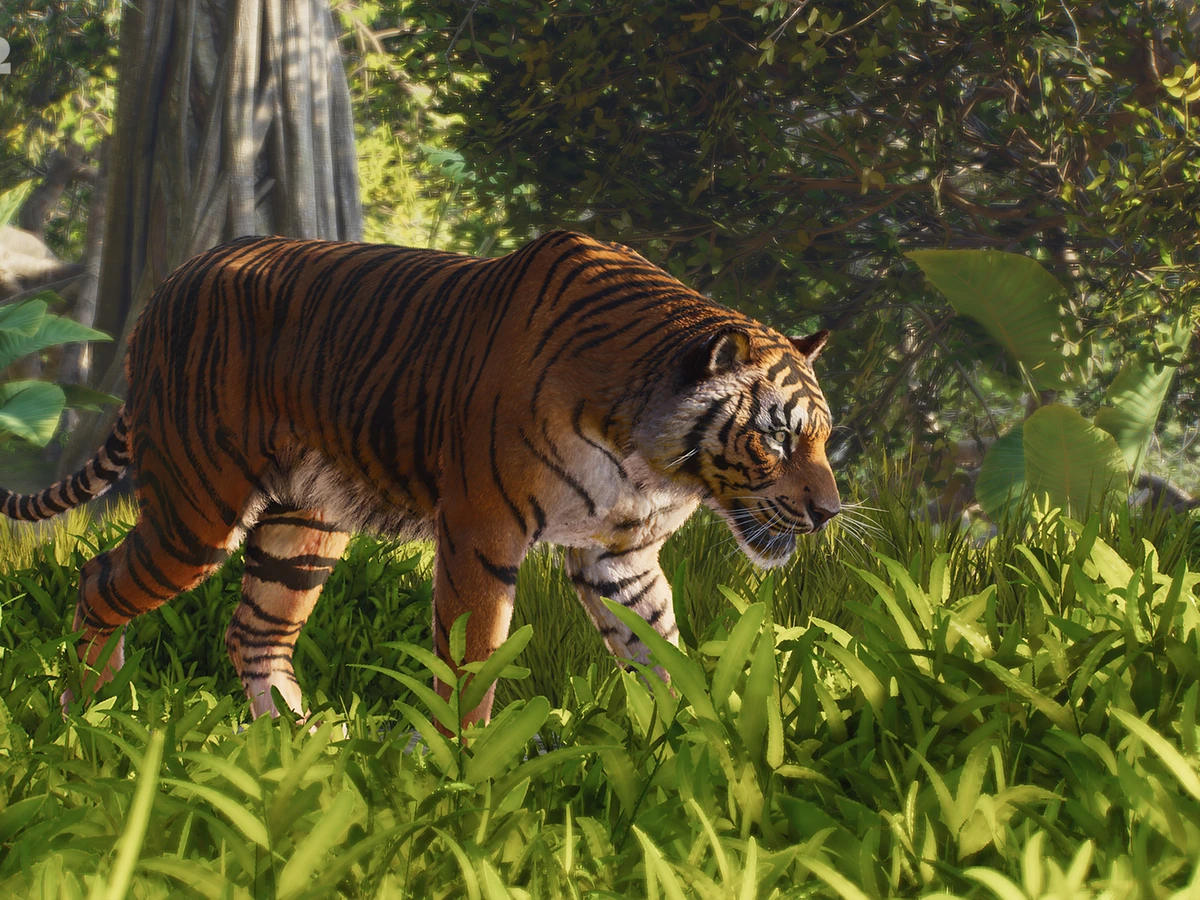
When you have a build you want to show off, you can use Planet Zoo 2's Photo Mode to frame wildlife portraits in your zoo. That gives you another way to show friends your design alongside sharing the park or blueprint itself.
Sources
Where this story comes from, and where you can check it.
Official sources
- Frontier DevelopmentsHelp - Planet Zoo 2 ↗
- Frontier DevelopmentsCreature Feature: Creative Tools ↗