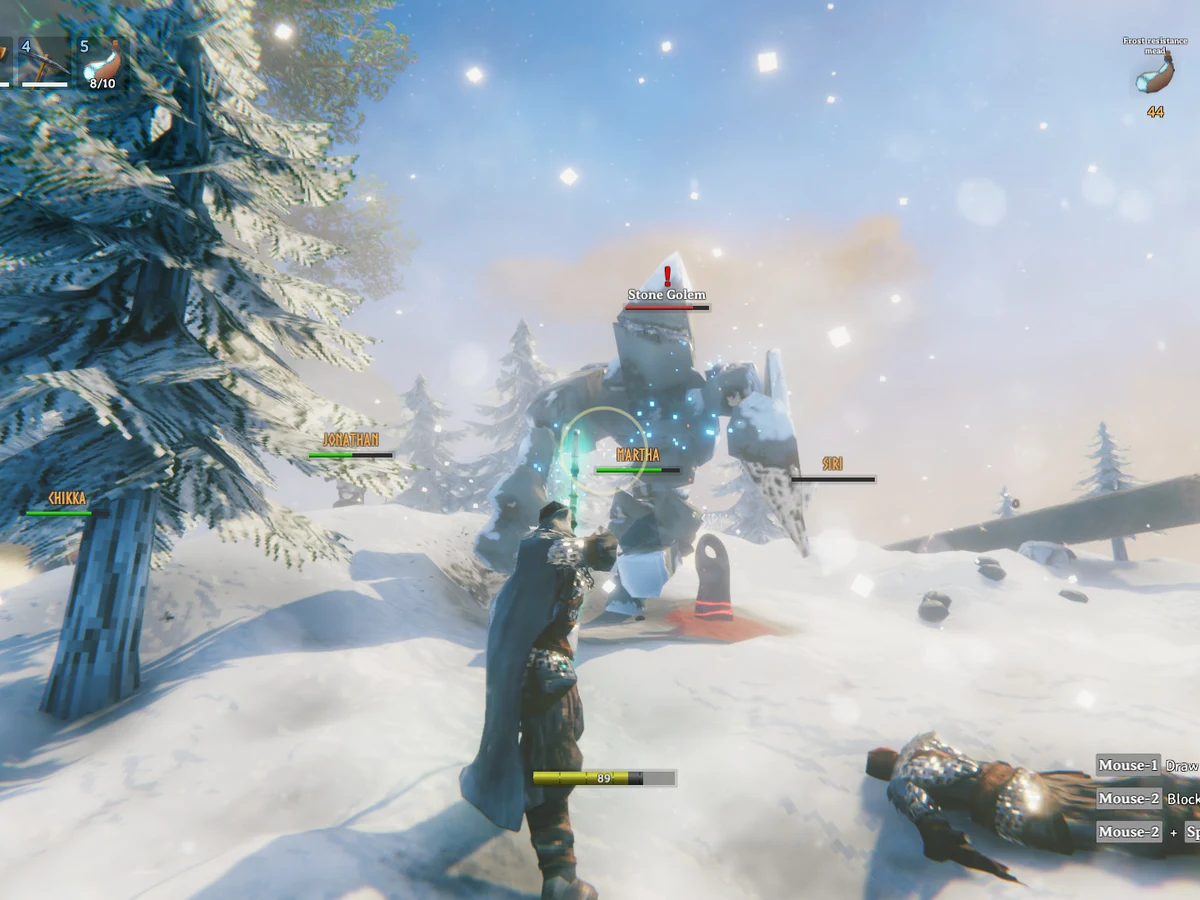
To give dodge its own keyboard key in Valheim, update the PC game to patch 1.0.14 or later, then open Settings and find the keyboard bindings. Assign a key to Alternate dodge key. The older method still works: hold block with the right mouse button, choose a movement direction and press Space to roll.
Bind Alternate dodge key
In the keyboard controls, select Alternate dodge key and press the key you want to use. Pick one you can reach while moving, but check for an existing action on that key before accepting the change. Iron Gate added this binding in patch 1.0.14 alongside hotbar and radial-wheel rebinding; it is a keyboard option, so this route does not describe a controller layout.
Move in an open area and press your new key. Confirm that your character rolls in the intended direction before relying on it in a fight. If the binding is absent, check your installed version first: the 1.0 release did not include this option, and Iron Gate warned that the 1.0.14 rollout could take several days across platforms. PC Gamer confirmed the update was live on PC on 17 September.
Sources
Where this story comes from, and where you can check it.
Official sources
- ValheimPatch 1.0.14 ↗
- Coffee Stain PublishingValheim ↗