For a missing launch button in Call of Duty: Modern Warfare 4 on Xbox PC, check your Microsoft Store download-device allowance and install missing MW4 Content Packs. This covers the 23 October 2026 release, with the known-issue status checked on 27 October. These are the suggested checks while the Xbox-on-PC problem remains under investigation.
Check your Microsoft Store download devices
Sign in at account.microsoft.com/devices/content with the Microsoft account you use for your Store downloads. Check this download-device list first: Microsoft limits Store apps and content to ten devices attached to an account. Use this content page to free download slots. At the ten-device limit, unlink an unused device; with fewer devices, continue to the content-pack check.
- Find an old device you no longer use for Store downloads.
- Select Unlink beside that device.
- Review the device details and select Unlink again to confirm.
An unlinked device stops counting towards the download limit. Downloading another app or game on it later adds it back to the allowance. Keep your current gaming PC linked and free a slot through an unused device. With room available, move on to the game's installed content.
Install missing Modern Warfare 4 content
Open Call of Duty and go to Menu > Manage Files, then select Manage Files again. Choose the relevant available content tile and use its Install action to add missing MW4 Content Packs. Follow the content names and actions offered on your installation; keep the check on Modern Warfare 4 rather than downloading another Call of Duty game's modes.
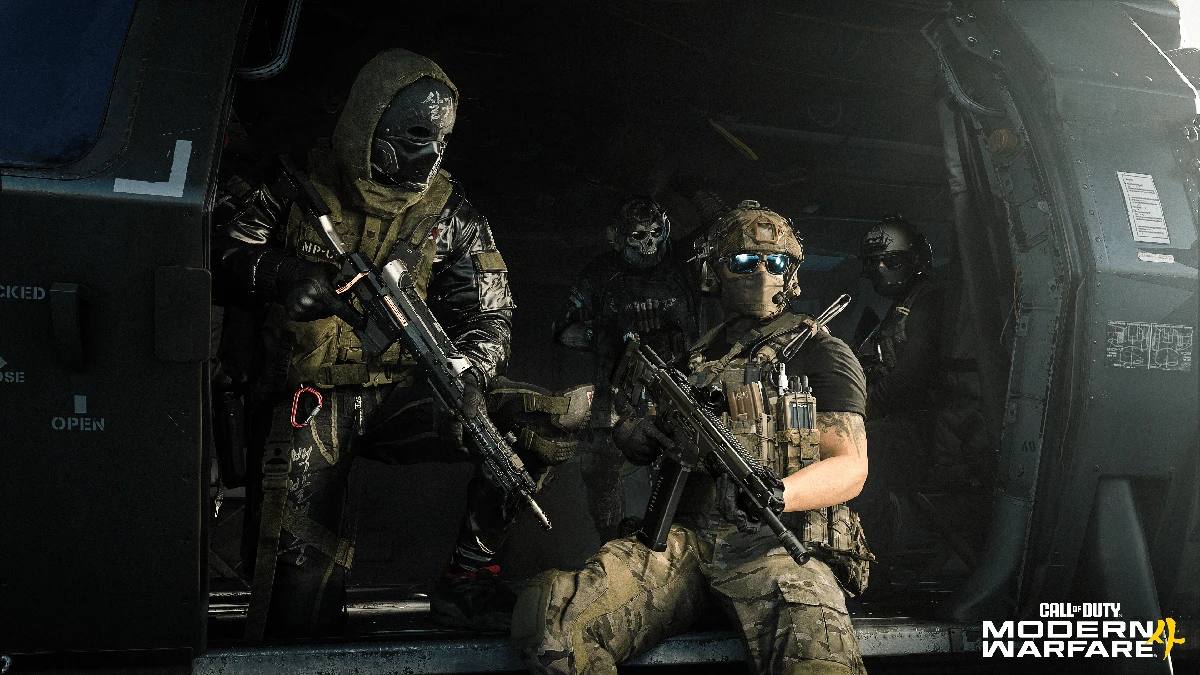
For the initial Xbox PC installation, open the Xbox app, select My Library, choose Call of Duty: Modern Warfare 4 and select Install. Clear Installed under the Play state filter to reveal an owned game that has not been installed. Use that library route when MW4 itself is absent, and the in-game file manager when you can already open Call of Duty.
Retry COD Home and report a remaining fault
Let the selected installation finish, return to COD Home and check whether the MW4 launch button is available. If it is still missing after both checks, use the Modern Warfare 4 Bug Report form linked from Activision's Known Issues page. Describe the missing button, Xbox PC installation, device-limit check and packs installed.
For a separate question about whether your subscription includes the game, check the MW4 launch purchase requirements before buying anything else.
Sources
Where this story comes from, and where you can check it.
Official sources
- Activision SupportKnown Issues in Call of Duty: Modern Warfare 4 ↗
- Microsoft SupportManage devices used with your Microsoft account ↗
- Activision SupportManaging Content in Call of Duty Games ↗
- Activision SupportCall of Duty: Modern Warfare 4 Installation and Setup ↗