If your copper golem is not sorting in Minecraft, check the input and destination chests before rebuilding the storage room. It takes items from Copper Chests and delivers them to ordinary Chests or Trapped Chests that are empty or already contain that item type. A fully oxidised golem needs reviving instead.
This guide covers unmodified Java Edition on PC through 26.3, released on 15 September 2026. The sorting system arrived in Java 1.21.9 on 30 September 2025. These are checks against Mojang's documented rules, not a guaranteed fix for a pathfinding bug or a modded sorter.
Put the items in a Copper Chest
Check the chest you are feeding. The golem collects from a Copper Chest, including its waxed and oxidised variants. Putting the unsorted items in an ordinary Chest reverses the roles: that is a destination. Dropped items, Ender Chests, chest minecarts and chest boats are not substitutes for the Copper Chest input.
For a simple check, use one nearby Copper Chest containing one item type and one nearby ordinary Chest with room to receive it. This reduces the possible destinations while you watch. Successful sorting means the golem takes items from the copper input and deposits them in the ordinary chest; it can carry up to 16 items at a time.
Match the destination to the carried item
Look at what the golem is holding, then check the destination's contents. An empty Chest accepts that item, but it can also accept other item types later. If you want a particular Chest to receive copper ingots, put a copper ingot in it first. That is a practical use of the matching-item rule, not a separate filter menu.
A golem checks at most ten chests in sequence, then pauses before trying again if it finds no match. Mojang's Java notes specify a seven-second pause. Do not take that short wait alone as proof it has stopped working. If it is carrying something you want to remove, interact with it using an empty hand: it drops the carried item.
Revive a golem that has become a statue
A fully oxidised copper golem becomes an immobile Copper Golem Statue. Use an axe to remove the oxidation stage by stage until it reanimates. Mojang documents scraping with an axe, and PC Gamer's guide confirms repeating the action until it comes back to life.
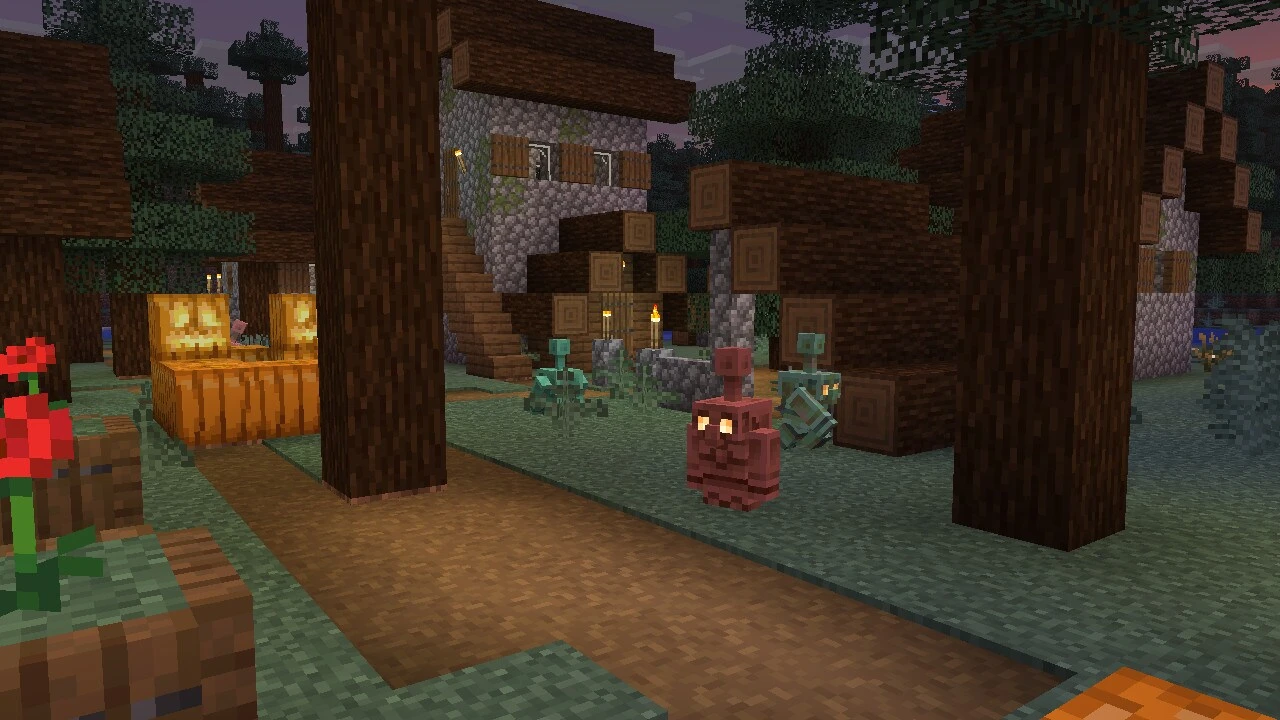
Use Honeycomb on the active golem to wax it and prevent further oxidation. Then check that it moves and resumes carrying items between the two chest types. If an active golem still fails the simple nearby-chest check, these documented rules do not establish the cause; a specific layout or version bug needs separate evidence.
Sources
Where this story comes from, and where you can check it.
Official sources
- Minecraft.netMinecraft Java Edition 1.21.9 ↗
- Minecraft.netMob Menagerie: Copper Golem ↗
- Minecraft.netMinecraft Java Edition 26.3 ↗