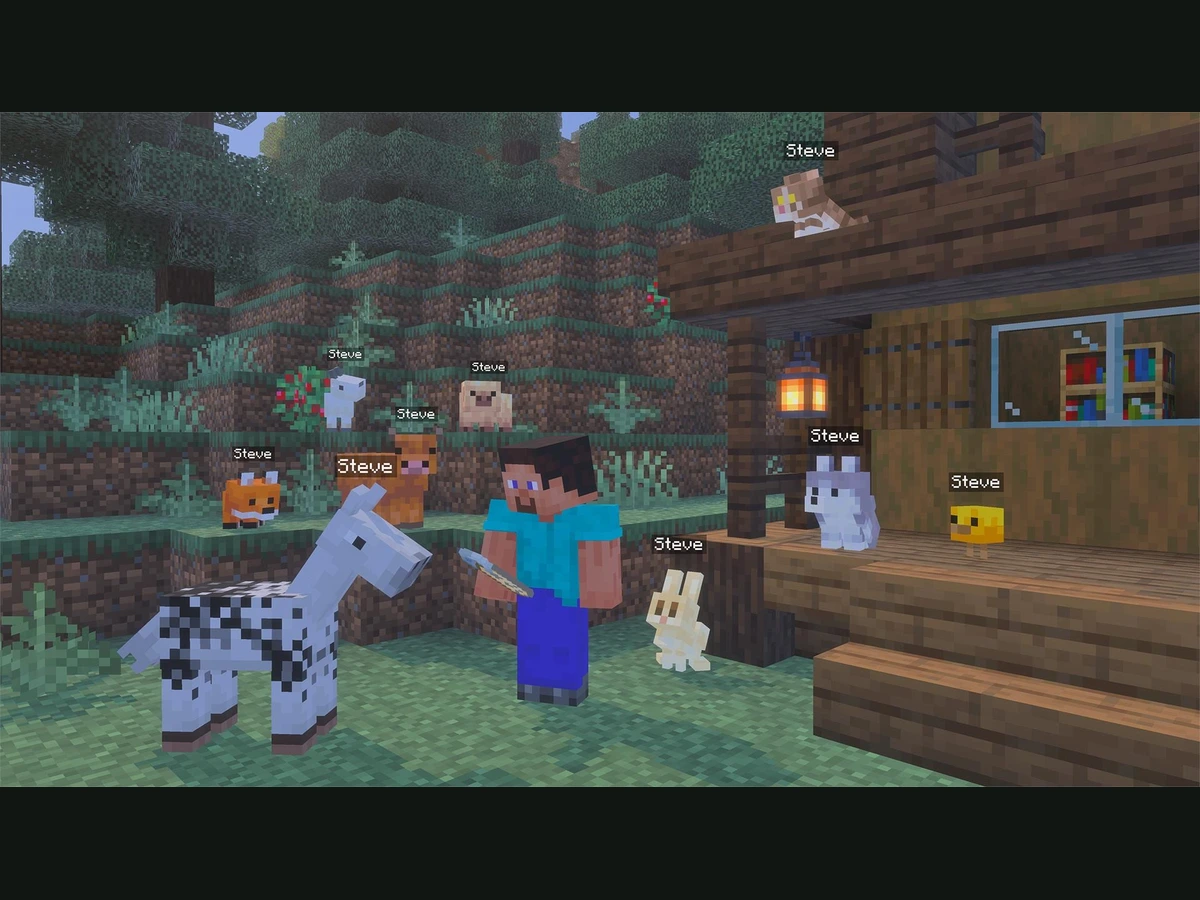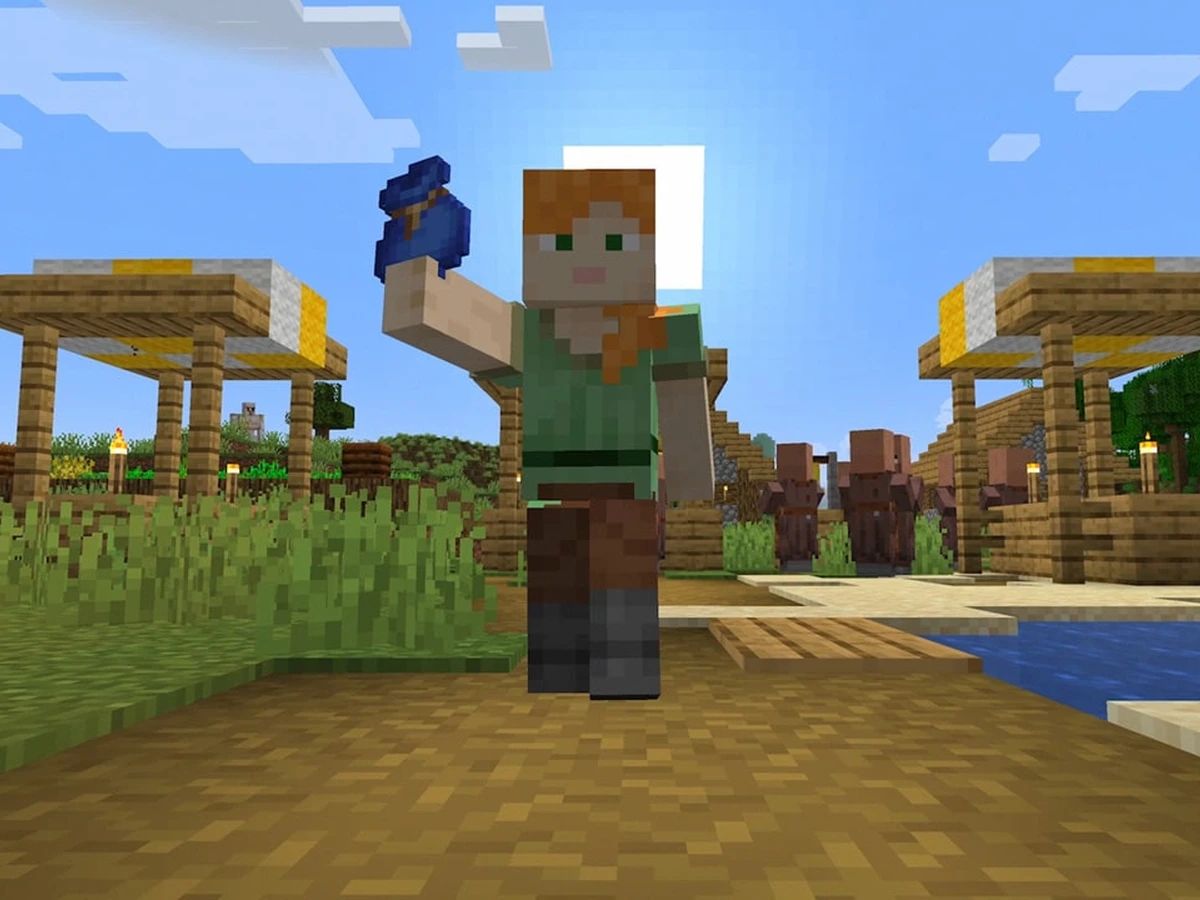
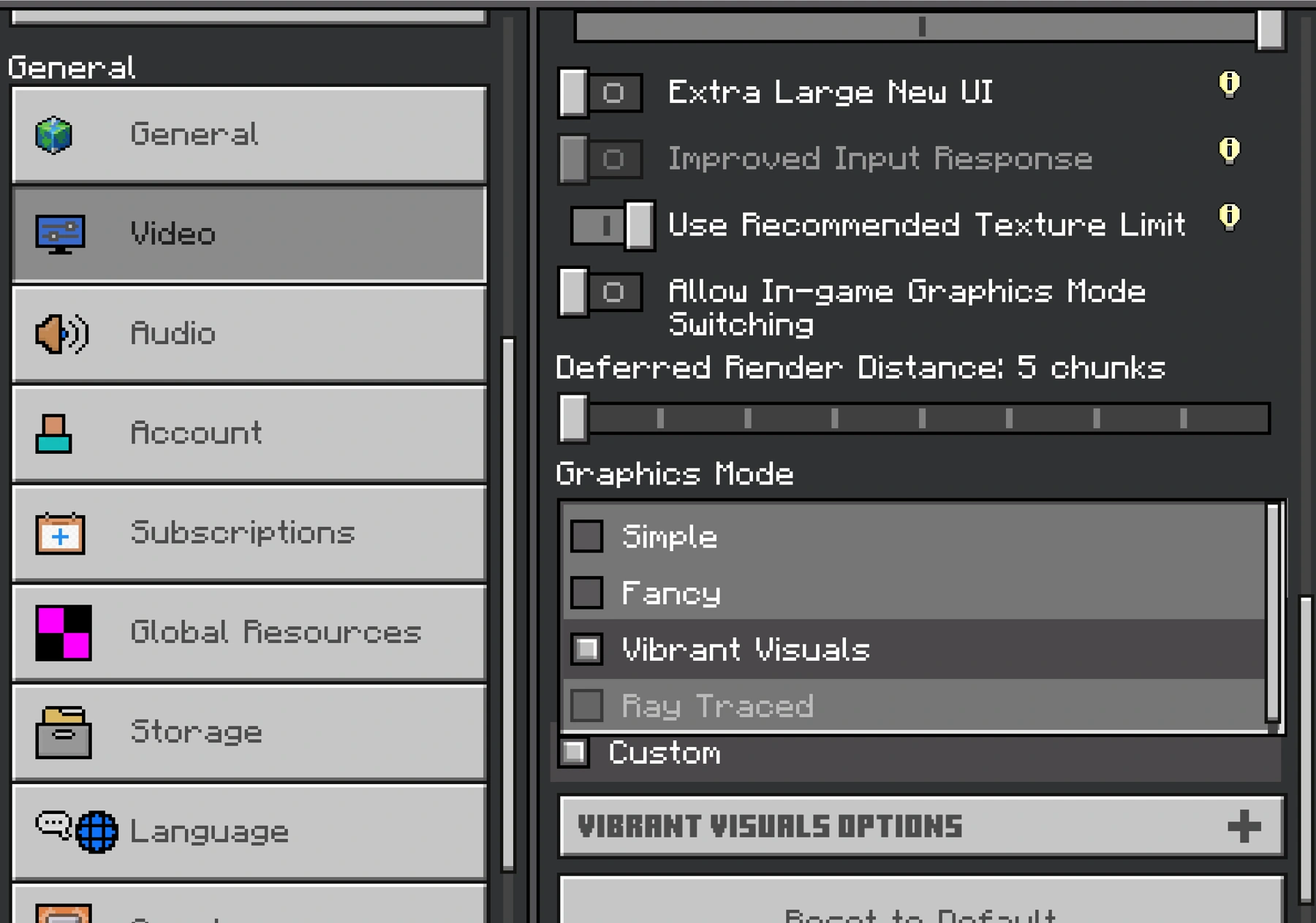
If Vibrant Visuals is greyed out in Minecraft, save and quit your world, then open Settings > Video from the main menu. Select Vibrant Visuals under Graphics Mode before loading the world again. If it remains unavailable, check your device, local split-screen session and the world's content separately.
Change the mode before entering your world
Install the latest released Bedrock update first. Vibrant Visuals arrived with Chase the Skies on 17 June 2025, so you can use the normal released game rather than joining Preview or enabling an old world experiment. On Windows, launch Minecraft for Windows. The current official feature page still lists Java Edition support as a future addition.
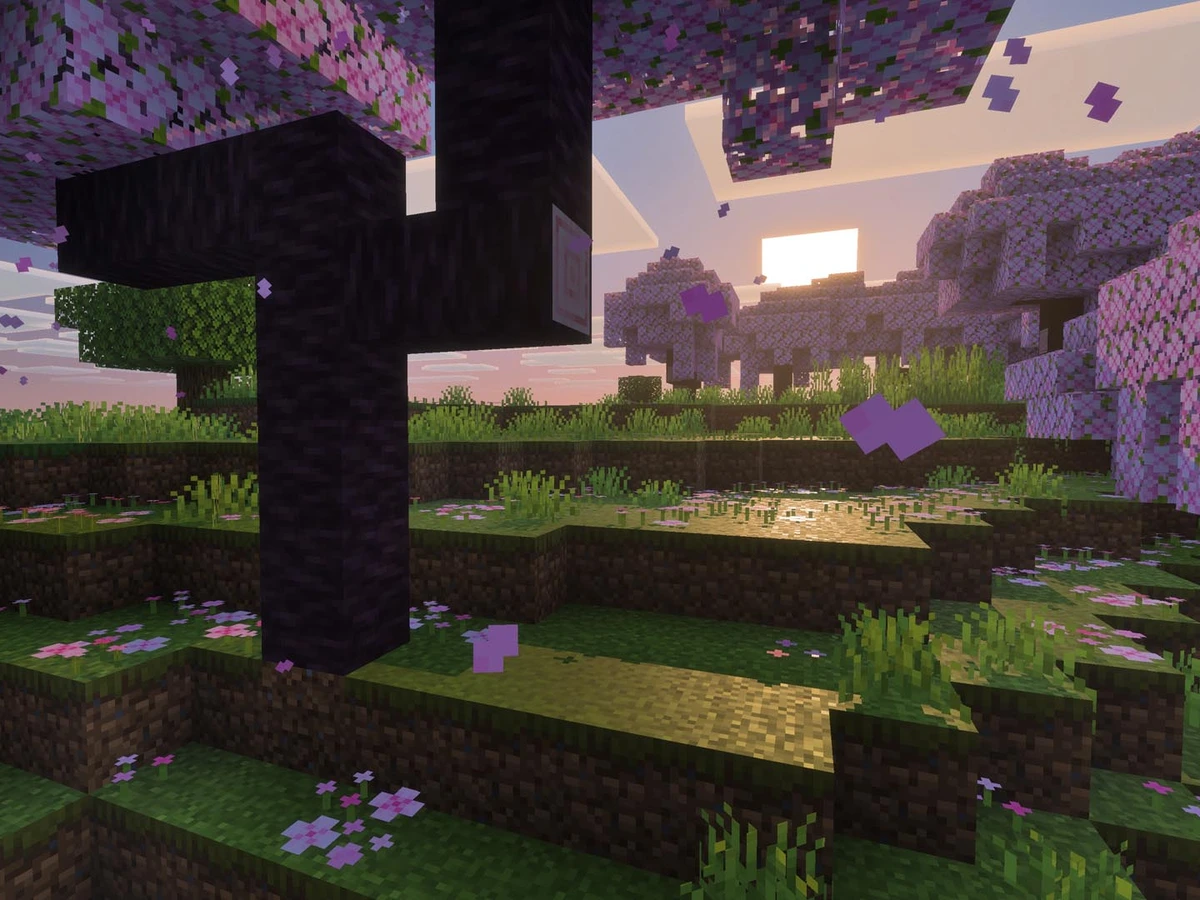
From the main menu, select Settings, open Video and find the Graphics Mode drop-down. Choose Vibrant Visuals, then enter your world and look for the changed lighting, shadows and reflections. Use the main-menu route even if you have seen an in-world switching option: Mojang's troubleshooting directs you to save and exit when the control is unavailable during play.
Check the device and local players
The supported console list includes Xbox Series X|S, Xbox One, PS5 and PS4. On Windows, Minecraft must run using DirectX 12. Being able to launch Bedrock and being able to select its enhanced graphics are separate checks. If the mode remains disabled, update your operating system and, on PC, your graphics driver before returning to the main-menu selector.
For a console session, check whether another player has joined locally. Vibrant Visuals switches to Fancy or Simple during split-screen play. Try a single local player before changing world content. Online Realms play is different: friends can share a Realm while choosing their own visual mode. You can keep playing together even when only one person's device uses Vibrant Visuals.
On mobile, use the same Settings > Video route in Bedrock. Check your device against Mojang's current Vibrant Visuals requirements rather than the base game's requirements: iOS lists A12 or M1 and newer, while Android eligibility is tied to the graphics chip. Use the published device list when checking your particular phone or tablet.
Update compatible Marketplace packs
If the setting works for another ordinary world but fails with one particular pack or template, check that content's Marketplace listing. Look for the Vibrant Visuals tag, then download any available update for the pack you own. Mojang introduced that label with Marketplace support on 28 October 2025, covering compatible worlds and texture packs as well as other content.
Older advice saying all Marketplace worlds and texture packs are excluded no longer applies. Compatibility now depends on the individual content. A pack updated for Vibrant Visuals gives you a supported way to retain its look; an incompatible pack can disable the graphics mode. Buying a different pack is unnecessary just to use the built-in mode in an ordinary compatible world.
Keep your existing world intact while comparing the results. Check the updated pack in its intended world, then compare with a separate ordinary world using the default content. If only the content-specific world loses Vibrant Visuals, use Fancy or Simple for that world while waiting for a compatible content update. Return to the main-menu Graphics Mode selector whenever you change modes.
Check the recent update before altering world settings
Bedrock 26.50, released on 15 September 2026, stopped Vibrant Visuals being disabled when loading a world with Education features enabled. Update before trying to change those world options to recover the graphics mode. The same release also adjusted visual settings and fixed several rendering faults, so an older build can behave differently from the current game.
For Windows, the 25 September 26.52 hotfix corrected detection of cube-map array texture support on older graphics hardware. Finish the current update and check the selector again before treating an older graphics card's result as final. If the mode remains unavailable across compatible worlds, give Minecraft Support your game version, graphics hardware, driver version and whether the problem affects every world.
Choose a lighter preset or return to Fancy
Once Vibrant Visuals is selectable, use Favor Performance if the game slows down or develops video problems. Favor Visuals prioritises the effects on a more powerful system; Custom lets you adjust them individually. Change one choice at a time and compare the same area. To reverse the visual-mode change, return to Settings > Video and choose Fancy or Simple.
If you are waiting for the native Nintendo version, read our Switch 2 preview and upgrade details. Its announced 27 October release is separate from the supported console versions above.
Sources
Where this story comes from, and where you can check it.
Official sources
- Minecraft HelpManage Vibrant Visuals Graphics Mode Settings ↗
- MinecraftVibrant Visuals ↗
- MinecraftVibrant Visuals arrives in Minecraft Marketplace ↗
- MinecraftMinecraft: Bedrock Edition 26.50 Changelog ↗
- Minecraft FeedbackMinecraft: Bedrock Edition 26.52 Hotfix Changelog ↗
- MinecraftMinecraft for Nintendo Switch 2 is coming October 27th! ↗