If Gears of War: E-Day leaves a campaign encounter or objective blocked after a long session, The Coalition's documented workaround is to reload a checkpoint. Check that you have the 5 October update first: it addresses several specific mission blockers. This PC guide applies to the 6 October 2026 launch, checked on 7 October, and separates that workaround from problems the developer says it has already addressed.
Match the problem to the 5 October fixes
The latest official patch notes matter more than a beta-era troubleshooting list. The 5 October update addresses an objective failing to update on entering Allfather's Plaza in Act 2 Chapter 2 after activities elsewhere in the mission. It also addresses certain side objectives failing to start in Act 4 Chapter 1 when players enter during introductory dialogue. These are specific triggers, rather than evidence that every stalled objective has the same cause.
In Act 4 Chapter 2, the update addresses one cause of the Power Station defence objective failing to complete after all visible enemies are defeated. The wording is limited: one cause was addressed, so a remaining problem does not establish that your update failed. The patch also addresses players remaining attached to turrets when a cinematic or gameplay moment starts, and improves stability, performance and hardware compatibility. Obtain the available update before treating one of these symptoms as an unresolved launch bug.
Reload a checkpoint if the encounter remains blocked
The Coalition's launch known-issues list says a complete play-through without checkpoint reloads or restarts can cause memory issues. Its advice for a blocked encounter or objective is to reload a checkpoint. Use that documented recovery action and check whether the encounter or objective now advances. The studio does not give a guaranteed recovery rate or a universal menu route in those notes, so there is no supported basis here for promising that this will fix every campaign stall.

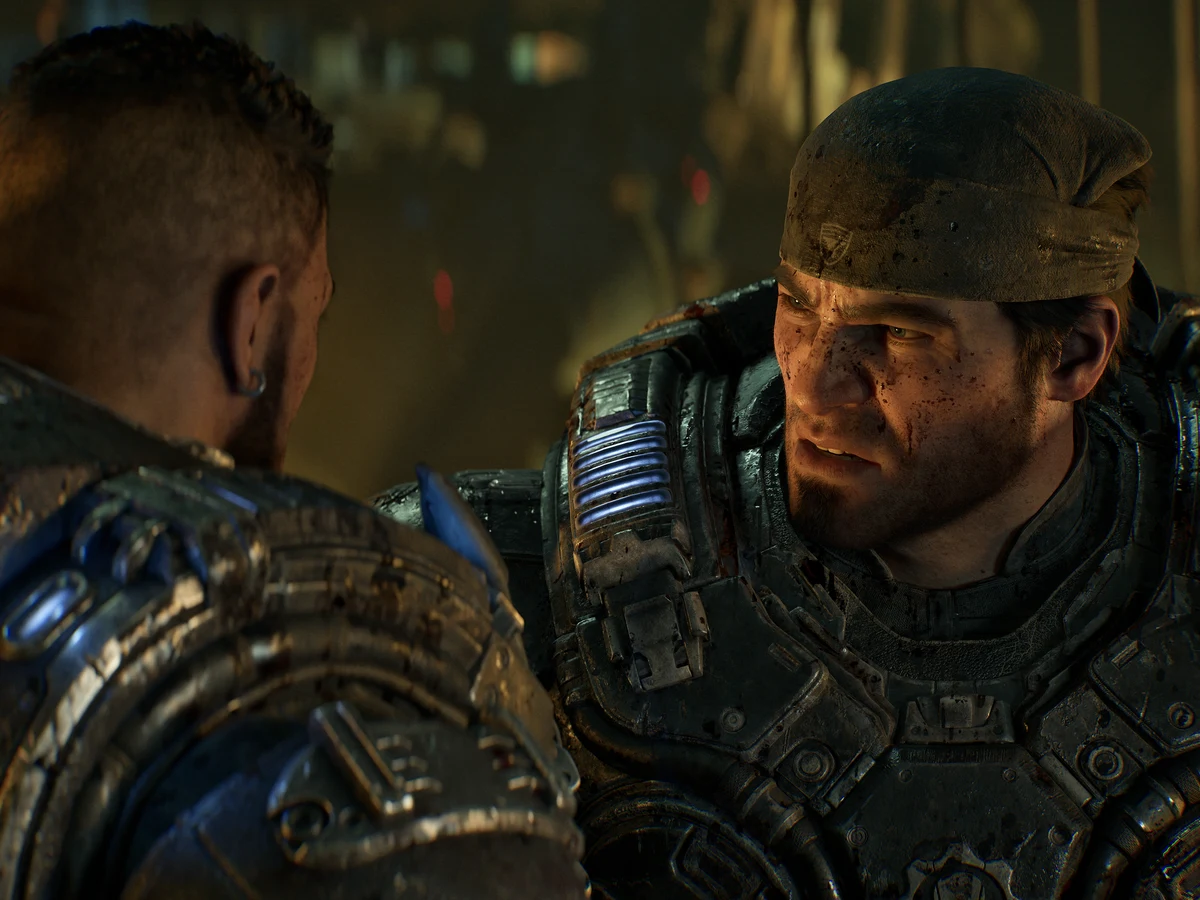
The official screenshot illustrates the campaign, not the checkpoint interface. Reloading is a recovery attempt; the separate mission fixes above come from the update. If the same objective remains blocked afterwards, record the act, chapter and what happened immediately before the stall for a support report. Keep the distinction clear when describing it: an objective that will not advance is a different symptom from a crash to the desktop or a game that will not open.
Check whether the game actually closed
A separate launch issue can leave the game process running after its window closes. The Coalition says it can be viewed and shut down in Task Manager. Microsoft documents Ctrl+Shift+Esc as the Windows shortcut to open Task Manager. After closing the game, inspect the remaining game process and shut that process down if it is still present; confirm it has disappeared before trying another launch. This addresses the lingering process, rather than proving the cause of an earlier campaign problem.
Report a remaining fault with the right context
The 5 October patch notes direct players with other issues to Gears Support. Describe your PC storefront, the update you have, the affected mission and whether checkpoint reloading changed the result. Those details keep a report tied to the fault you actually saw. Do not present another player's suggested tweak as a confirmed fix: a fresh help thread can show that players need an answer without establishing the cause on your machine.
Independent testing also has limits. Tom's Hardware reported CPU-heavy behaviour in the opening hours and benchmarked with an RTX 5090 at 1080p. That is useful context for performance complaints, but it does not diagnose a blocked mission on your PC or verify a checkpoint workaround. The actionable recovery advice in this guide comes from The Coalition's launch documentation and patch notes, rather than from GamerGuru testing.
Sources
Where this story comes from, and where you can check it.
Official sources
- The CoalitionOctober 05 Patch Notes ↗
- The CoalitionEmergence Begins - Tomorrow ↗
- Microsoft SupportKeyboard shortcuts in Windows ↗