To unlock ranked in Rocket League, open the Challenge widget on the right of the main menu, select New Driver and finish every objective on that tab. When New Driver disappears from the Challenges menu, open Competitive and try queuing. In a party, have each player finish their own checklist.
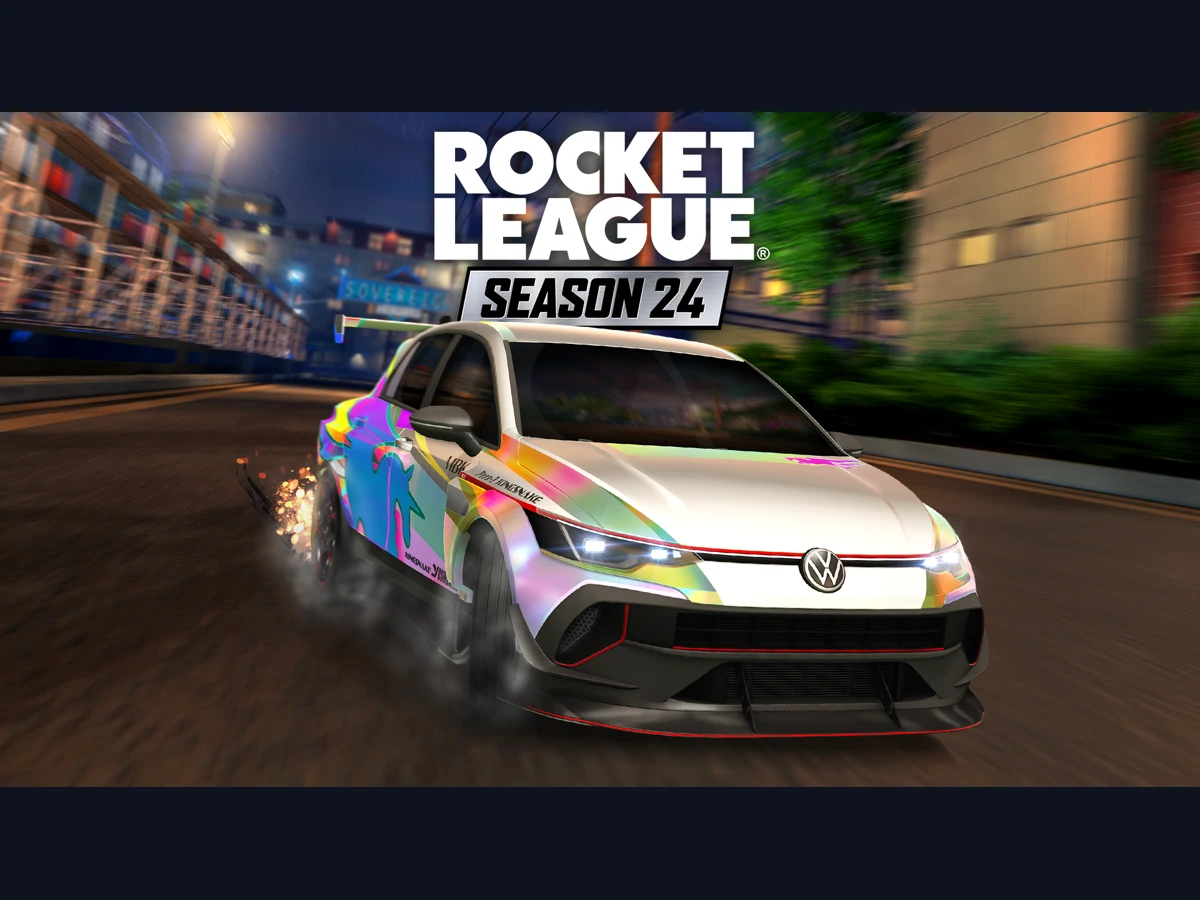
This route applies to Season 24 on v2.79, released on 6 November 2026 UK time, across PC, PlayStation, Xbox and Nintendo Switch, including the Switch version on Switch 2. When the new-player intro cinematic is on screen, hold Esc on a keyboard or Start on a controller for two seconds to skip it. You can then go to the main menu for Challenges.
Find the New Driver checklist
From the main menu, open the Challenge widget on the right and look for New Driver among the tabs. Use the objectives on that tab to decide what to play next. Weekly, Season and Limited Time Event have their own objectives and rewards, so return to New Driver when you want to check your progress towards Competitive.
Read the full text of the next unfinished objective before joining a match. Pick the mode named in the challenge and note the counter so you can compare it after playing. Claim available rewards in the Challenge widget as you go. Use your New Driver checklist for ranked eligibility. The old Level 20 advice and the temporary Level 25 rule no longer apply.
Check progress after each match
Stay in the match long enough for it to count towards the objective. Challenges have a minimum match time, so finish the match before going back to the widget to read the counter. When a challenge specifies a mode, check that you played that mode before repeating the attempt. A completed match can still leave the objective open when you played in a different mode.
Once the final objective is complete, look for the New Driver tab to disappear. Open Competitive and check that you can queue for a playlist. After your first ranked matches, you can also check how Season Rewards progress works to see which wins count towards your reward level.
Check each player when your party is blocked
When Competitive asks all party members to complete New Driver Challenges, have everyone open their own Challenge widget and check for an unfinished New Driver objective. Finish any remaining objectives on the account that still has them, then try the queue together. Have everyone update the game before retrying, since v2.76 fixed a party bug that could make completed objectives appear unfinished and block matchmaking.
If the prompt is still there after everyone has completed the challenges on the current version, save the exact message for Rocket League Support. Include each affected player's platform and whether Competitive is available when that player queues alone. Include any recent change of Primary Platform so support can distinguish an account requirement from a party matchmaking problem.
Finish New Driver again after a Primary Platform change
When Competitive asks you to complete New Driver again after you change your Primary Platform, open the Challenge widget on the new primary platform and finish the checklist there. Check that the tab has cleared before trying Competitive again. Use the New Driver tab on that platform to check progress before going back to your party.
For a counter that stays stuck after a full match in the specified mode, send support the objective wording, the counter and the mode you played. Note whether this happened after changing your Primary Platform and whether the New Driver tab is still visible. These details tell support which checklist you can see and where progress stopped.
Sources
Where this story comes from, and where you can check it.
Official sources
- PsyonixRocket League Patch Notes v2.56: Season 20 Live ↗
- Epic Games SupportWhat are Challenges in Rocket League? ↗
- Epic Games SupportWhy am I being asked to complete the Rocket League New Driver Challenges again? ↗
- PsyonixKnown Issues in Rocket League ↗
- PsyonixRocket League Patch Notes v2.77 ↗
- PsyonixRocket League S24 Patch Notes v2.78 ↗
- PsyonixRocket League Patch Notes v2.79 ↗
- PsyonixRocket League Patch Notes v2.52 ↗
- PsyonixRocket League Patch Notes v2.66 ↗