If your items are missing from Rocket League's Trade In menu, check their favourite status first, then whether you own an eligible cross-game duplicate. Your full inventory and the exchange menu show different sets of items. Keep the cosmetics you want: confirming a trade-in permanently consumes the selected copies.
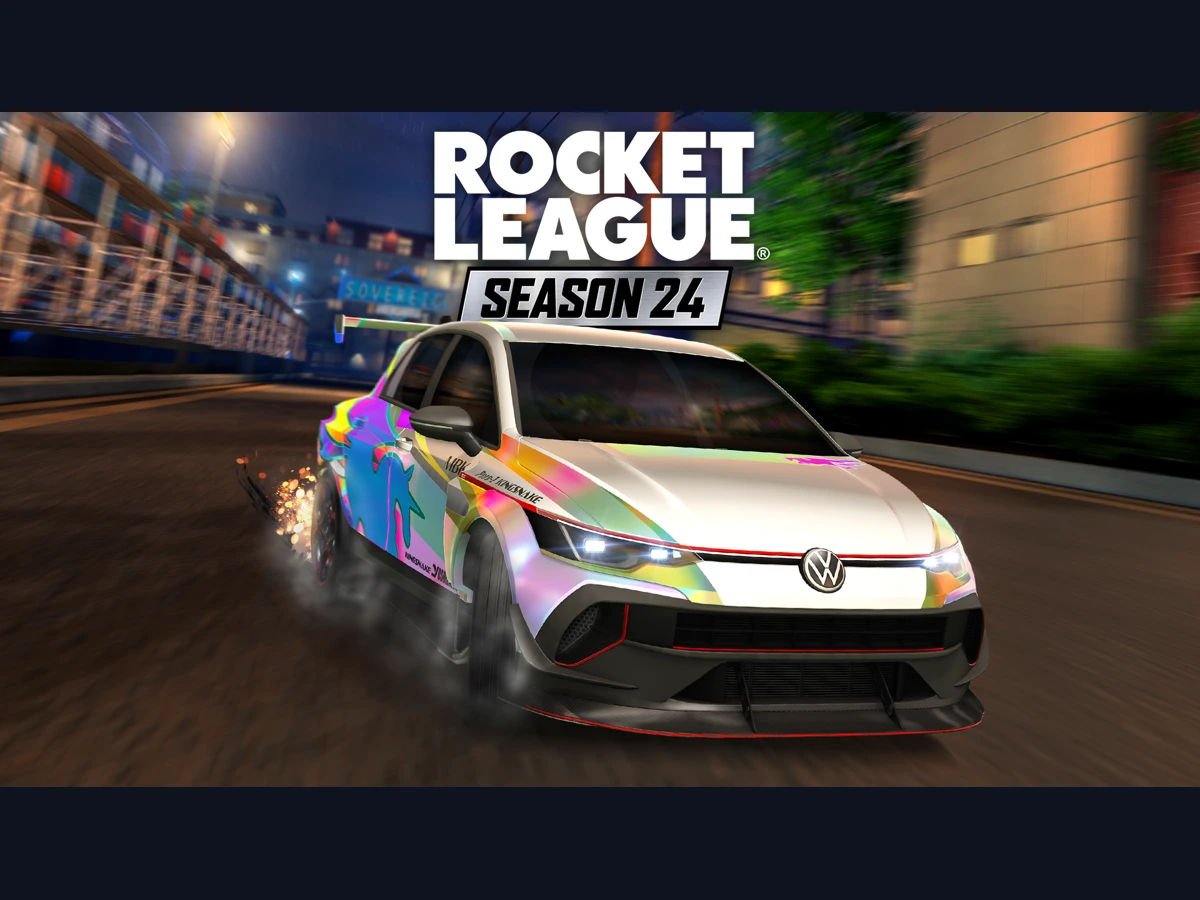
These checks cover Season 24 through v2.77, released on 6 October 2026, on PC, PS4, PS5, Xbox One, Xbox Series X|S and Nintendo Switch, including the compatible Switch version on Switch 2. The same inventory rules apply across those editions. Black Market items have a separate three-duplicate exchange introduced with Season 24 on 23 September; use the five-item route for ordinary rarity upgrades.
Remove the heart from items you want to exchange
Open Garage, then Manage Inventory, and find the missing item. A heart marks a favourite, protecting it from accidental trade-ins and pinning it near the top of your inventory. Remove its favourite status only when you are happy to lose that copy. The Favorite control uses the right stick on a controller or the heart icon with a mouse.
Return to Garage > Trade In and look in the appropriate category and rarity. The item should now appear if it meets the remaining eligibility rules. Keep favourites on your regular car parts. Archiving is different: archived items can appear in Trade In, but an archived favourite still stays protected. Clearing the archive alone therefore leaves the heart restriction in place.
Compare the exact cross-game copies
Look below an item's name and rarity in the Garage for the note "This item will also appear in Fortnite". Cross-game items keep one copy in your inventory; only duplicates appear for exchange. Compare the painted attribute and certification, rather than counting every version of the same car or wheel as an interchangeable spare.
| Your cross-game copies | What appears in Trade In |
|---|---|
| One unpainted Cyclone and one Black Cyclone | Neither: painted and unpainted are separate |
| Two Black Cyclones | One spare Black Cyclone |
| One Lime Cyclone and one Black Cyclone | Neither: different paints are separate |
| One Certified Cyclone and one non-Certified Cyclone | The non-Certified duplicate |
| One Acrobat Cyclone and one Aviator Cyclone | The duplicate with lower tracked stats |
Use those comparisons for cross-game eligibility. Eligible non-cross-game items show all the copies you own, while favourite protection still applies to both groups. Check the inventory's painted attribute rather than judging the colour of an equipped decal: a car's appearance is not the duplicate check.
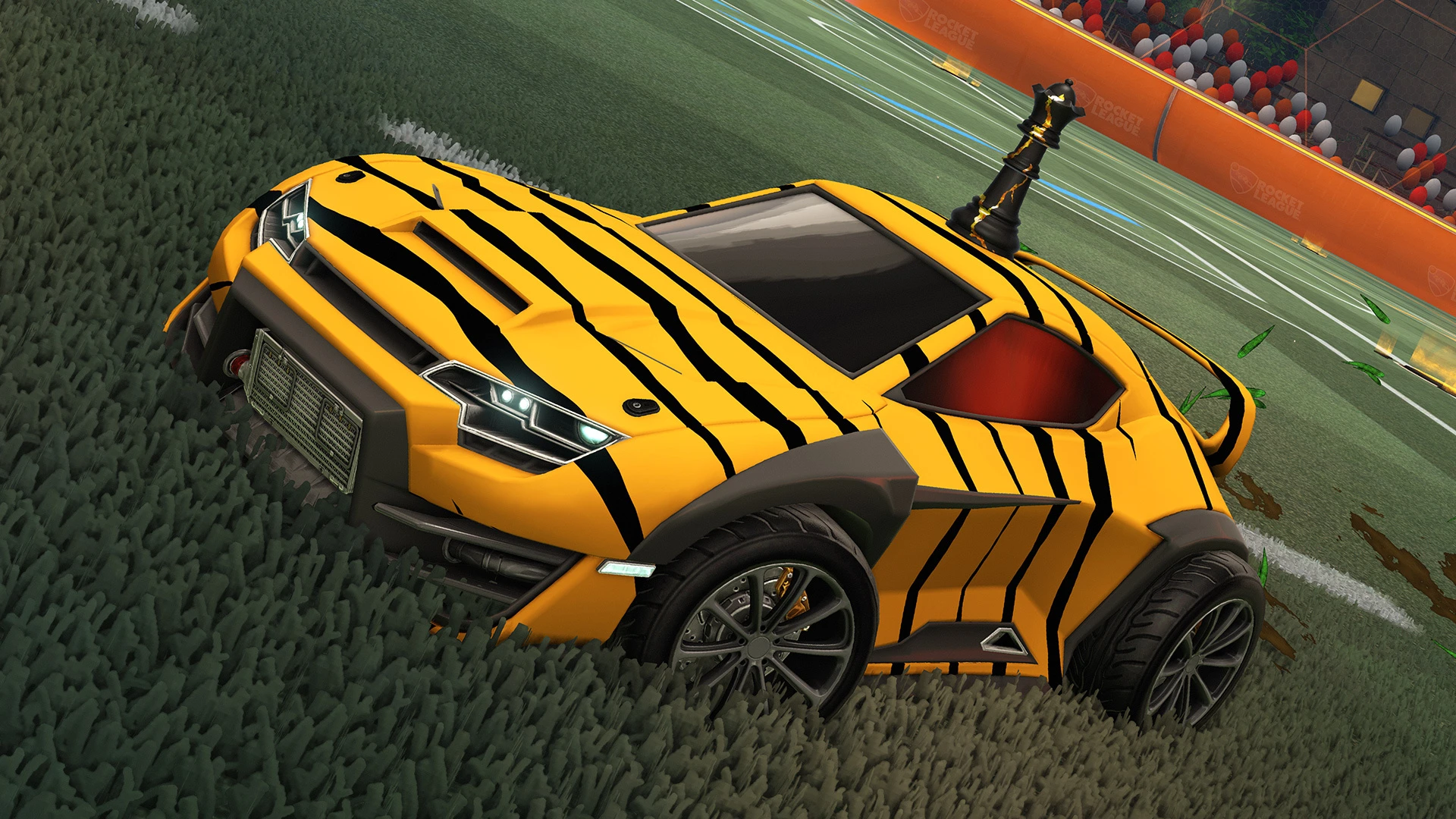
Choose the right exchange before confirming
In Trade In, select Core Items, Tournament Items or Blueprints, then the rarity you want to exchange. For an ordinary upgrade, select five eligible items of the same rarity, choose Accept and confirm. You receive one random item from the next rarity. Check every selected copy before accepting; Epic support cannot reverse the exchange.
For the Season 24 Black Market exchange, use three duplicate Black Market items instead. Its reward is a new item or a painted version you have yet to collect. Keep that separate from the usual five-for-one upgrade when reading your available exchange counts.
Keep your items when a known fault remains
Still stuck after checking the heart and exact copies? The current Known Issues page lists trade-in problems involving different series, certifications or trade restrictions. Keep the affected items and report the exact selection through Rocket League support, including your platform and any error message. Save a screenshot showing the copies and their attributes so support can follow the same case.
Update to v2.77 for the Tournament-reward fix: exchanging Tournament items could previously return a non-Tournament Black Market reward. That correction concerns the reward you receive; the separate series, certification and restriction fault remains listed. Check the current issue notice before attempting the affected exchange again.
Sources
Where this story comes from, and where you can check it.
Official sources
- Epic Games SupportWhat is the Trade In function in Rocket League? ↗
- Epic Games SupportHow do I mark items as favorite in Rocket League? ↗
- PsyonixPatch Notes: v2.34 ↗
- PsyonixRocket League Heads to the Streets in Season 24 ↗
- PsyonixKnown Issues in Rocket League ↗
- PsyonixRocket League Patch Notes v2.77 ↗
- NintendoRocket League ↗