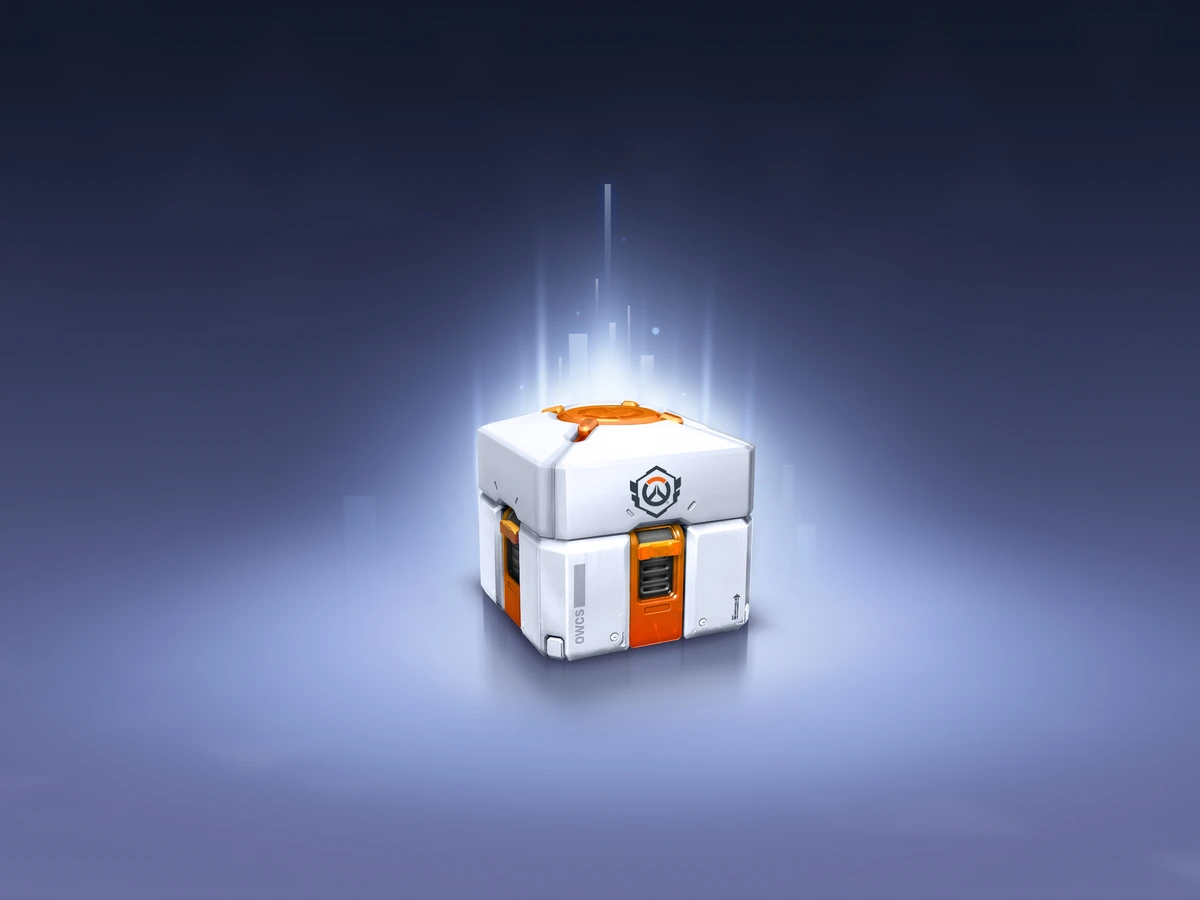
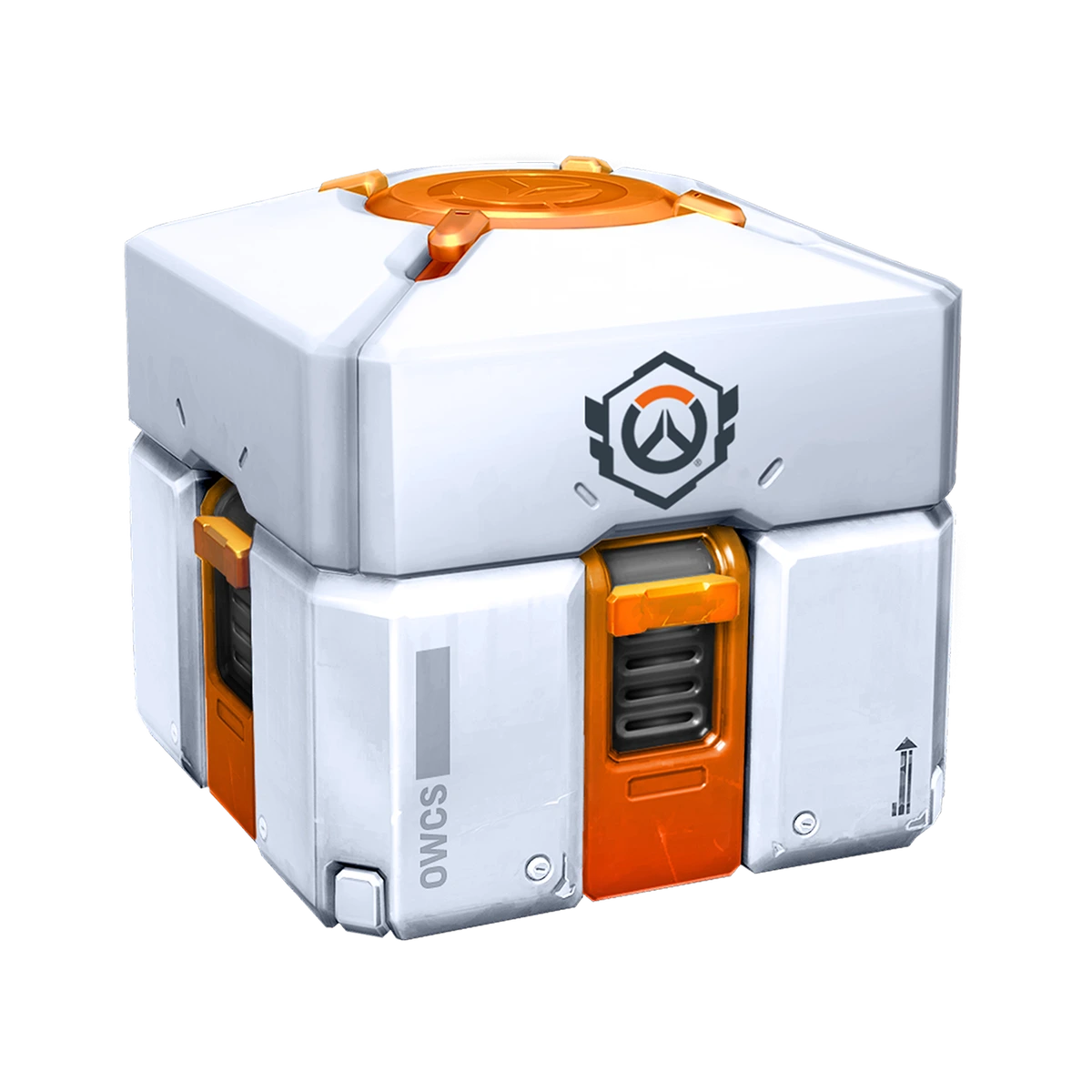
If an Esports Loot Box is missing in Overwatch, first check Twitch's Drops Inventory: watch progress, claiming and delivery are separate stages. This PC guide covers Season 4 and the live patch of 22 September 2026, checked on 4 October. The current OWCS Asia Stage 3 Kickoff campaign runs from 21 September to 9 October on Blizzard's rewards page and lists the box at ten hours.
Check which reward you earned
Open Twitch's Drops Inventory and identify the campaign and reward name before changing any account settings. An ordinary Loot Box is not the same reward as an Esports Loot Box. TechStory's June guide explains that esports boxes have a separate cosmetic pool and come through selected promotions. A completed ordinary-box campaign therefore does not prove that you earned the esports reward.
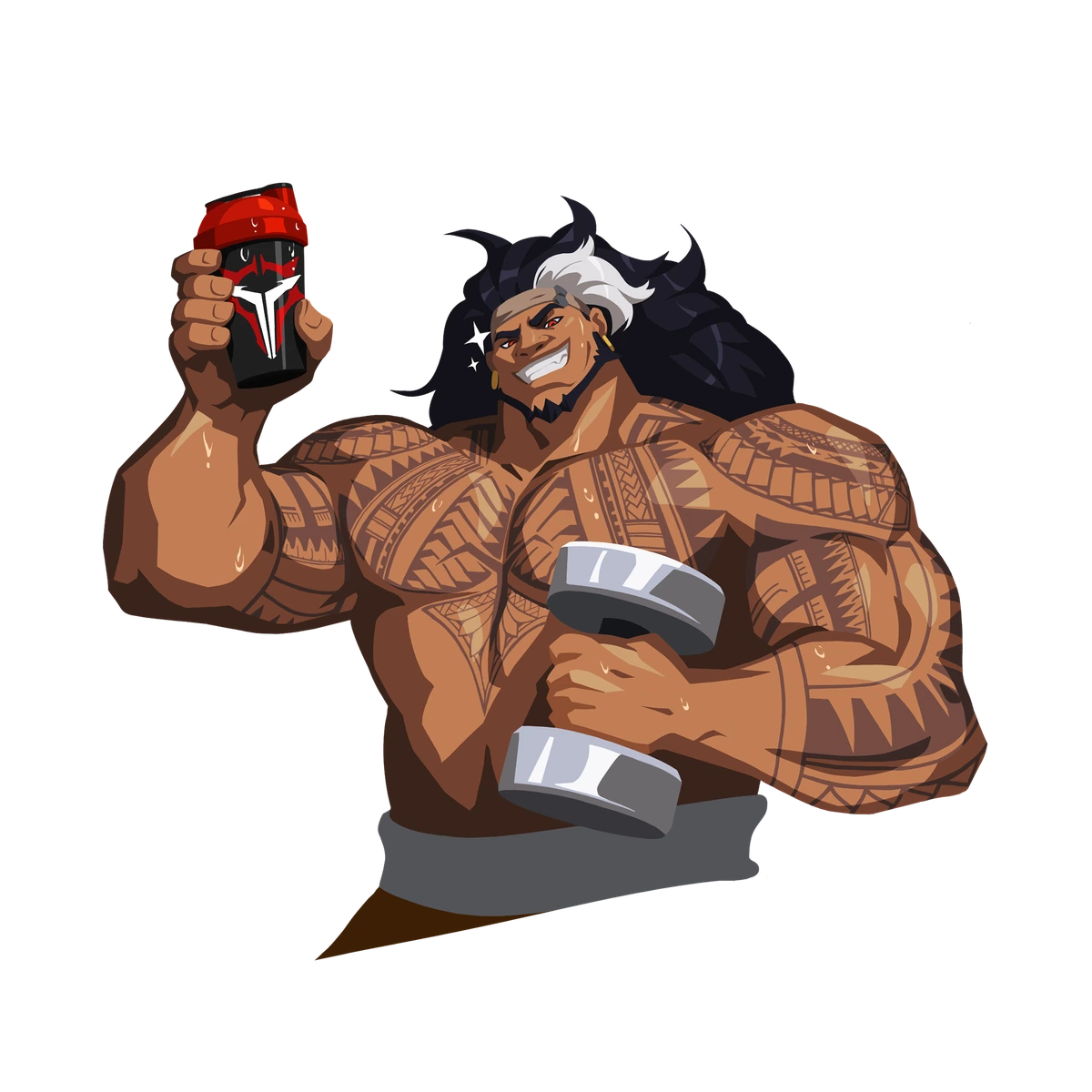
The current Asia campaign lists icons and sprays before the box: Sun Tea at one hour, Refreshing at two, Summer Sandcastle at four, Protein Drink at six and Talon Strong at eight. The Esports Loot Box is the ten-hour reward. Earlier rewards do not mean that the final viewing requirement is complete. Compare your campaign's displayed requirement with the exact item you are missing.
If watch progress is missing
Use a PC web browser or the Twitch app on Android or iOS. Blizzard's Twitch FAQ excludes console and smart-TV Twitch apps; its esports FAQ also excludes embedded players. Sign in to Twitch and choose a participating live channel for the esports campaign. Twitch's documentation confirms that developers can restrict campaigns to selected creators, so the Overwatch category alone does not establish eligibility.
Check the campaign before committing more viewing time. Twitch only accrues watch time while a participating streamer is live. If that channel is offline, opening its page is not a route to further progress. You can move between eligible channels on the same platform, but multiple simultaneous streams do not accelerate the reward. Time earned on different streaming platforms is not synchronised.
Return to the inventory to see whether progress advances during eligible viewing. Treat that as the confirmation, rather than the number of hours a browser tab has been open. If the campaign has ended, its progress resets; another broadcast cannot finish that expired campaign. Use the dates shown for the active promotion, not an old tournament's watch-time requirement.
If you earned the box but have not claimed it
Claim the completed reward on the viewing channel or in Twitch's Drops Inventory. Blizzard's Twitch FAQ states that earning the Drop does not automatically deliver it to Overwatch. You do not have to claim each earlier reward before accumulating progress towards the next one, according to the current esports FAQ, but you still need to claim the box itself.
Link the receiving account before leaving the claim process. Sign in at Battle.net, open Connections and use Connect beside Twitch, then follow the sign-in instructions. Choose the Battle.net account you use for Overwatch and the Twitch account that earned the reward. Blizzard says claimed Drops expire after seven days if no Battle.net account is linked. Claim promptly: campaign rules determine the applicable window.
If the claimed box is absent in Overwatch
Record when you claimed it, then check the linked Battle.net account. Blizzard's current esports page allows up to 72 hours for claimed rewards to appear. The clock starts with the claim, not when you started watching. If you earned the reward earlier but only claimed it today, those earlier hours do not establish that delivery is overdue.
If Twitch cannot complete the claim, use Twitch's Drops help. If the claim is complete but the in-game reward remains missing, use Blizzard's support route for Overwatch Drops. Twitch's developer documentation assigns post-claim reward fulfilment to the game developer. Keep the campaign name, reward, claim time and account details available; these distinguish a delivery issue from an unfinished viewing requirement. There is no verified universal fix for a completed claim that fails to arrive.
Sources
Where this story comes from, and where you can check it.
Official sources
- Overwatch Esports2026 Overwatch Esports Viewership Incentives ↗
- Blizzard EntertainmentEarn free rewards when you watch Overwatch 2 on Twitch! ↗
- TwitchTwitch Drops Overview ↗
- Blizzard EntertainmentOverwatch Retail Patch Notes - September 22, 2026 ↗