To get Gallery Tokens in EA SPORTS FC 27 on PC, complete and grade Sets in Ultimate Team's Gallery. Start with the eligible Player Items you have already collected, then improve their Set grades to unlock more rewards. Adding cards to the Gallery does not remove them from your Club.
Fill a Set before grading it
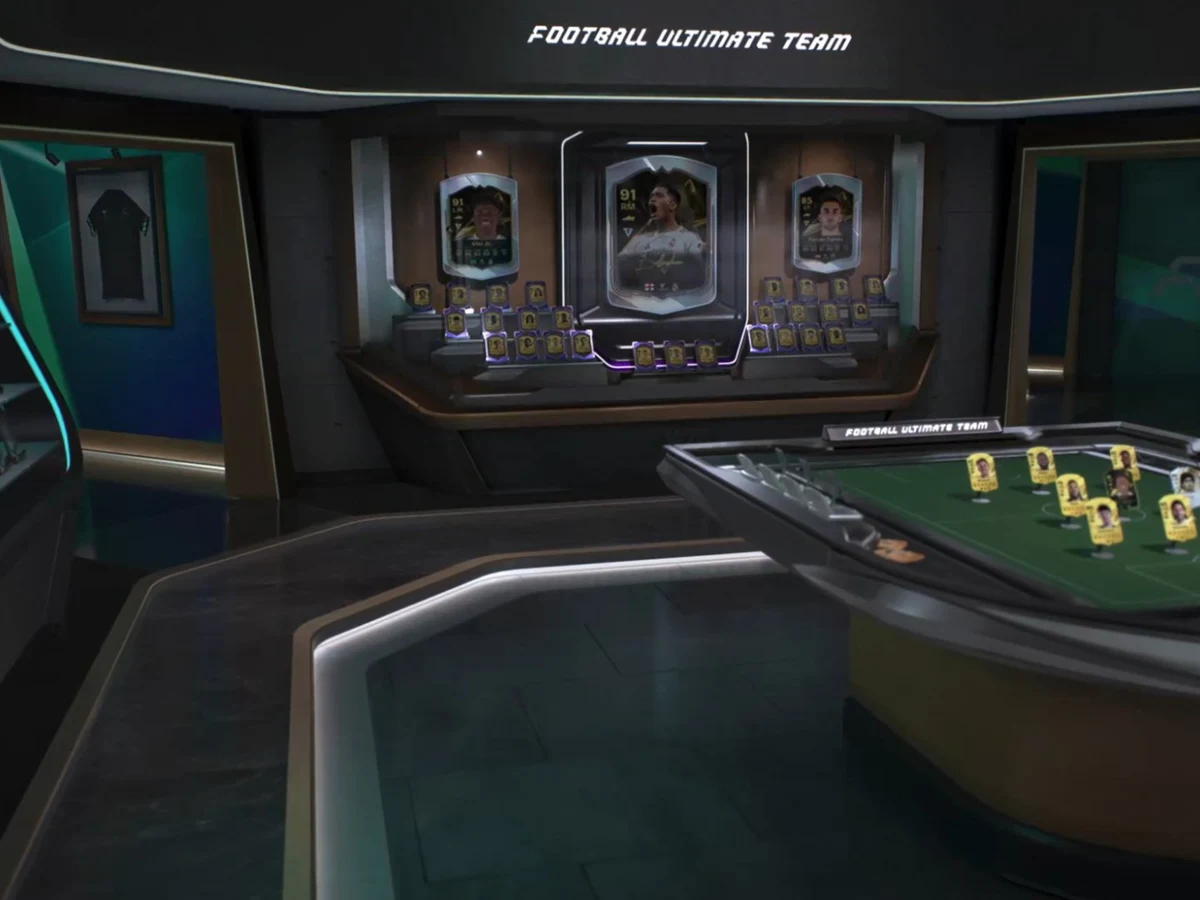
Open Ultimate Team, go to Club, then select Gallery and choose a Set. Check its requirements, add eligible Player Items and select Confirm Changes. Autocomplete fills the available slots with your best eligible items; you can also choose them yourself. Once the Set shows Ready to Grade, select Grade Set.
Most items earned through Packs, the Transfer Market, Objectives and SBCs can count. Cards you have sold or submitted into an SBC can still contribute, so check your collection before buying replacements. Loan Items are excluded, and an Evolution card is represented by its original version rather than its upgraded rating.
Check the reward grade, then improve it
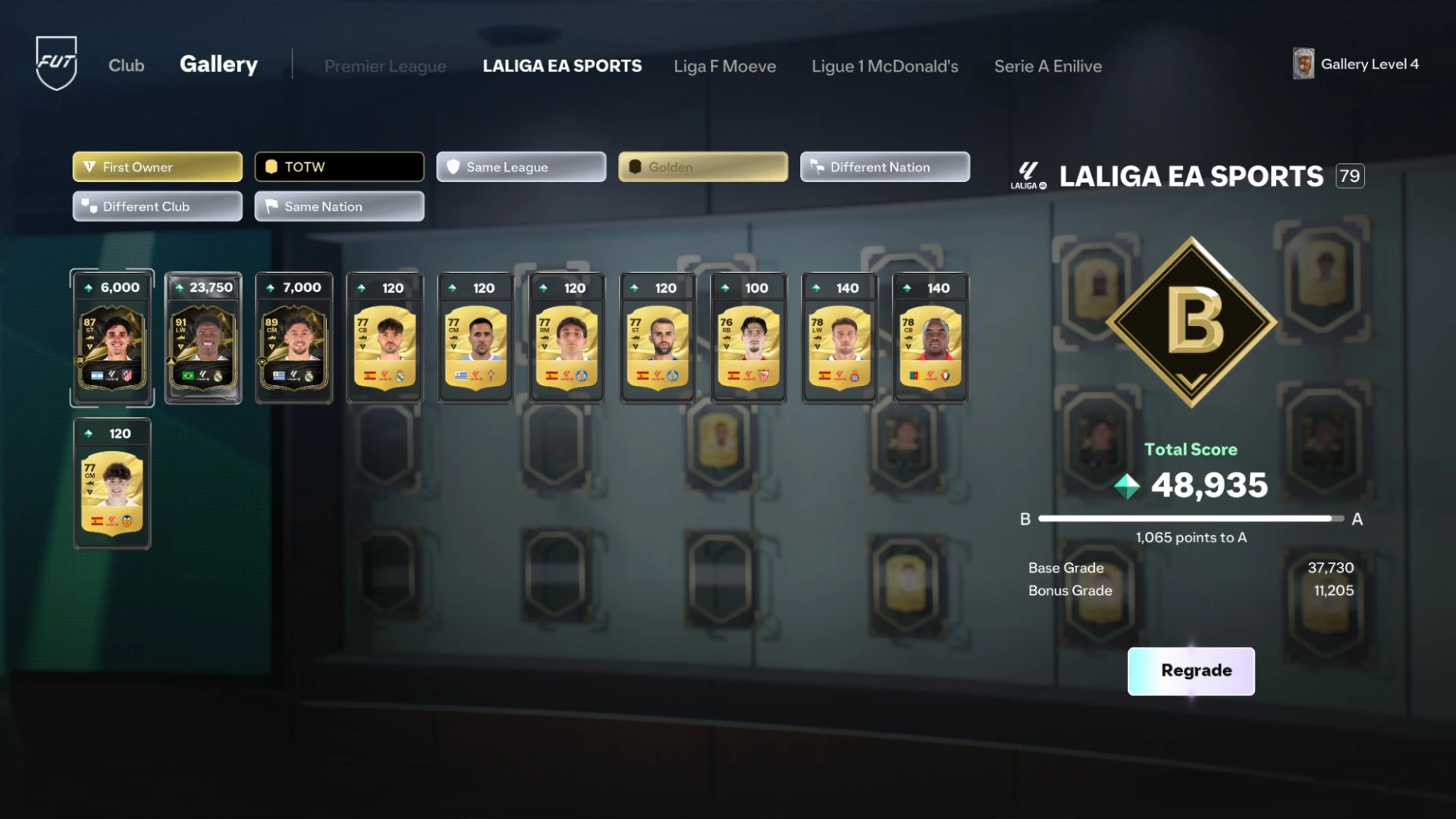
A full Set is not necessarily a high-scoring Set. Grades run from D through C, B and A to S. Higher grades unlock additional rewards, and jumping straight to S also awards the lower-grade rewards. The same eligible Player Item can be used in multiple Sets, so completing one does not reserve it exclusively.
Check the rewards for your chosen Set before spending Coins to improve it. Radio Times reports that token payouts differ between Sets and some only award Tokens at S. This guide uses the live Set's displayed rewards rather than promising a fixed payout or a cheapest buying route.
For a better score, inspect the Item Scores and the Set's bonus Tags. EA says higher-rated or special items can contribute more, while Tags reward combinations of item properties. Replace eligible cards or adjust the combination, confirm the changes and use Regrade. Compare the resulting grade with the reward threshold you were targeting.
Claim Objectives and spend the right Tokens
Gallery progress can also fulfil Objectives. Read these before grading: general Gallery Objectives only count progress made after they become available, although a requirement for a specific subset can recognise an earlier completion. Check the Ultimate Team Objectives page for completed tasks and Claim their rewards; an improved Gallery Level and a completed Objective are separate checks.
To spend Gallery Tokens, open Store, go to the Token Store tab and choose Gallery. Check the item, Token cost and timer before selecting Purchase: EA says Token purchases cannot be reversed or refunded. Each store accepts its own Token type, so Champions Tokens do not substitute for Gallery Tokens.
If the balance has not refreshed after claiming a reward, exit and reopen the Store. These instructions follow EA's documentation checked on 3 October 2026; the Gallery Token Store's rewards can change during the season.
Sources
Where this story comes from, and where you can check it.
Official sources
- EA HelpHow do Gallery Sets work in EA SPORTS FC™ 27? ↗
- Electronic ArtsEA SPORTS FC™ 27 | FUT Deep Dive ↗
- EA HelpEA SPORTS FC™ Ultimate Team™ Objectives ↗
- Electronic ArtsEA SPORTS FC™ 27 Football Ultimate Team™ for Beginners ↗
- EA HelpHow to use Tokens and Token Stores in EA SPORTS FC™ ↗