To unlock attachments in Battlefield 6, unlock the weapon's standard factory version, then complete the requirement for the attachment you want. A Weapon Package can give you a ready-made configuration before you have earned those separate unlocks. Start by checking the base gun when a scope or grip looks available but stays locked.
This covers Battlefield 6 Multiplayer on PC, PS5 and Xbox Series X|S during Season 5, which began with update 2.1.1.0 on 13 October 2026. Work through the checks below in order. Ownership, weapon progression and the attachment budget each answer a different part of the problem.
Unlock the factory weapon first
Open the Loadout tab from the main menu and choose the class and weapon you want to customise. Check whether you own its standard factory version or have access through a special Weapon Package. Packages are preconfigured versions of base weapons with themed attachments; you can earn them through several routes, including challenges and the Battle Pass.
Complete the standard weapon's unlock requirement through progression or its assignment. Then level that weapon through use to open its attachment choices. The attachments supplied with a package belong to that configuration: seeing one fitted there does not unlock it for other setups. Keep the factory unlock and the individual attachment unlock as separate checks.
Read the attachment's own requirement
Select the attachment you want in weapon customisation and read its unlock requirement. For a weapon-level reward, build Hardware XP with that particular gun. Each weapon has its own progression path, so levelling another rifle or raising your overall Career Rank advances a different track. Use the attachment list for your selected weapon to identify your next target.
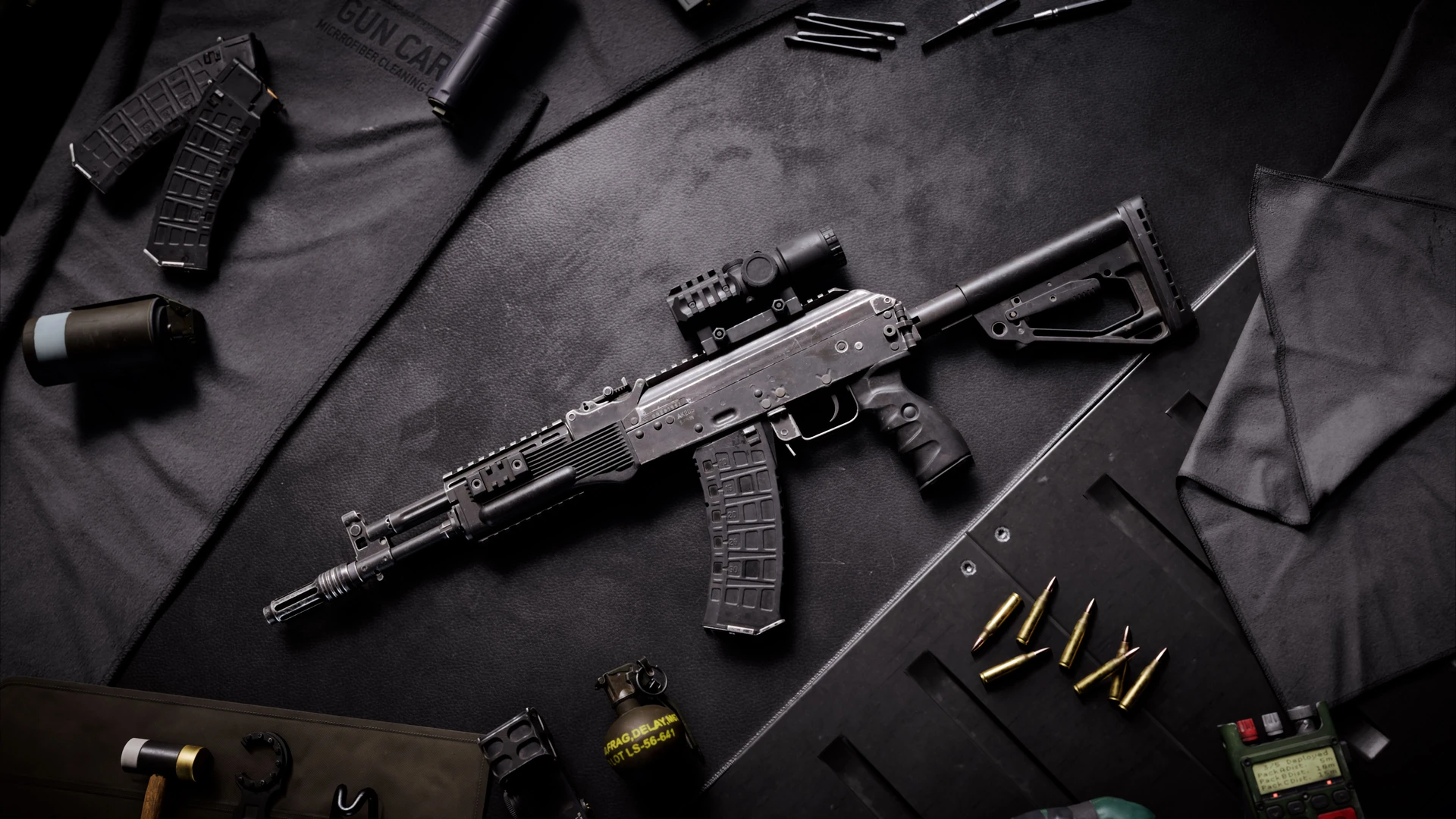
Use the gun in matches and earn eliminations with it. Hardware XP also accumulates passively while you use a weapon, with active combat actions contributing more. Return to its attachment list as you progress and check the item you wanted. Seasonal attachments can instead have an assignment requirement; follow that challenge when the item specifies one.
For a weapon originally released in an older Battle Pass or Bonus Path, check its Seasonal Catch-Up Challenge. That is the route for missed seasonal hardware. Choose the requirement attached to the exact item you need, rather than working towards a similarly named Weapon Package and expecting it to open the factory weapon's full customisation.
Fit the attachment within your budget
Once the attachment is unlocked, check the build's Attachment Points. Your weapon has a limited budget and each attachment has its own cost. Free enough points by removing or replacing another part before adding the one you want. For example, make room for a preferred optic by reconsidering a different accessory in the same build.
Read the stat changes before accepting the trade-off. Control describes recoil, Precision covers accuracy while aiming, and Mobility covers how quickly you can aim and shoot. Choose the combination you can afford, then use the on-screen Firing Range command in Loadouts to try it. You can return to the weapon's default attachment setup when rebuilding.
Check a persistent lock separately
Update the game before treating an old display fault as lost progress. Update 1.3.2.0, released on 9 June 2026, fixed unlocked attachment slots appearing locked in customisation. Season 5's update also corrected attachment changes failing to appear on the HUD Loadout widget. Those are display fixes; your factory weapon, attachment requirement and budget still need checking.
If the factory weapon and attachment are unlocked and the build fits its budget, but you still cannot equip the item, report the issue on EA Forums. Include your platform, weapon, package name, exact attachment and screenshots of the requirement and point total. That gives the report a clear distinction between an unfinished unlock and an attachment that remains unusable afterwards.
Sources
Where this story comes from, and where you can check it.
Official sources
- EA Forums[INFO] Why can't I use some attachments even after the weapon has been unlocked? ↗
- Electronic ArtsLoadout Creation and Weapon Classes ↗
- EA HelpHow to build loadouts in Battlefield 6 ↗
- Electronic ArtsEverything You Need to Know About Battlefield 6 Progression, Ranks and Unlocks ↗
- Electronic ArtsBATTLEFIELD 6 GAME UPDATE 1.3.2.0 ↗
- Electronic ArtsBATTLEFIELD 6 GAME UPDATE 2.1.1.0 ↗
- Electronic ArtsBattlefield 6 - Community Update - More to Season 5 ↗