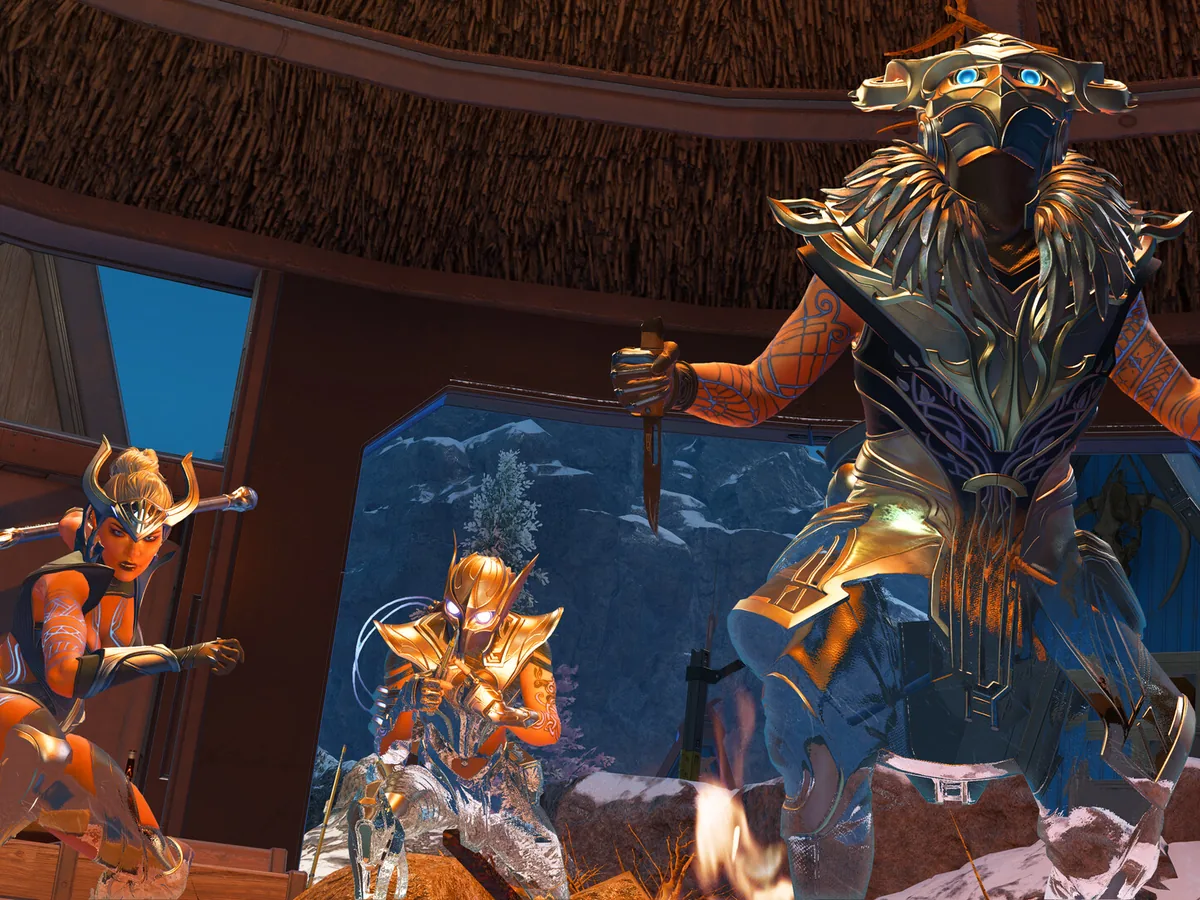
Apex Legends no longer supports DirectX 11 on PC. Use DirectX 12, and check your graphics card's Feature Levels if the game refuses to start. The important number is the GPU's supported feature level, rather than the DirectX version on the first page of Windows' diagnostic tool. EA lists Feature Level 12_0 as a requirement.
Respawn retired DX11 support to concentrate development on DX12. Its June 2025 Game Reliability Update confirmed that transition. Treat instructions for switching Apex back to DX11 as obsolete: an old launch command cannot restore the retired renderer. If you previously preferred DX11 for performance, troubleshoot the current DX12 game instead of trying to recover the old version.

Check the graphics card's Feature Levels
Open the Windows search box, type dxdiag and select the result to open the DirectX Diagnostic Tool. The System tab shows the installed DirectX version. Move to Display to identify your graphics card, then look for Feature Levels in the Drivers section. You need 12_0 or higher. Keep the card name and driver version to hand so you can identify the right driver package or describe the problem to support.
If the tool shows several Display tabs, check each one. A PC can have more than one graphics adapter, so a result for integrated graphics may describe a different GPU from the dedicated card you intend to use for Apex. On a laptop, check that the game is using its dedicated graphics card through the graphics settings provided by the GPU manufacturer.
If the adapter appears as Microsoft Basic Display Adapter, install the manufacturer's driver before judging the card's compatibility. Start with Windows Update; if it offers no suitable driver, check the hardware manufacturer's website. Run dxdiag again afterwards and check the adapter name and Feature Levels. This separates a generic-driver problem from a graphics card that actually lacks the required capability.
Use the result to choose your next step
If your correctly identified card, with its manufacturer's driver installed, supports only feature levels below 12_0, you need compatible graphics hardware to meet this requirement. Switching launch options or updating the DirectX components in Windows cannot add a missing hardware feature level. Check the complete current Apex requirements before buying a replacement: this is one compatibility check, rather than a recommendation for a particular card or a frame-rate target.
If your card supports 12_0 or higher, continue with the exact error Apex displays. Update an outdated graphics driver from its manufacturer's official site, then recheck its version in dxdiag. Keep the Apex Radeon crash-fix coverage for the separate RX 9000-series driver issue; use it only when your hardware and symptoms match. A feature-level pass alone leaves other launch failures to investigate.
For an unresolved failure, use Save All Information in dxdiag to save a text report and attach it to your EA support case with the exact error message and when it appears. If Run 64-bit DxDiag is available, select it and let the progress bar finish before saving. Your useful end point is either a clearly identified compatibility limit or a support report that names the actual GPU and driver, without another round of obsolete DX11 commands.
Sources
Where this story comes from, and where you can check it.
Official sources
- Electronic ArtsApex Legends PC System Requirements ↗
- Respawn EntertainmentApex Legends: Game Reliability Update ↗
- EA HelpHow to diagnose game issues on your PC using DxDiag ↗
- EA HelpHow to troubleshoot graphics issues on PC ↗
- Microsoft SupportMicrosoft basic display adapter in Windows ↗
- Microsoft SupportWhich version of DirectX is on your PC? ↗
- Microsoft LearnHardware Feature Levels ↗