You need Joy-Con 2 for Skateboarding in Nintendo Switch Sports Resort, but you can reuse original Joy-Con for Tennis and Power Cruising. Choose your controllers around the sport you want to play. This covers the Nintendo Switch 2 release scheduled for 22 October 2026, using the pre-launch controller details checked on 20 October. Those details may change at release.
Choose controllers for your sport
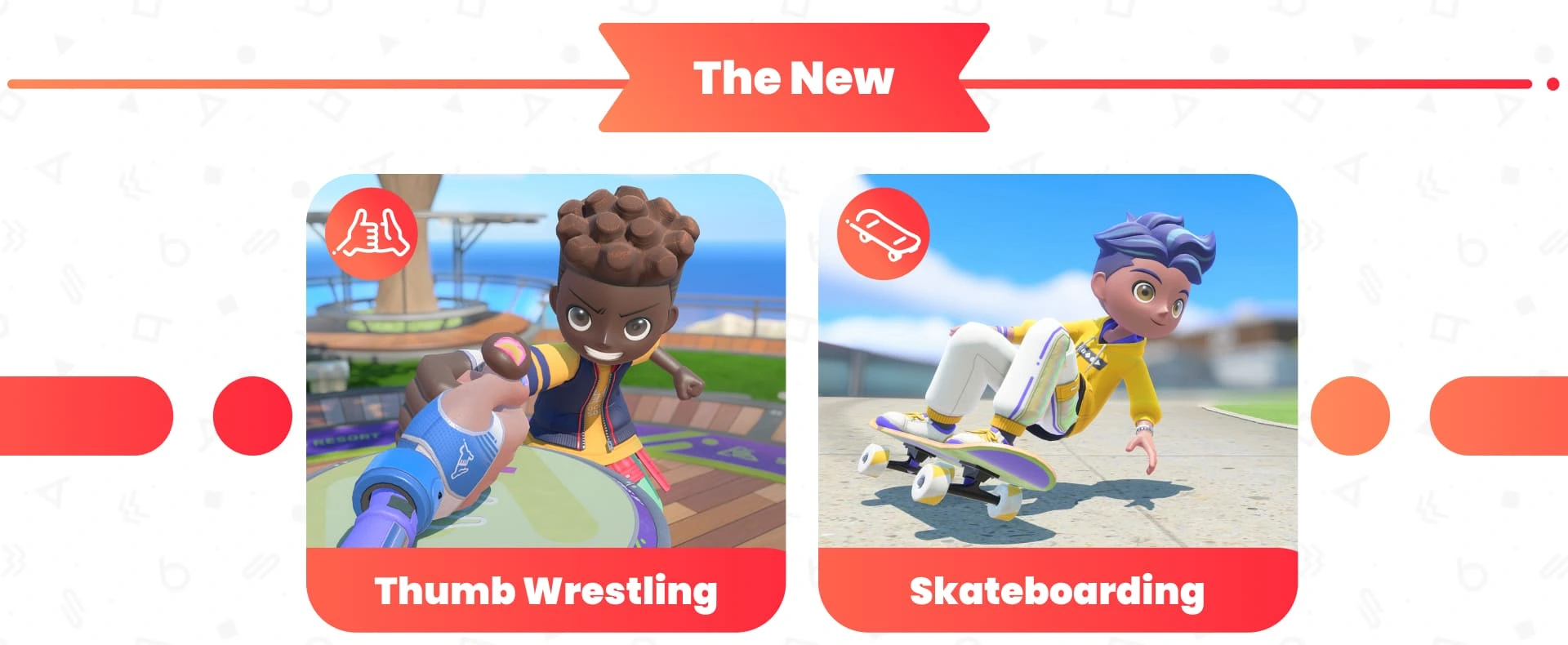
For Skateboarding, use a Joy-Con 2 as a mouse. That control method lets you grind rails, slide and perform aerial tricks. Keep a Joy-Con 2 available when planning a session that includes skating; the older Joy-Con's motion controls are a different input method.
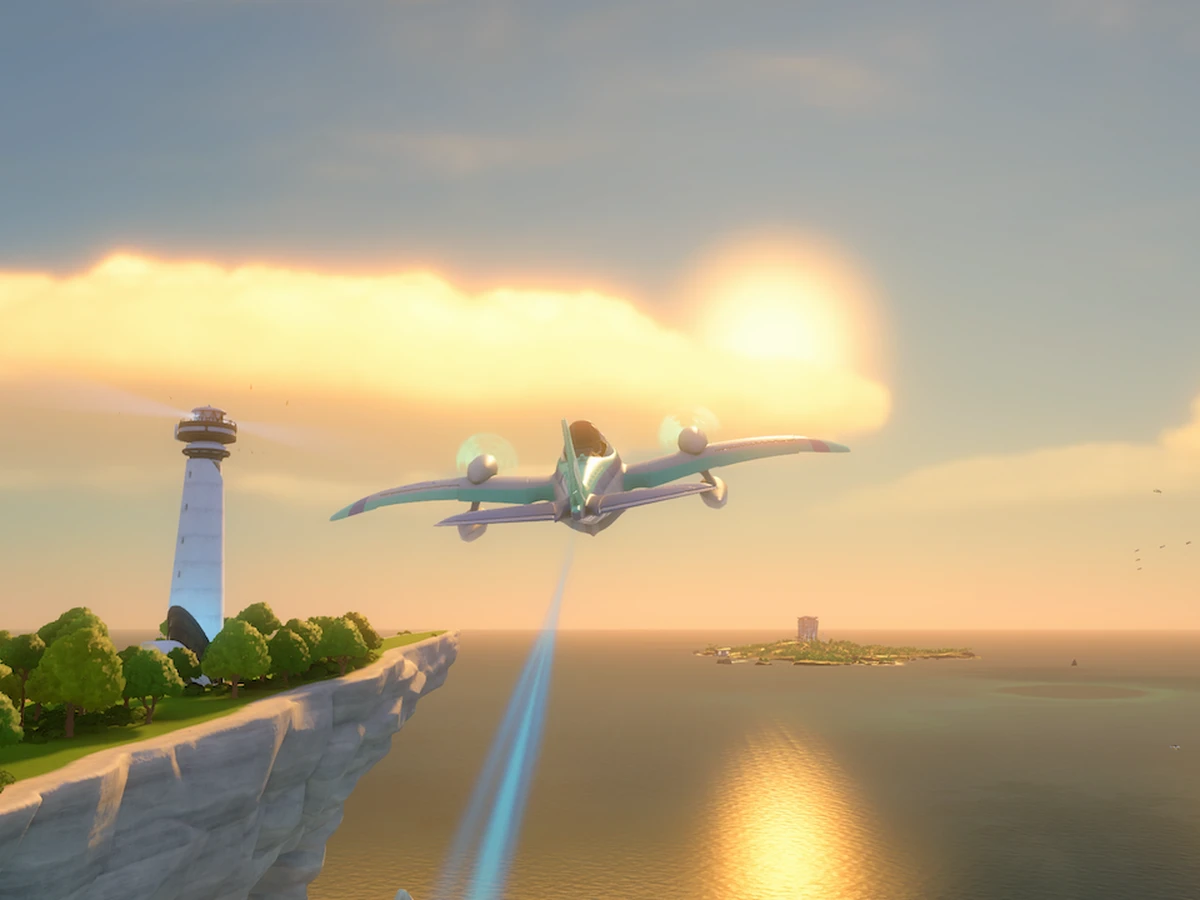
For Tennis, you can use either generation of Joy-Con as your racket. Power Cruising also supports either generation, with a pair used to steer. Keep your existing controllers for those sports rather than replacing them simply because the game runs on Switch 2. You still need a Switch 2 console to play Resort.
Pair your original Joy-Con wirelessly
Power on your Switch 2 before pairing. Original Joy-Con connect wirelessly and cannot attach to the sides of the new console. Open Controllers from the HOME Menu, select Change Grip/Order, then hold the controller's SYNC Button for at least one second. The player LED stays lit once pairing succeeds.
Confirm the grip on that screen: press L on the left Joy-Con and R on the right for a pair, or SL and SR on each controller you want to use horizontally. Choose the arrangement your sport asks for. Pairing registers the controller with the console; choose Joy-Con 2 when you move to Skateboarding's mouse controls.
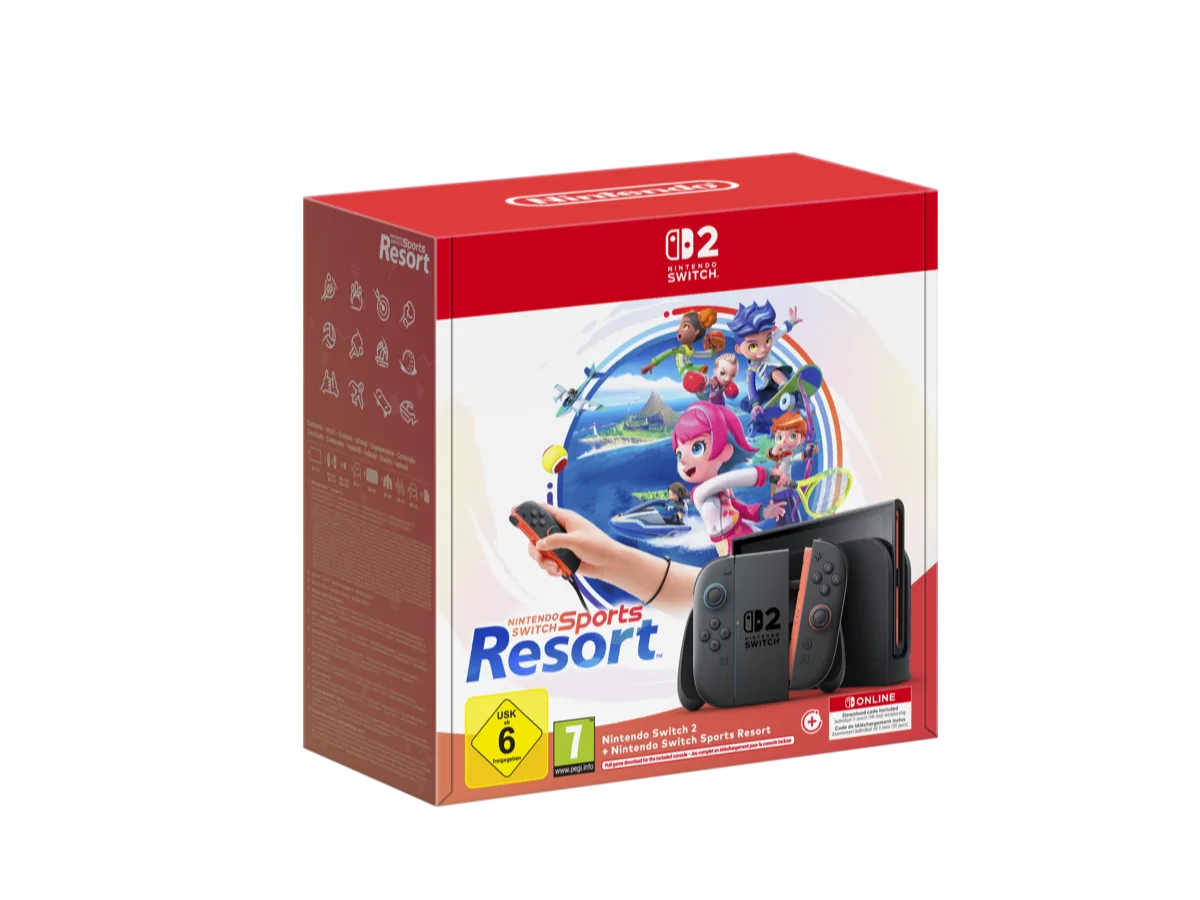
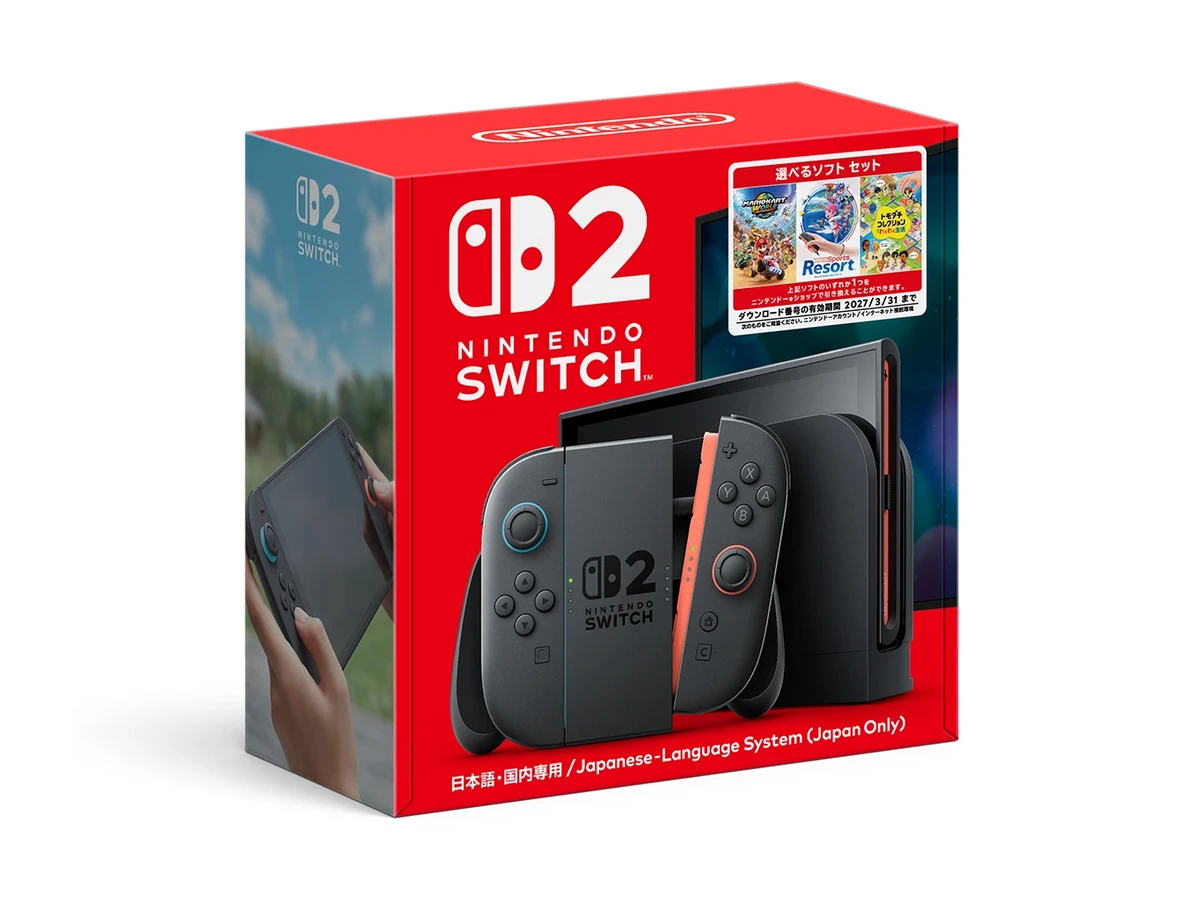
Wear wrist straps and leave enough clear space around every player before starting a motion-control match. If you are buying a console alongside the game, compare the Switch 2 and Sports Resort bundle contents before ordering separate hardware.
Sources
Where this story comes from, and where you can check it.
Official sources
- NintendoGet warmed up for the new and returning sports in Nintendo Switch Sports Resort! ↗
- NintendoNintendo Switch Sports Resort ↗
- Nintendo SupportHow to Pair Joy-Con Controllers ↗