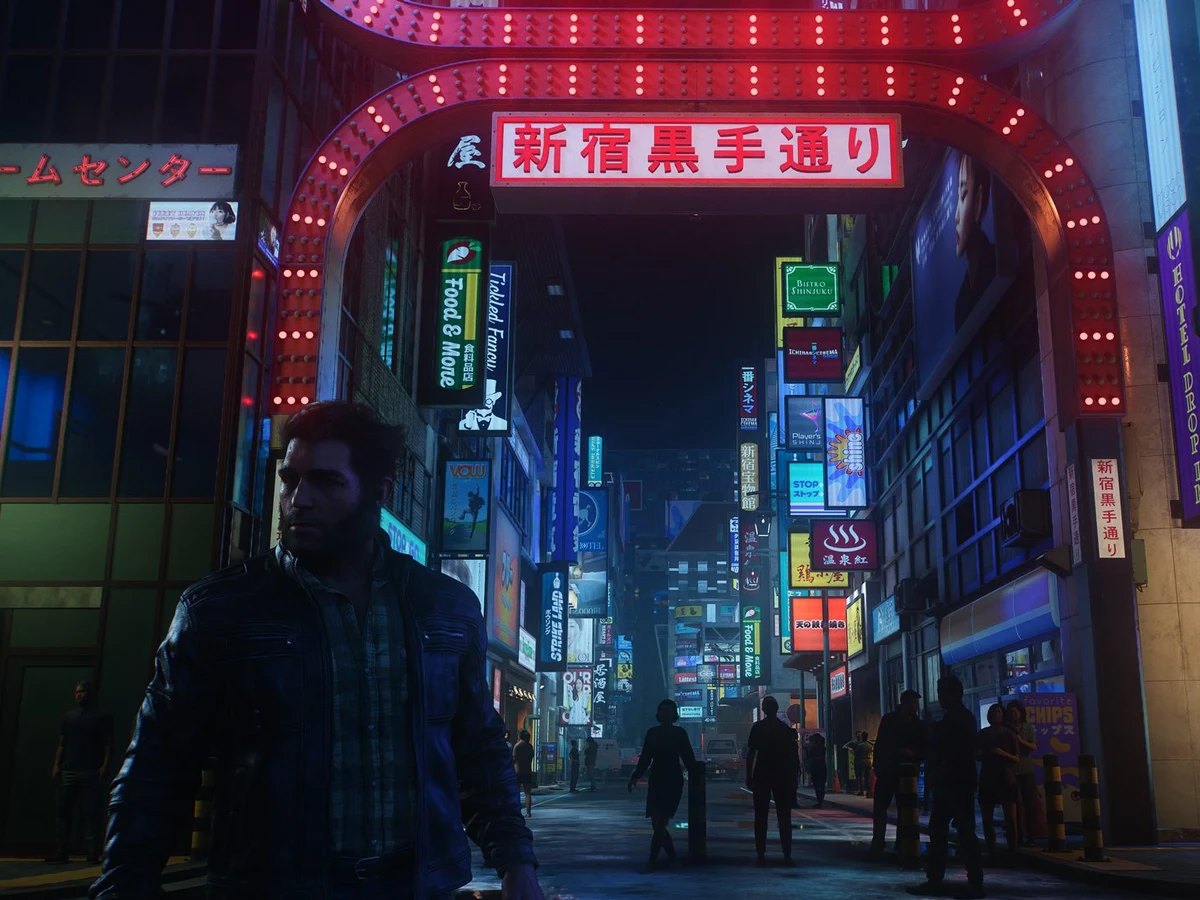
Yes, Marvel's Wolverine has dismemberment, and you can turn it off. Open Violence Customization, either in the setup menu on first boot or later in the accessibility settings, and switch off Dismemberment and Dynamic Blood. Reduce Visceral Healing too if you'd rather not see wounds on Logan's body. These controls are separate from Challenge Level, so enemy health, enemy damage and stealth awareness stay exactly where you set them.
Install the launch update before choosing
Dynamic Blood, Dismemberment and Visceral Healing are on the disc, so they work before any update. Install the launch update before your first full session anyway: other accessibility tools, including Audio Description and cinematic replay, arrive with it. If your menu looks different from this guide, update the game first.
The first time you boot the game, it opens a customisation menu. Use it rather than skipping to the opening scene: you can set up every accessibility option there before play begins. The Violence Preset offers Some or Full, but that broad choice is only a starting point. Select the preset closest to what you want, then review the three separate controls underneath. This avoids changing more of the presentation than necessary and makes the result easier to understand.
Turn off blood and dismemberment separately
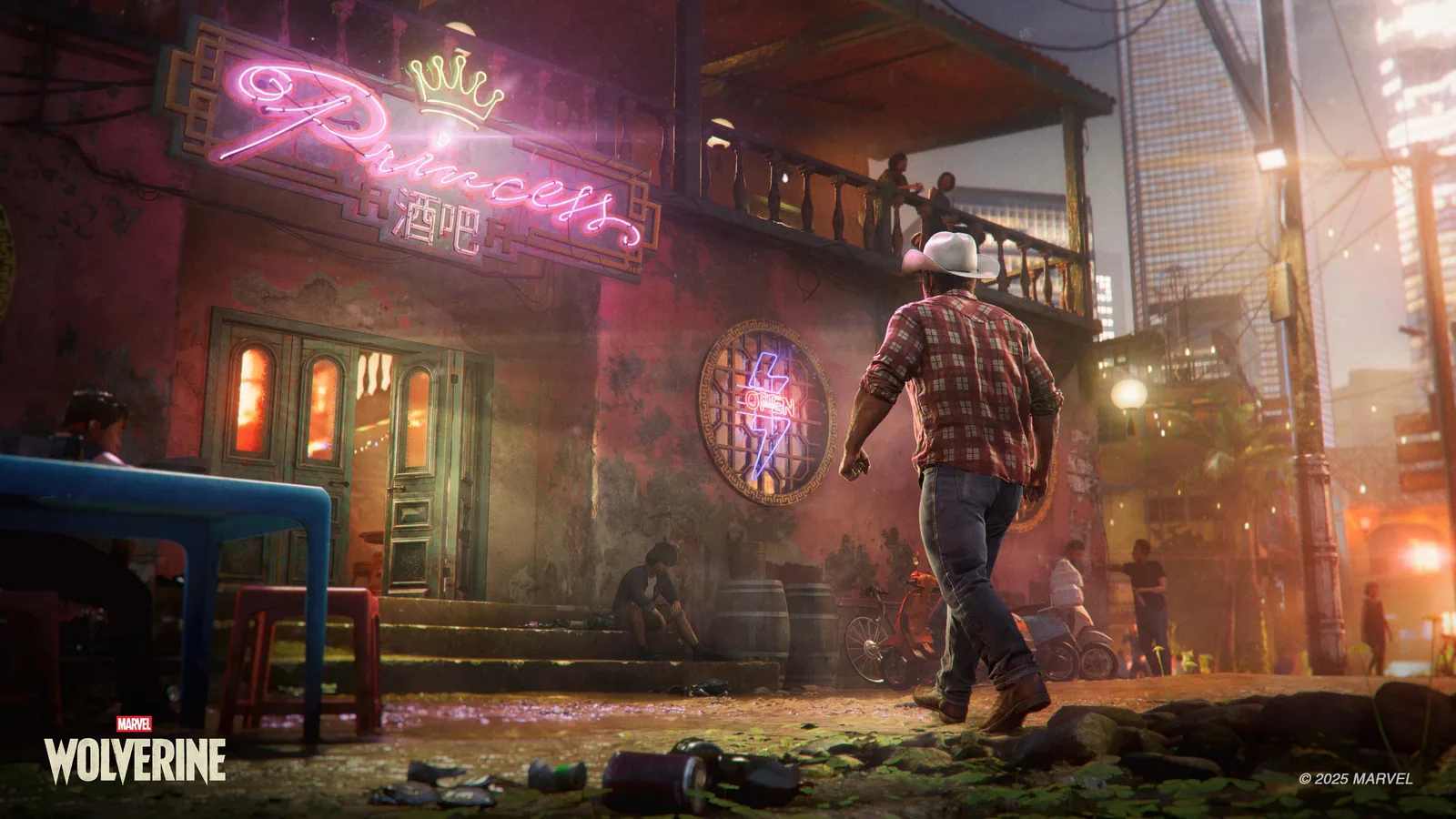
Dynamic Blood controls blood from impacts in both gameplay and cinematics. Turn it off when blood spray is the main problem. Dismemberment is a different control: switching it off removes dismemberment during gameplay and blurs it in cinematics. Each one covers a different effect, so for the least graphic version of the game, turn off both.
Visceral Healing controls how much physical damage appears on Logan's body during gameplay and cinematics. Reduce or disable it if the sight of wounds closing is uncomfortable even after blood and dismemberment are off. It changes how much damage you see on Logan's body, not how he heals in combat, so treat it as a display setting rather than a difficulty one.
Leave Challenge Level unchanged
Challenge Level is listed separately under Gameplay Assists. Its documented controls adjust Stealth Awareness, Enemy Health and Enemy Damage. If you only want to change the game's violent presentation, leave those three values untouched. You can therefore keep the same detection speed, the same amount of damage enemies can take and the same damage they deal while reducing graphic effects.
Do not use the broad Motor, Vision or Motion Sensitivity presets as substitutes for Violence Customization. Those presets group controls for different access needs, while the violence section directly names the content you are trying to change. A useful check is to make one change, continue into a short encounter, and return to the settings if the presentation is still too strong. The game also keeps a Recent Settings section containing the 20 most recently changed options, which should make it easier to find and reverse an adjustment without rebuilding the whole setup.
What the settings leave in
These controls tone down specific effects; the story and combat stay violent. Combat, attacks and violent situations remain part of the experience, even when blood is hidden and cinematic dismemberment is blurred. The separate US English Profanity Filter silences profane words and replaces them visually with asterisks, but Insomniac lists that as an audio assist rather than part of the violence preset. Enable it separately if language is also a concern, and note the stated US English limitation before expecting the same behaviour in another voice language.
If a later patch moves these settings, search for them by name: Dynamic Blood, Dismemberment and Visceral Healing. The rule stays the same: Violence Customization changes what you see, while Challenge Level changes detection, health and damage. Insomniac's accessibility support page lists every control if you need to check one.
The least graphic setup
- Blood
- Turn off Dynamic Blood for impacts in gameplay and cinematics.
- Dismemberment
- Turn off Dismemberment to remove it in play and blur it in cinematics.
- Visible wounds
- Reduce Visceral Healing to limit damage shown on Logan's body.
- Difficulty
- Leave Stealth Awareness, Enemy Health and Enemy Damage unchanged.
Use the three individual violence controls for the clearest result; they do not require a lower challenge setting.
Sources
Where this story comes from, and where you can check it.
Official sources
- Insomniac Games SupportWhat Accessibility options does Marvel's Wolverine feature? ↗
- PlayStationMarvel's Wolverine - PS5 Games ↗