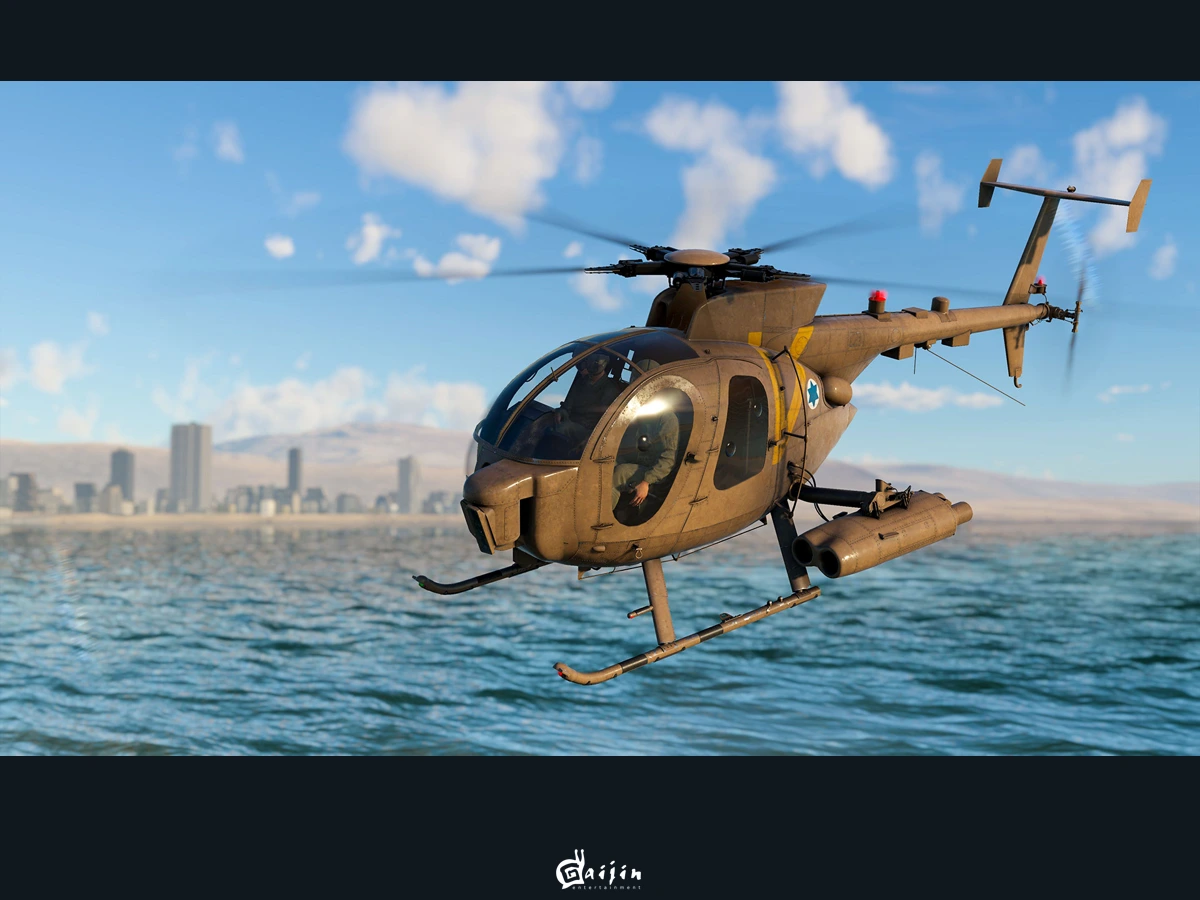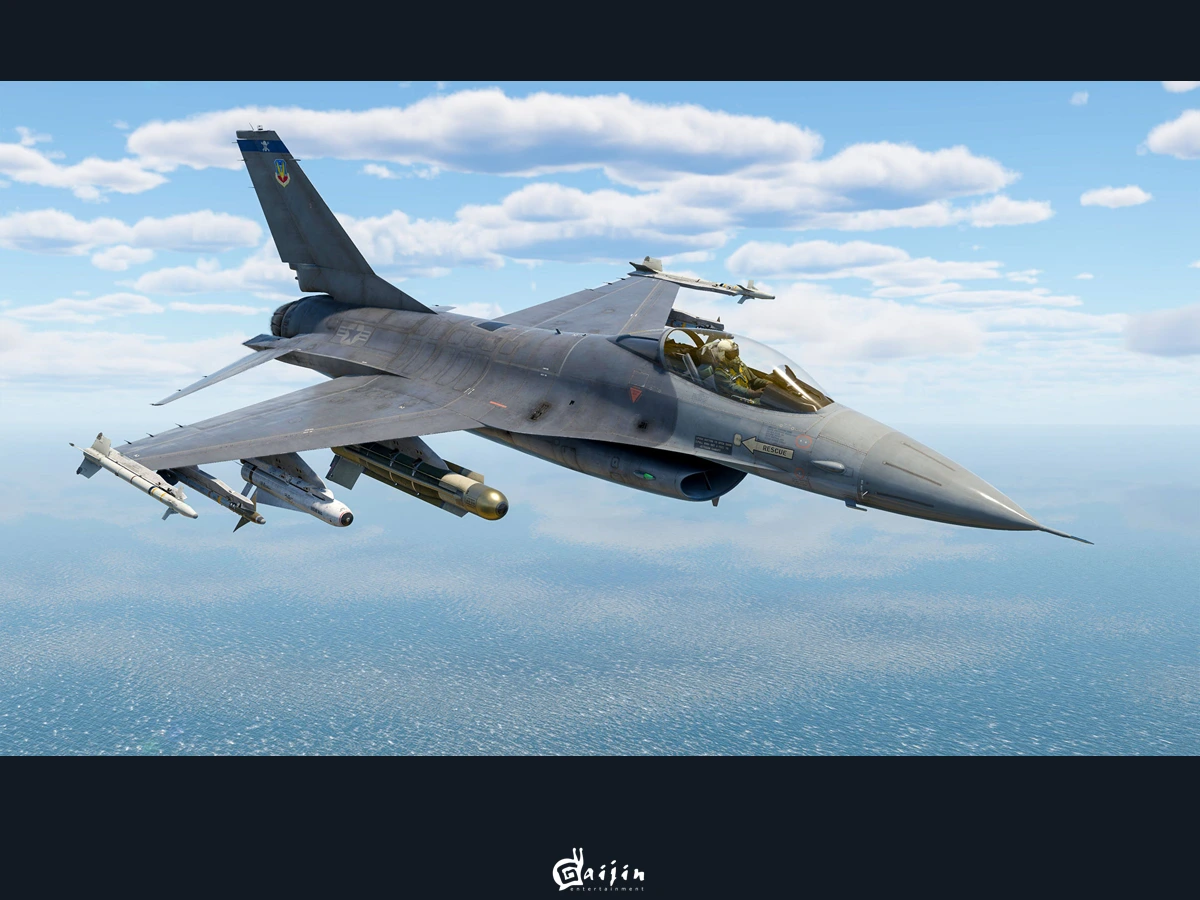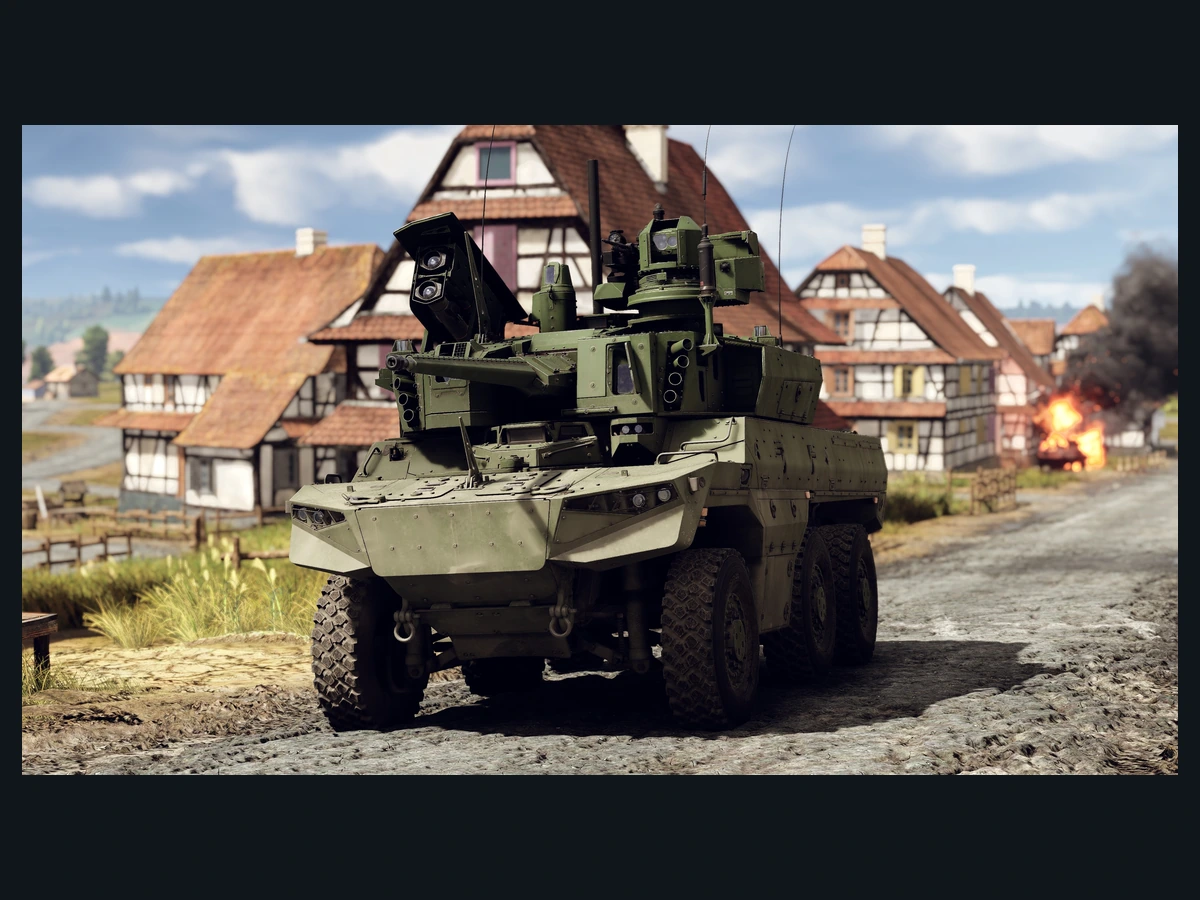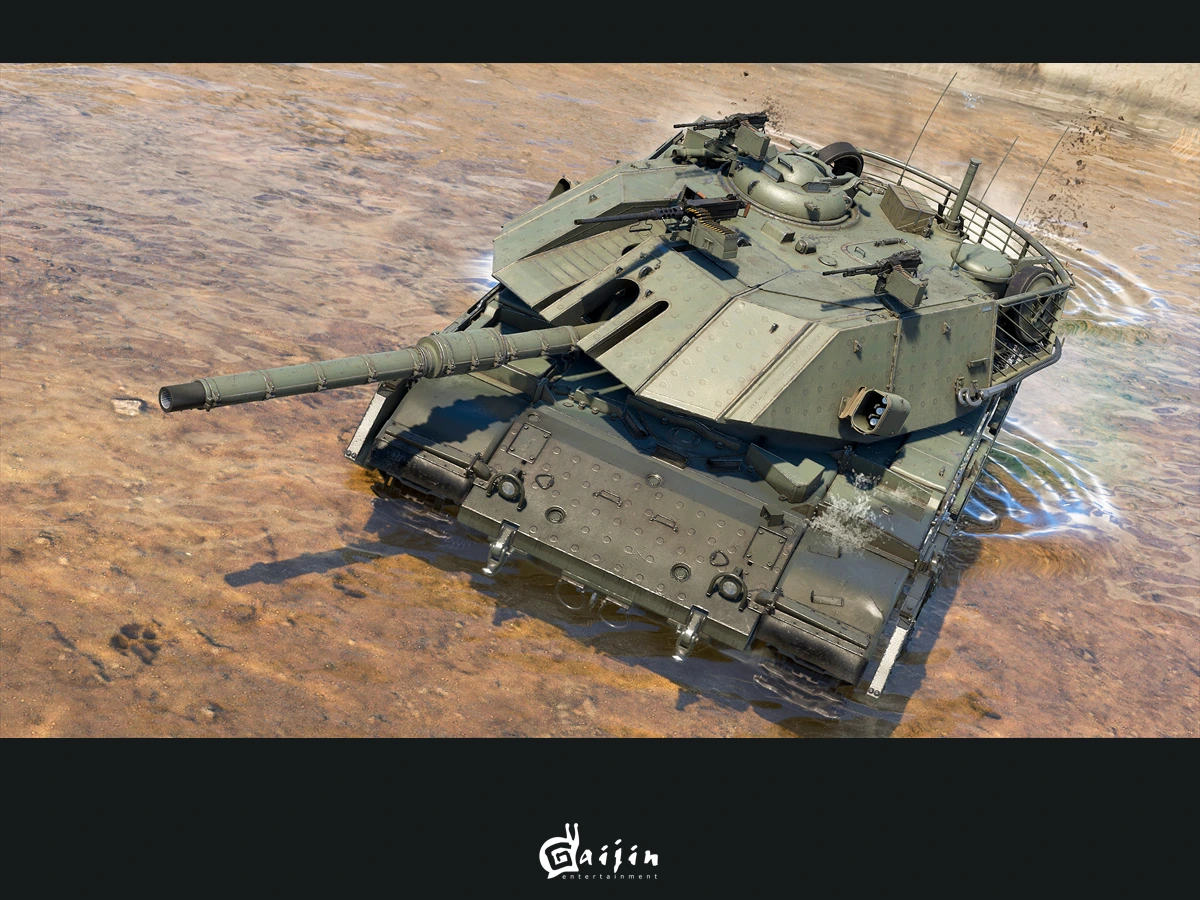
To research squadron vehicles in War Thunder, join a squadron, choose a green vehicle in the research window and earn activity by playing random battles. Your squadron research arrives on a three-day cycle, alongside your ordinary vehicle research. You can play your usual vehicles rather than arranging a squadron battle each time you want to make progress.
This guide covers the main game on PC, PS4, PS5, Xbox One and Xbox Series X|S in the Sky Odyssey update, released on 16 September 2026, checked through the 9 October server update. Xbox players can use squadron research: the platform gained that feature on 1 June 2020, after the original system launched elsewhere.
Join a squadron that suits your play
From the hangar, open Community, then Squadrons and Squadrons search. Apply to your chosen squadron and check its entry requirements. An automatically accepting squadron can admit you when you meet those requirements; otherwise, wait for admission before expecting research progress. Training squadrons also qualify, so you can use one without creating your own full squadron.
Choose an active group if vehicle research is your priority. Your reward depends partly on the activity earned by the other members, so membership of an inactive group limits the shared contribution. You can create a squadron with only yourself, but that leaves you supplying its activity alone and makes the route slower than sharing the work.
Select your own research target
Open the vehicle research window and look on the right, alongside the premium vehicles. Squadron vehicles have green highlighting. They are ordinary vehicles rather than premiums, despite sharing that side of the window. Choose the squadron vehicle you want to research there. Each member chooses their own target; you can work towards a different vehicle from the rest of your group. Your normal research-tree vehicle continues progressing at the same time.
You can research a squadron vehicle without first unlocking its rank, and earn activity using another nation's vehicles. Pick something you want to use rather than matching it to your current tree purely for this research. Squadron choices extend beyond tanks and aircraft: later additions include the AH-56A helicopter introduced with the Spearhead update in November 2025.
Earn activity and wait for the payout
Play random battles that earn vehicle Research Points. Every 200 RP earns one activity point, with personal activity capped at 360 points per three-day period. Keep the counters separate: activity records your contribution, while the research awarded towards your selected squadron vehicle depends on your activity relative to the squadron's average and the group's total activity.
Check progress after the three-day award rather than expecting the green vehicle's research to increase after every battle. You must earn activity during that period to receive its reward. If you earned activity without selecting a vehicle, use the prompt that offers you the saved activity. You can check a member's three-day activity by right-clicking their nickname in the squadron member list and selecting activity.
Keep your progress when changing groups
Your research already invested in a squadron vehicle stays with you when you leave. Join another squadron to resume earning new research; unlocked vehicles remain yours too. Before moving, compare the groups' activity and check that the new one will admit you. Changing membership preserves progress, but you still need membership and participation for further awards.
For a research interface that will not return from Secondary weapon windows, install the available game update: patch 2.55.1.88 addressed that specific fault. A counter awaiting its three-day payout is a different situation. Recheck your membership, selected target and earned activity first. For a persistent fault after those checks, report it through community.gaijin.net with the affected screen and research details.
Sources
Where this story comes from, and where you can check it.
Official sources
- War ThunderReceive unique vehicles for game activity! ↗
- War ThunderSquadron Activity Improvements ↗
- War ThunderServer Update 01.06.20 (XBOX) ↗
- War ThunderFAQ ↗
- War ThunderUpdate 2.55.1.88 ↗
- War ThunderWar Thunder "Sky Odyssey" - Changelog ↗
- War ThunderWar Thunder "Spearhead" - Changelog ↗