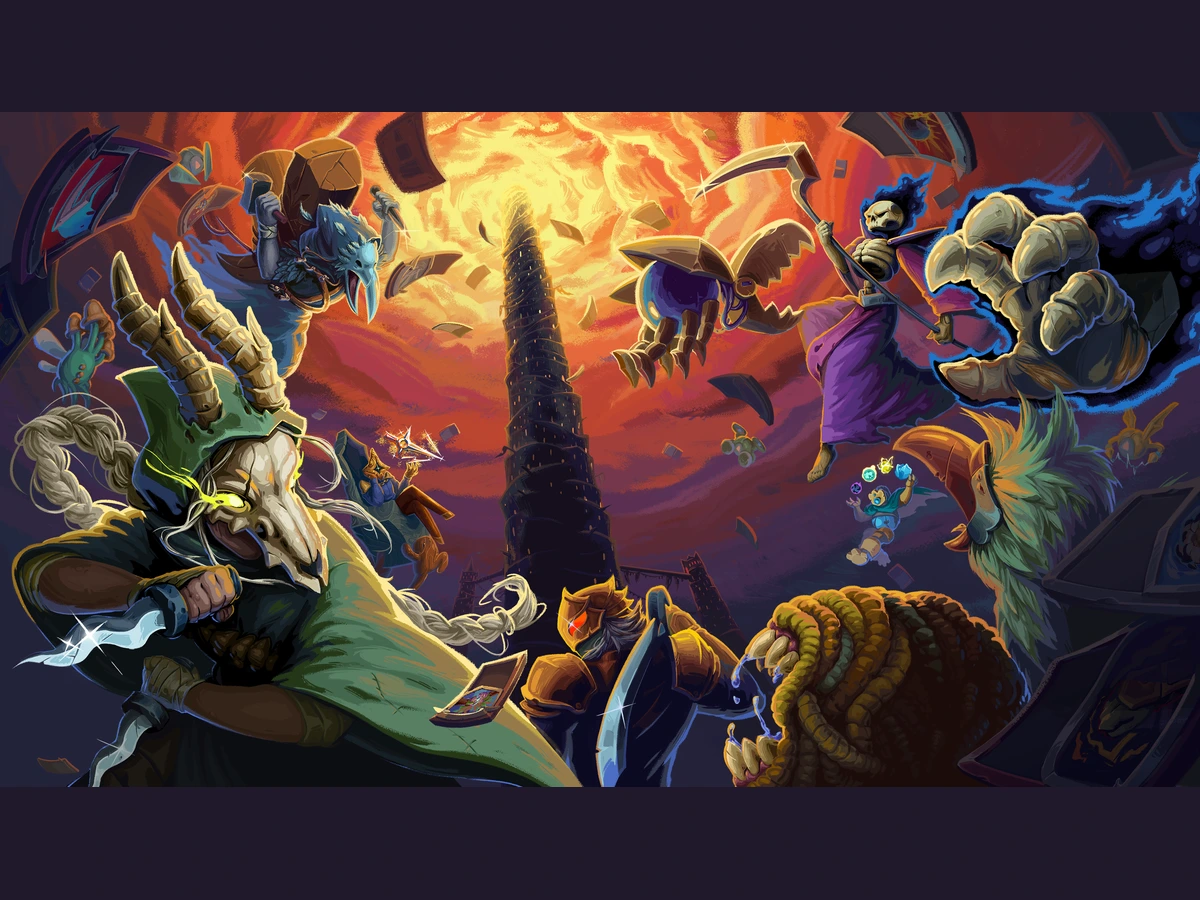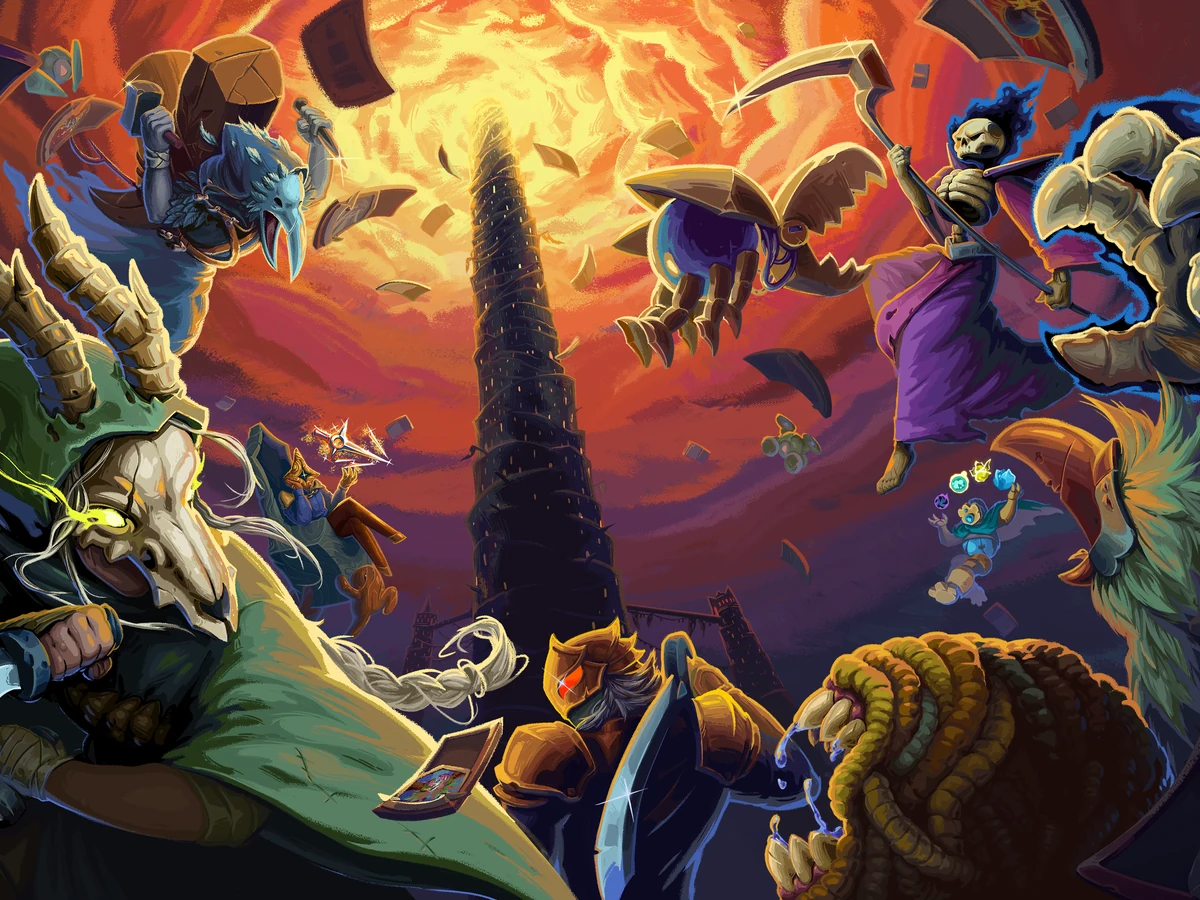
If Slay the Spire 2 refuses a multiplayer invite with a version error, get everyone onto the host's Steam branch and patch before sending a fresh invite. The 24 November update put the public beta on v0.114.0, while the default branch's November update is v0.111.1. If everyone's build already matches, compare the mods each player actually loaded. The game can report a version mismatch when the group's mod setup differs.
Match the host's branch in Steam
Ask the host which branch they used for the run you want to play. Close the game, right-click Slay the Spire 2 in your Steam Library and choose Properties, then Game Versions & Betas. Choose public-beta for a beta lobby or Default Public Version for a main-branch lobby. Stick with the beta if your group wants to play Blitz or Dread, which are still on the test branch.
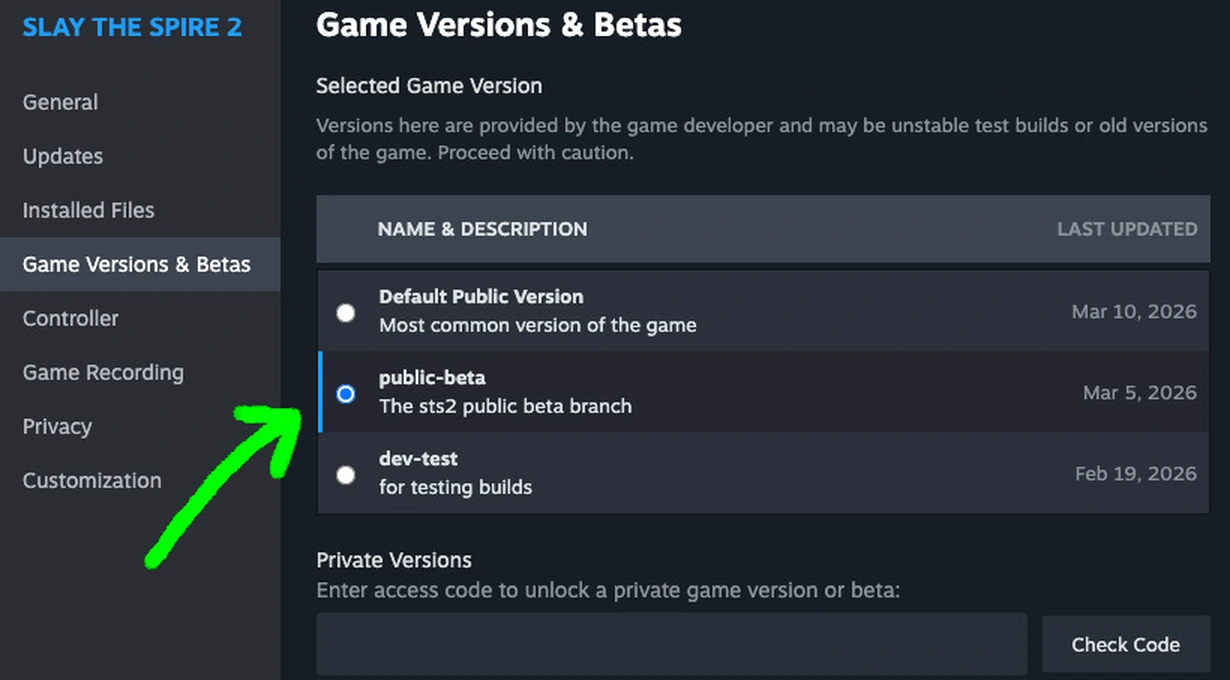
Let Steam finish downloading the selected build before you reopen the game. Compare the version shown in-game with the host's, even if both copies already say public-beta in Steam. A download that has yet to finish can leave one of you on the previous beta patch. Once the versions match, have the host open a fresh lobby and send a new invite to one Steam friend. Online co-op uses the host's Steam friends list.
Check mods if the builds already match
Read the details in the version mismatch message and compare the group's enabled mods, including their versions. Check gameplay mods and any libraries they require, especially if one player downloaded a Workshop update or also has a local copy of a mod. For a clean test, decline mod loading if prompted and try a fresh lobby with everyone playing unmodded. Keep the original mod list so you can restore it before loading a modded run.
If you can join the fresh lobby, return to the branch and mod setup you used for your saved run before trying to resume it. Use the beta build that last saved a beta run or a later compatible build. Beta v0.113.0 introduced a clearer update prompt for saves from newer builds, so an older main build can give a less helpful error. Check which copy of your progress you're opening if you also have missing Epochs or Timeline unlocks.
A disconnect after you've already joined is a different symptom. Beta v0.114.0 fixes the unresponsive hotkeys that could follow a disconnect with the Blitz or Dread lobby info open. If a fresh lobby still fails with matching builds and no mods loaded, press F2 to send Mega Crit an in-game feedback report. Include the branch, version and exact error, plus whether the failure happened when you accepted the invite or after you appeared in the lobby.
Sources
Where this story comes from, and where you can check it.
Official sources
- Mega CritBeta Patch Notes - v0.114.0 ↗
- Mega CritMajor Update #3 - v0.111.1 ↗
- Mega CritBeta Patch Notes - v0.113.0 ↗
- Mega CritBeta Patch Notes - v0.99 ↗
- Mega CritThe Neowsletter - October 2026 ↗
- Mega CritFAQ ↗