To find a lost car in GTA Online, start with the Mechanic's garage list in Freemode, then use the recovery route for its actual location or condition. This guide covers Grand Theft Auto V on PC Enhanced and Legacy, under Title Update 1.73, released on 16 July 2026, including the 1 October content update. The routes were checked against Rockstar's documentation on 5 October.
Check your garages in Freemode
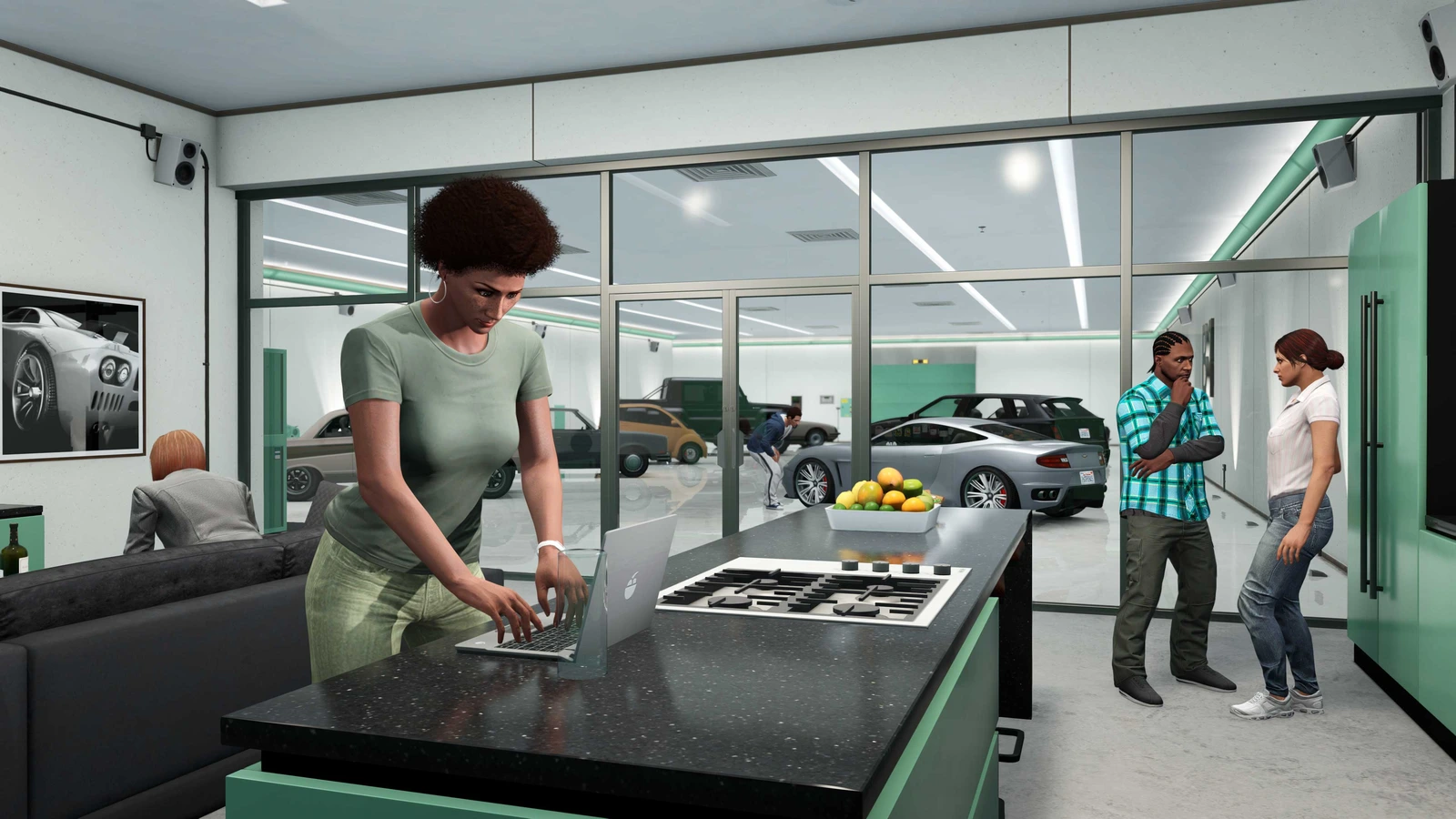
Open your phone, choose Contacts, then Mechanic. Select a garage and its floor, or Mansions and the relevant property, then your vehicle. Check the map for delivery near your character; calls have a two-minute cooldown. On PC Enhanced only, Interaction Menu, Manage Vehicles, Vehicle Organization also lists vehicles by garage. Legacy players should use the Mechanic route.
If the Mechanic will not work
Owning a garage hires the Mechanic, but his service depends on paying the daily GTA$50 charge. Rockstar says that charge comes automatically from your wallet or bank. If neither has enough money, he suspends his service for one in-game day. A failed call in those circumstances is a payment problem; it does not establish that the car has disappeared.
Put at least GTA$50 in your wallet or bank and wait until the next in-game day for the payment to process. Then try the delivery again. Do not confuse this suspension with the separate two-minute delivery cooldown. If adequate funds and the next daily payment do not restore service, Rockstar's Mechanic support article directs players to submit a support request.
Recover an insured car that was destroyed
Phone Contacts, Mors Mutual Insurance and select the destroyed, insured vehicle, or Claim All. The recovered car appears at a Mors Mutual depot. Insurance is a condition of this route, not a promise that any absent car can be replaced.
Title Update 1.67 added claiming all destroyed vehicles together. It also made personal vehicles destroyed during Contact Missions claimable without a charge. That free-claim rule describes a particular situation: do not read it as a guarantee that every Freemode recovery costs nothing. Check the claim presented for your vehicle.
Choose how to retrieve an impounded car
Go to the police impound lot marked on the map and pay GTA$250 to release the car. Stealing it back is another route, but it triggers a two-star wanted level; decide whether you want that consequence before taking it. PC Gamer's impound guide corroborates the payment and wanted-level choices documented by Rockstar.
If you are a CEO, call your Assistant and select "Recover vehicle from impound". The GTA$1,000 fee buys delivery to your location. This is the more expensive route, but avoids travelling to the lot. It also has a prerequisite: the Assistant option is for a business CEO, so it is not a universal shortcut for every character.
Retrieve a car after changing the MOC bay
Use this branch if you parked a Personal Vehicle in the Mobile Operations Center's vehicle bay, then changed that module's configuration. Rockstar documents that the vehicle is no longer stored inside the MOC after the change. That specific sequence can explain why searching the trailer's interior does not produce the car you remember leaving there.
Before requesting it, make sure you have no Personal Vehicle nearby and register as a CEO or MC. Summon the Mobile Operations Center through the Interaction Menu. Once the MOC is nearby, open Interaction Menu, Services, Mobile Operations Center, Request Personal Vehicle. The vehicle should be delivered to you. The nearby MOC and absence of another nearby Personal Vehicle are prerequisites, so check both before treating a failed request as a different loss.
Check the correct specialist storage
For an owned Pegasus vehicle, call Contacts, Pegasus, choose its type and model, then use Interaction Menu, Quick GPS, Pegasus Vehicle to find the pickup. For an Oppressor Mk II stored in the Terrorbyte, use Interaction Menu, Services, Terrorbyte, Request Oppressor Mk II.
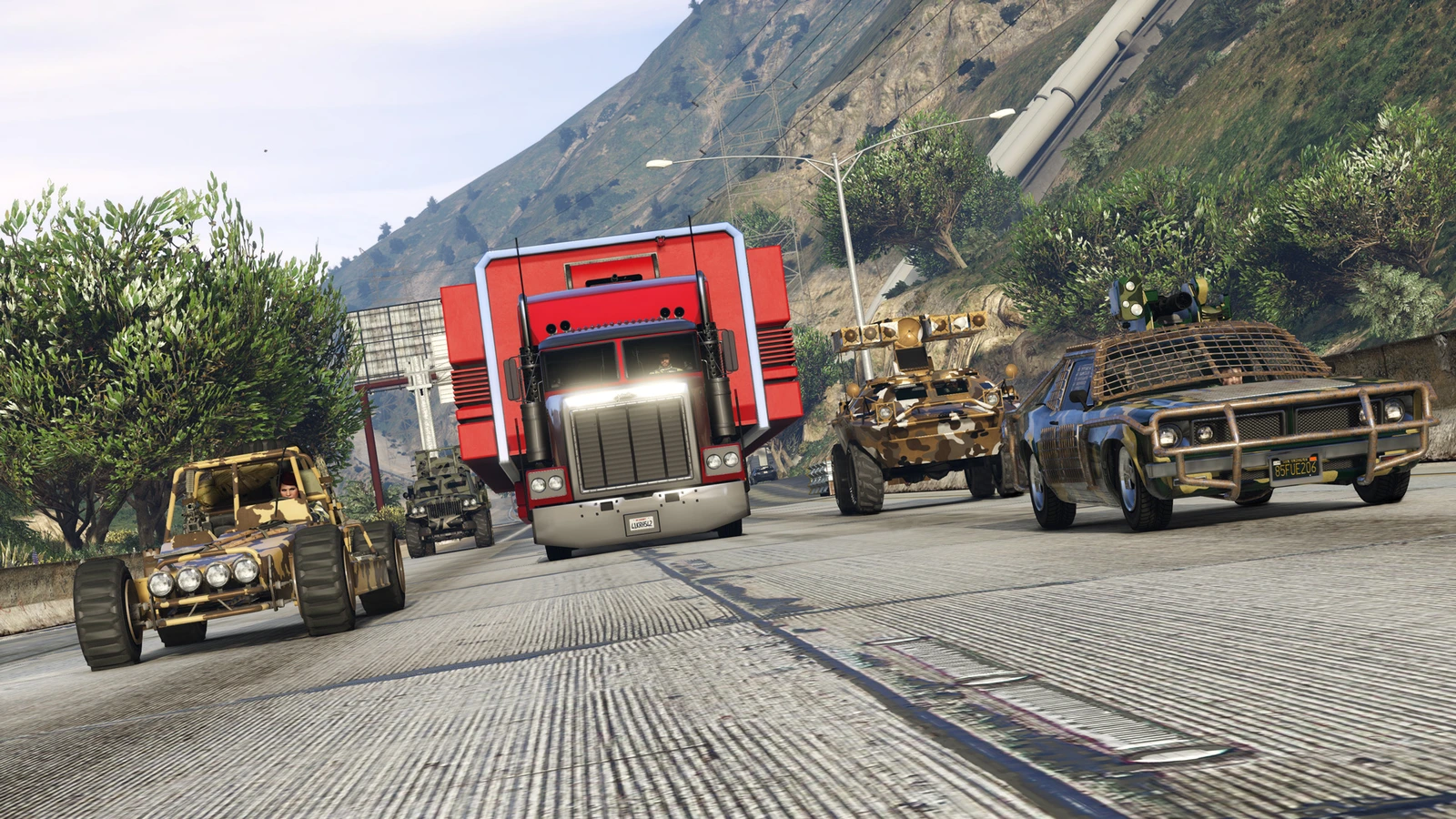
The original Import/Export Special Vehicles have their own underground storage. These are the BF Ramp Buggy, Brute Armored Boxville, Coil Rocket Voltic, Imponte Ruiner 2000, Jobuilt Phantom Wedge, Karin Technical Aqua, MTL Wastelander and Nagasaki Blazer Aqua. They belong in your Vehicle Warehouse, rather than an ordinary garage. This branch concerns those eight vehicles you own, not every weaponised vehicle in the game.
Enter your Vehicle Warehouse and turn left. At the far wall, take the smaller of the two doors, on the right, downstairs into the underground garage. Rockstar says any of those eight vehicles you own are stored there. They require no insurance and are automatically replaced in the warehouse if destroyed, so a Mors Mutual call is not their recovery method.
If none of these routes finds the vehicle
Use the Submit a Request option on Rockstar's missing-vehicle support page. As practical preparation, note the model, your PC edition, the last storage location you remember and which of these checks failed. The documented routes do not establish a universal restoration method for vehicles absent from every applicable list; a support request is not a guarantee of replacement.
Sources
Where this story comes from, and where you can check it.
Official sources
- Rockstar Games Customer SupportFinding your lost or misplaced vehicles in Grand Theft Auto Online ↗
- Rockstar Games Customer SupportIssues Accessing the Mechanic in GTA Online ↗
- Rockstar Games Customer SupportPersonal Vehicle Appearing Lost after Changes to Mobile Operations Centers ↗
- Rockstar Games Customer SupportHow to retrieve Special Vehicles made available in the Import/Export Update in Grand Theft Auto Online ↗
- Rockstar Games Customer SupportGTAV Title Update 1.67 Notes (PS5 / PS4 / Xbox Series X|S / Xbox One / PC) ↗
- Rockstar Games Customer SupportGTAV Title Update 1.73 Notes (PS5 / PS4 / XBOX Series X|S / XBOX One / PC [Enhanced/Legacy]) ↗