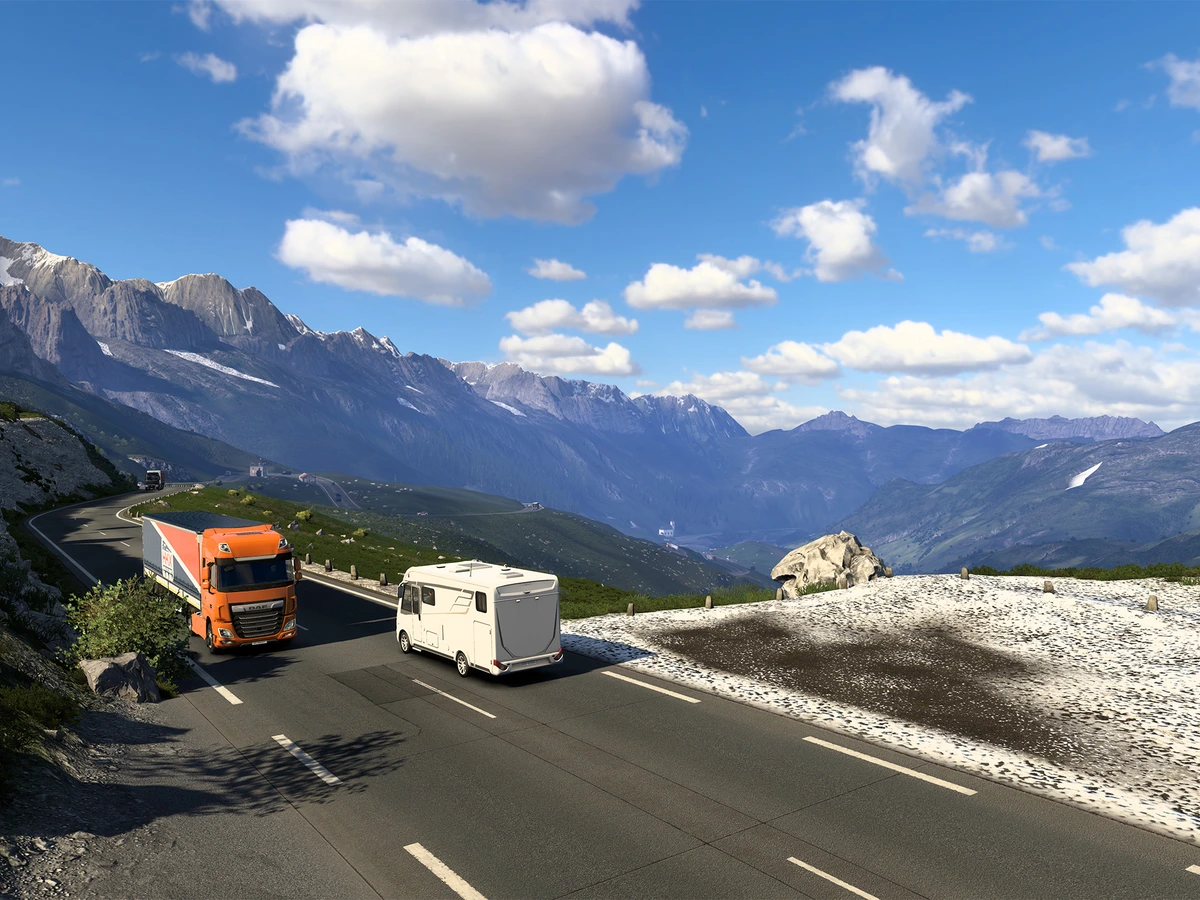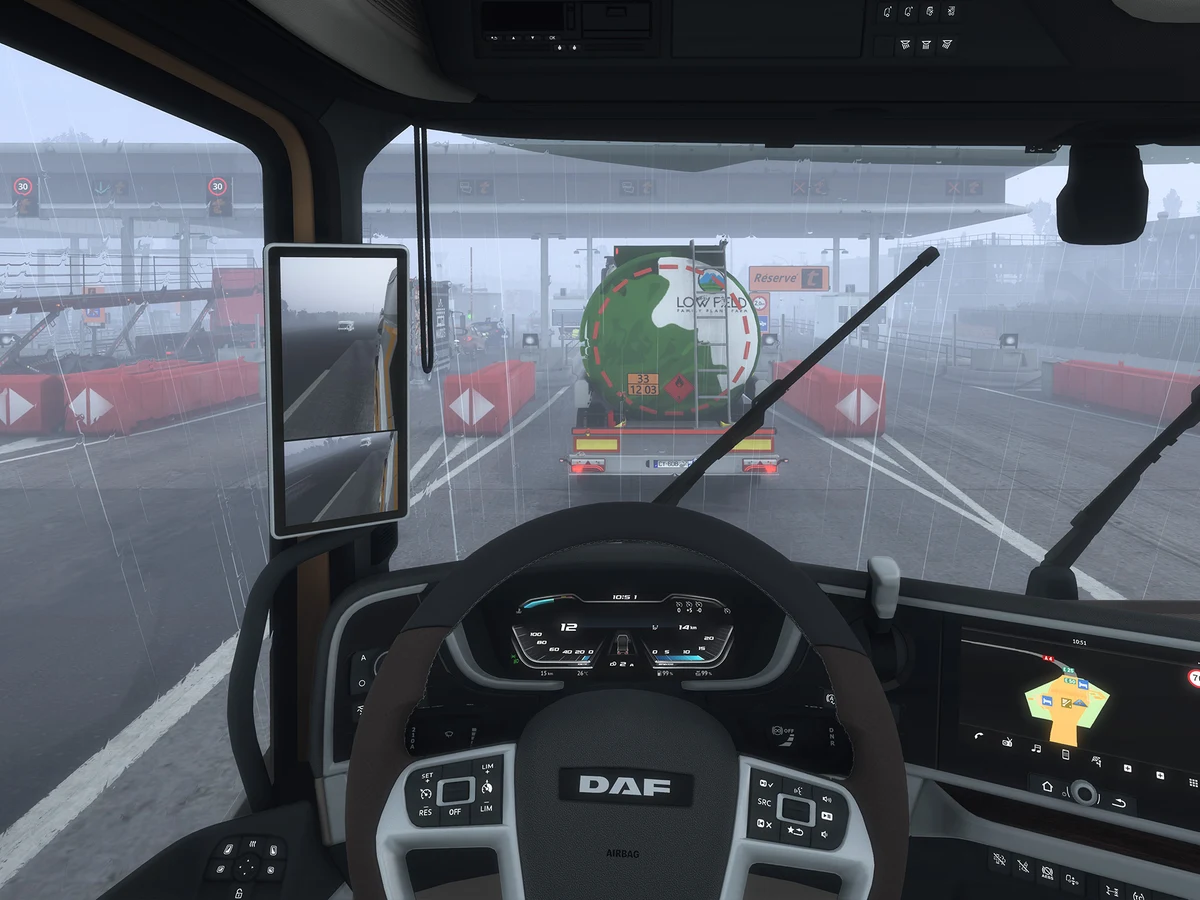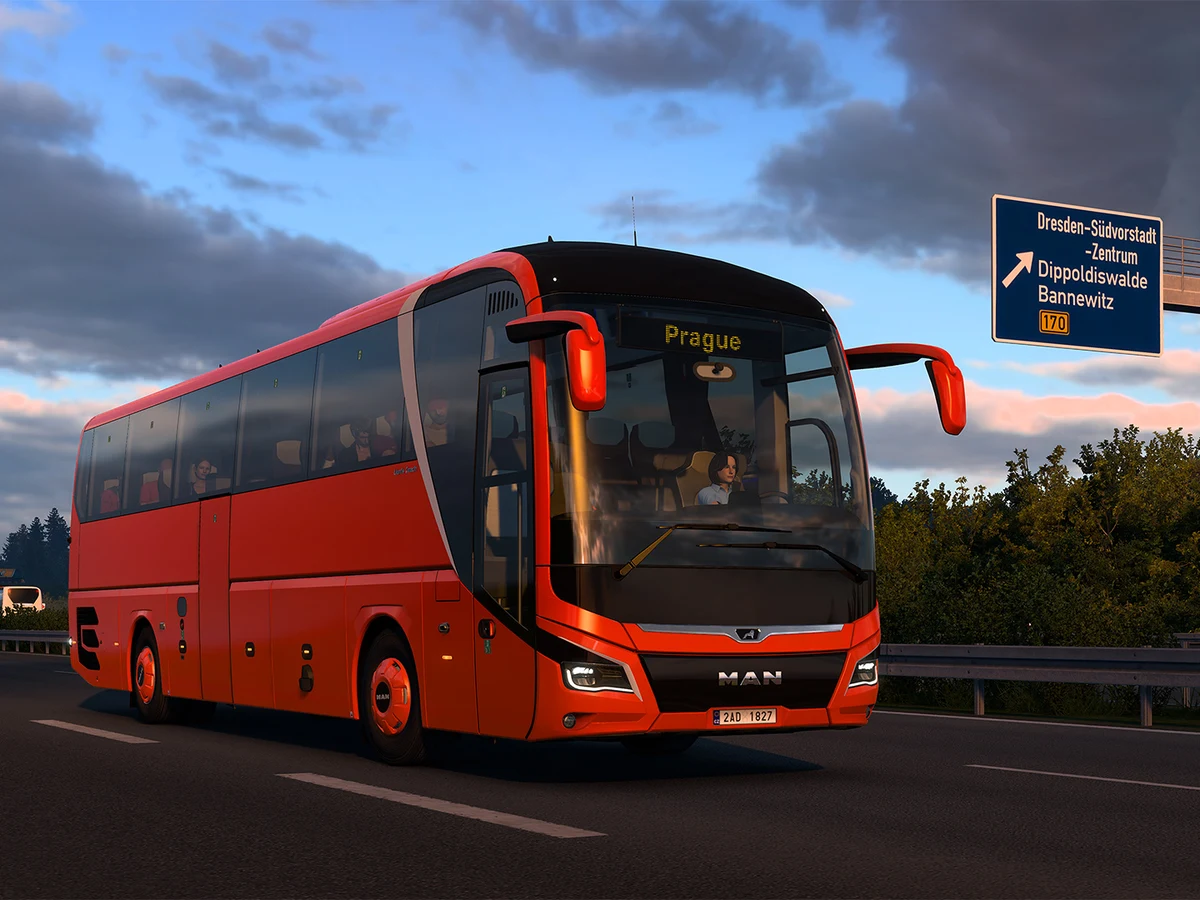
To buy a coach in Euro Truck Simulator 2, switch to Coach Mode and open Services → Coach Dealer. Pick an unlocked offer you can afford and select Purchase. You can pay with money from your existing trucking profile. This route applies to the Coaches DLC, released on Steam on 12 November 2026 for ETS2 1.62.
Open the coach dealer
Load the profile you want to use with the base game and Coaches DLC installed. While you're out of the cab, use the mode selector in the bottom left to choose Coach Mode. Look for Coach Dealer under Services. You can browse and manage the coach career from the menu. Press Drive when you're ready to take the wheel and switch the driving view over.
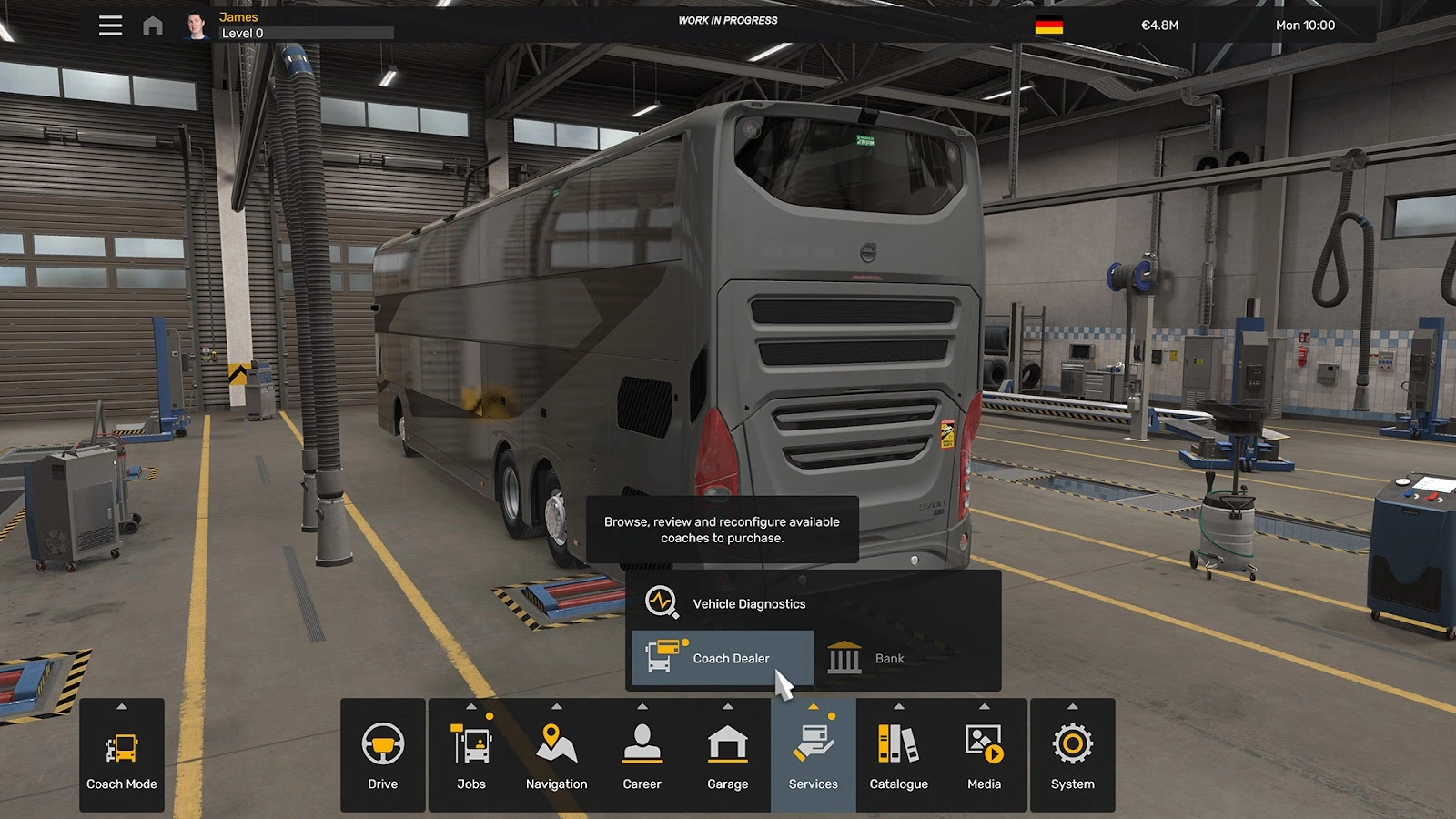
If you still see truck services, check the badge in the bottom-left corner. It should say Coach Mode. If Coach Mode itself is missing, check that the DLC is installed in your Steam library and that the game is up to date before reopening the profile.
Choose an offer you can buy
Look under Stock Offers for the Scania Touring, MAN Lion's Coach or Volvo 9700 DD. Compare an offer's price and level requirement before you choose it. Your bank balance carries over from Truck Mode, while coach progression has its own levels. If the offer you want is locked, choose an unlocked configuration or take coach jobs to build that career. Doing more freight work can cover the cost, while passenger work builds your coach level.
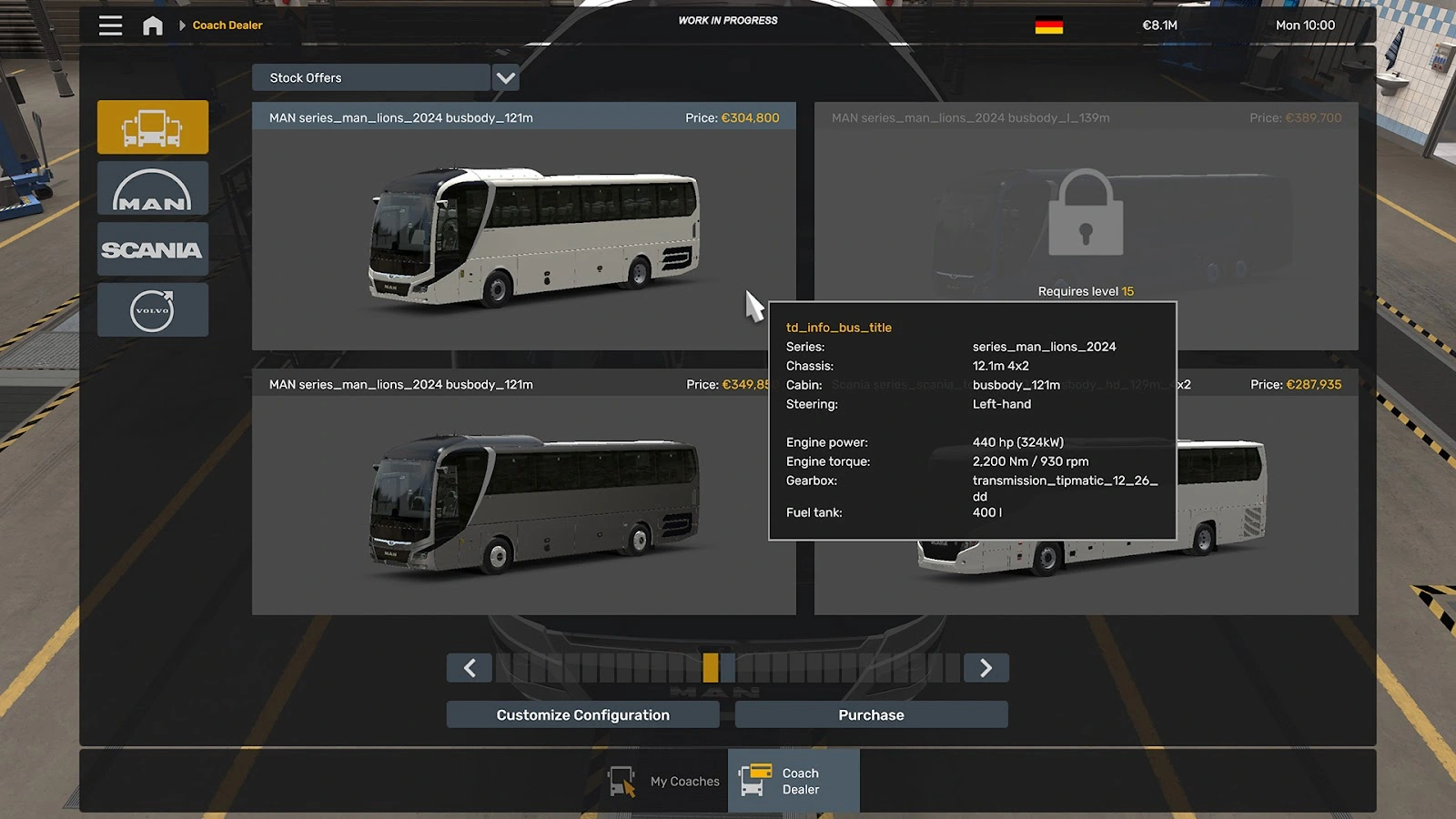
If you're short on cash, go to Jobs and take a Quick Job. It supplies the coach, so you can try passenger work and add to your balance before you spend anything. You can also keep earning through truck jobs on the same profile. At the dealer, choose Purchase for the offer you want. Use the configuration option first if you want a different engine, chassis or interior, and check the resulting price before paying.
Check your garage and take a contract
Open My Coaches to check that your new vehicle appears in the virtual garage. Coaches have their own storage, so you can keep your existing trucks in their slots. You can customise or sell the coach from the garage later.
With your coach selected, open Jobs and choose Contract Jobs. Finish any active freight or passenger assignment first, as the profile can hold one active job at a time. Pick a nearby service, drive to its departure station and confirm the line there. The clock advances to the scheduled departure and your passengers board. If you return to Truck Mode later, your coach stays in its garage and your money stays with the profile.
Sources
Where this story comes from, and where you can check it.
Official sources
- SCS SoftwareCoaches: Vehicle Ownership & Job Schedule ↗
- SCS SoftwareCoaches & Road Trip: Mode Switch ↗
- SCS SoftwareCoaches Release ↗
- SCS SoftwareEuro Truck Simulator 2 - Coaches ↗