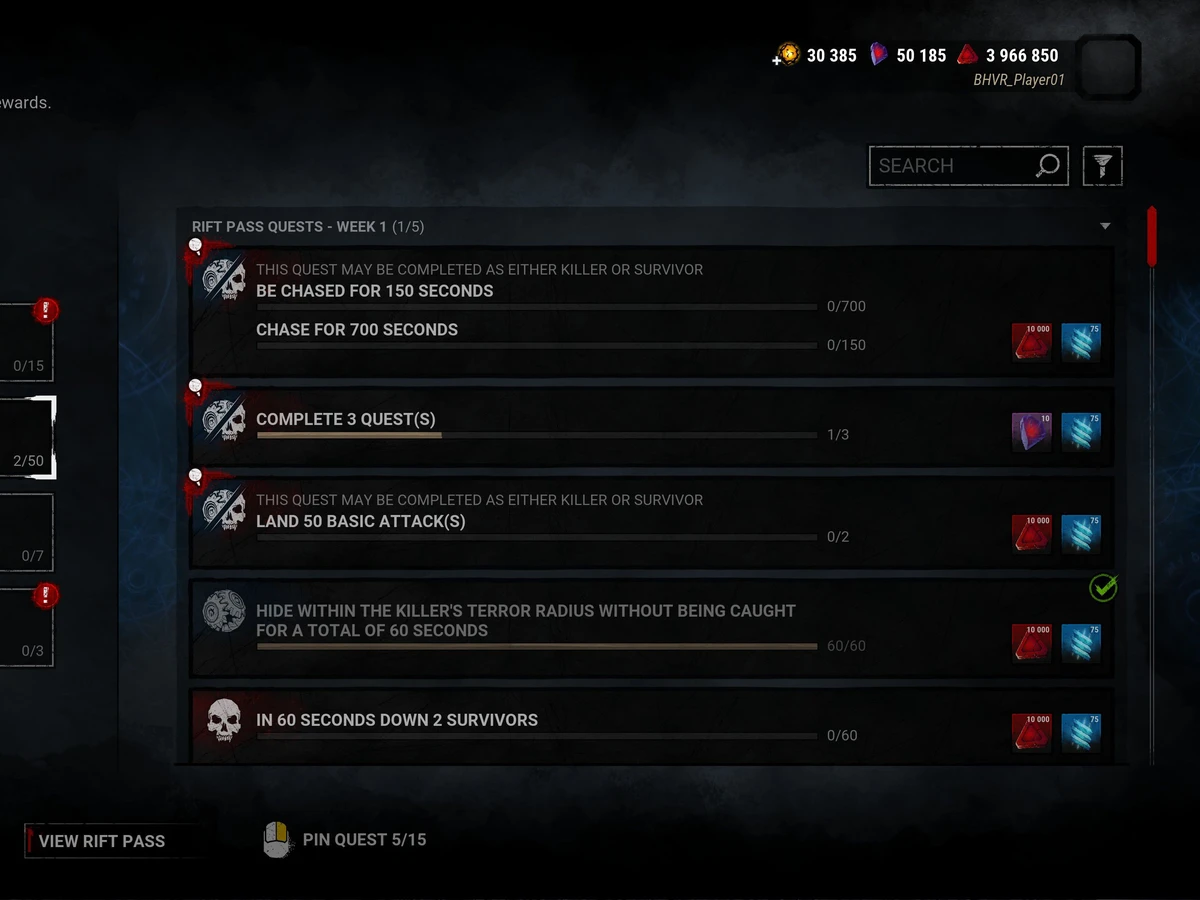
To get Iridescent Shards in Dead by Daylight, play Trials to earn XP and raise your account's Player Level. Each Player Level gained awards Shards. You can also check The Rift for quests displaying a Shard reward, but earning Bloodpoints or Rift Fragments is a different result.
This guide covers the PC live game on patch 10.1.2, released on 8 September 2026, with the Rift quest interface introduced in May 2025. It does not cover the Public Test Build. Quest rewards can change between updates and Rift cycles, so use the reward displayed in your live game rather than an amount copied from an older screenshot.
Raise your Player Level, not your Bloodweb level
Start by checking your Global Player Level in the top-right corner of the lobby. This is the account progression that earns Iridescent Shards. Spending Bloodpoints in a character's Bloodweb improves that character's progression and unlocks things such as Perks, Items, Add-ons and Offerings; it does not substitute for earning account XP.
Play a Trial as Killer or Survivor. Behaviour's Player Level explanation identifies time spent in a match, your highest Emblem quality at its end, and a first-match-of-the-day bonus for each role as XP sources. If you already play both roles, completing your first match with each is a way to use both bonuses. It is advice, rather than a requirement for earning Shards.

After playing, check whether your Player Level has increased, then compare your Shard balance. XP advances you towards a level; a match that leaves you short of the next level will not produce that level's Shard award yet. Continue playing until you gain the level rather than buying Bloodweb nodes to try to complete the account progress.
Reaching the end of the level track does not end this method. Behaviour explains that passing Player Level 100 adds one Devotion Level and resets Player Level to 1, along with its XP requirements and Shard rewards. Devotion records those completed cycles; the reset is part of continued account progression.
Check the reward before following a Rift quest
Open The Rift from the main menu. Older instructions may call this area the Archives or tell you to choose a Tome Challenge. Behaviour renamed the menu and replaced those Challenges with Quests in 2025. Daily Rituals became Daily Quests, so an old instruction to find Rituals may send you looking for a retired label.
In the quest view, inspect the listed objective and its rewards. Look for the purple Iridescent Shard icon before treating a quest as a Shard source. Red Bloodpoints buy Bloodweb unlocks, while blue Rift Fragments advance Rift tiers. Completing an objective that only offers those other currencies is useful progression, but does not itself award Shards.
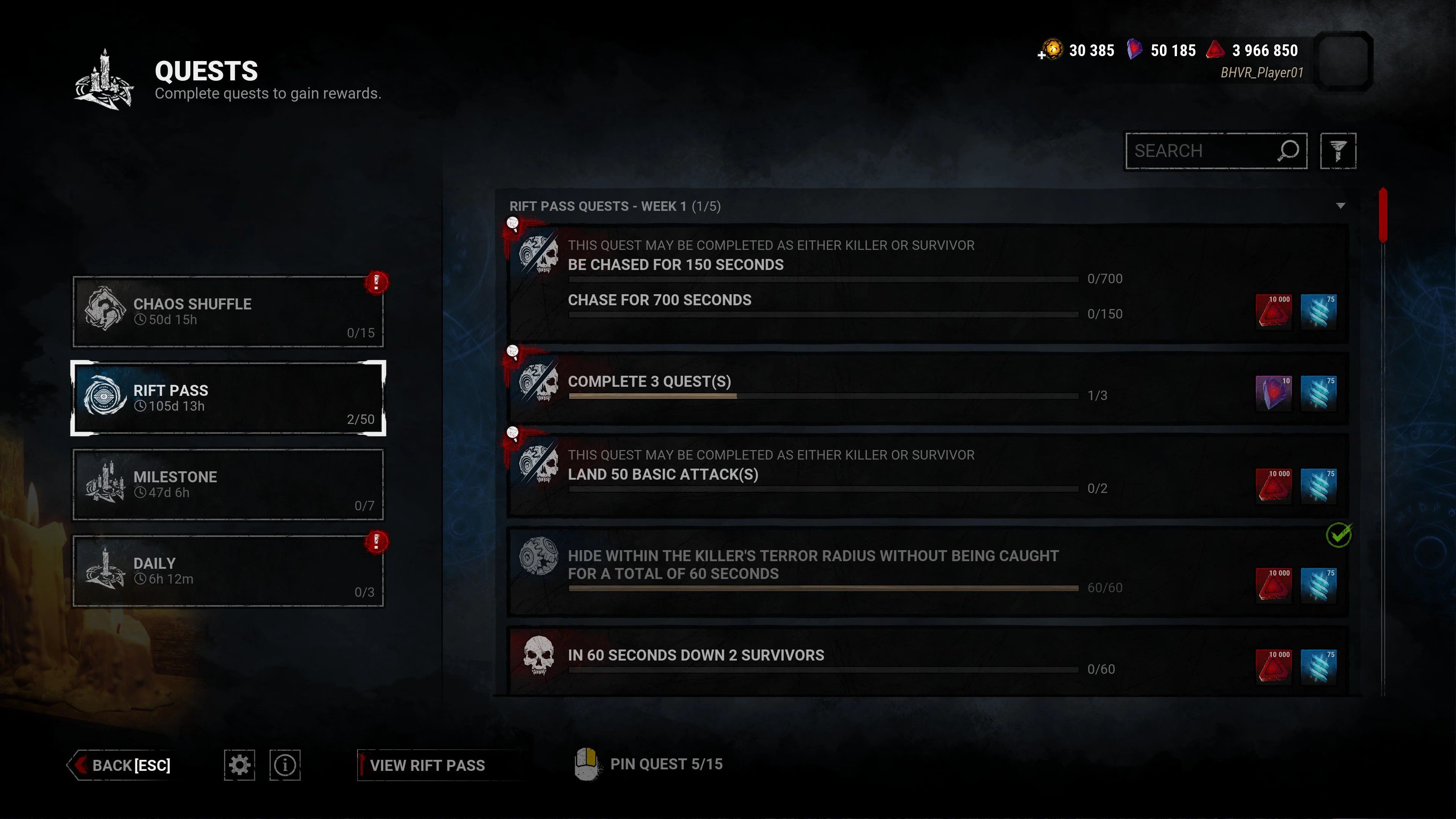
For a quest showing Shards, fulfil the objective as written, including any named character, role or action condition. Rift Quests are active together: Behaviour says you do not need to select one to start progressing it. Pin an objective if you want to follow it, and use the pause menu during a Trial to check quest progress.
Weekly quests remain available retroactively during their Rift cycle, so check earlier weeks if the current week has no suitable objective. The current Rift page describes twelve weeks of challenges. Once that Rift closes, its challenges stop being available; an old quest screenshot cannot establish a reward you can still earn today.
Check why your Shard total has not increased
If you finished a quest, first check its completion progress and the currency it offered. If you finished a Trial, check whether you actually crossed a Player Level boundary. These are separate checks: an increase in Bloodpoints, a character's Bloodweb level or your Rift tier does not establish that you earned an Iridescent Shard reward.
Finally, check the currency accepted by the character or outfit you want before setting a target balance. Behaviour's currency reference says Shards buy some characters and outfits, while Auric Cells are the premium currency. A price displayed only in Auric Cells is not a Shard purchase. For this guide's route, the result to confirm is an increased Iridescent Shard balance after a Player Level award or an objective explicitly offering that currency.
Sources
Where this story comes from, and where you can check it.
Official sources
- Behaviour InteractiveHow do I get Iridescent Shards? ↗
- Behaviour InteractiveIn-game Currencies ↗
- Behaviour InteractiveDesign | Curtain Call Update ↗
- Behaviour InteractiveDead by Daylight Outlines Plans For In-Game Store & Unlockable Characters ↗
- Behaviour InteractiveDead by Daylight's Archives Are Changing: Everything To Know ↗
- Behaviour InteractiveDead by Daylight Rift | Exciting Quests & Abundant Rewards ↗
- Behaviour Interactive10.1.2 ↗