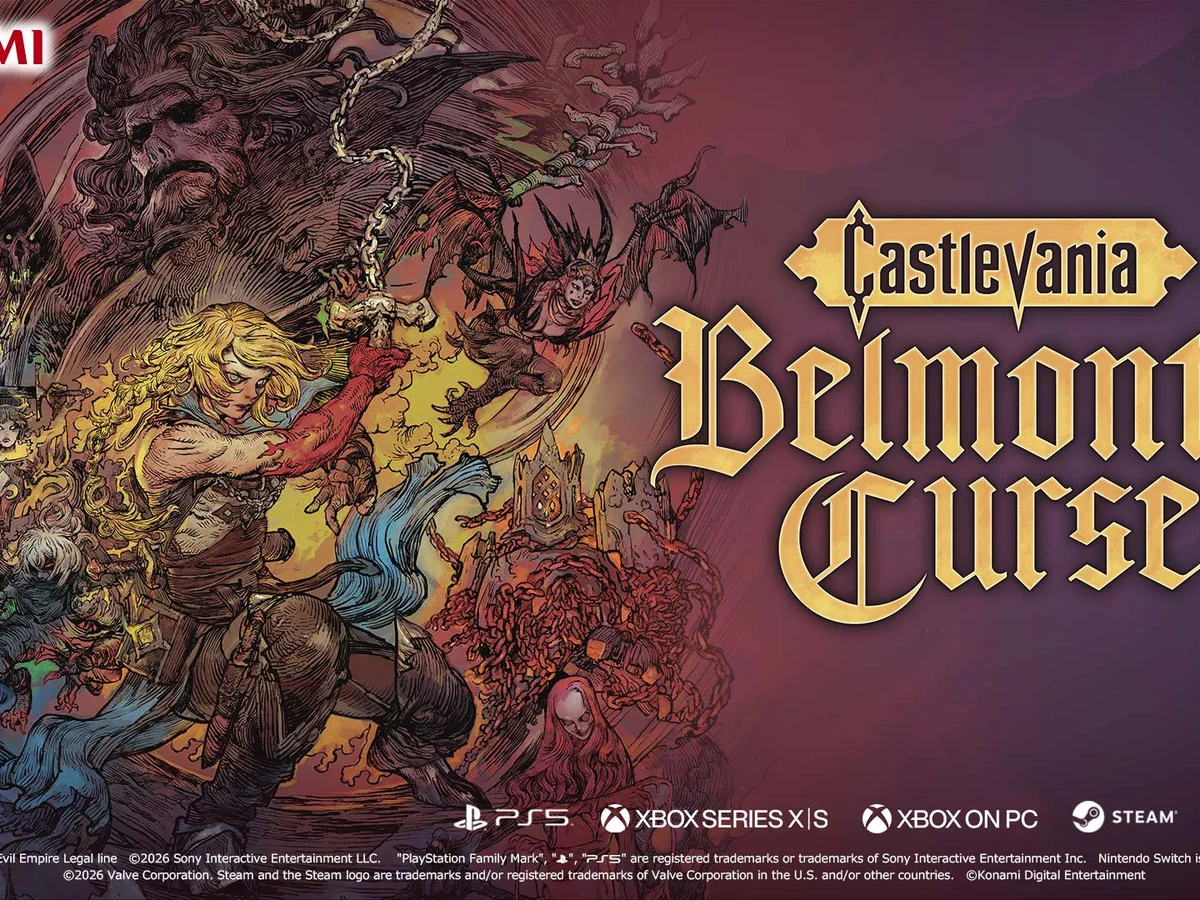
Update Castlevania: Belmont's Curse to version 1.1.3 if the PC game opens to a black screen on a high refresh rate monitor. Konami released this update on 16 October 2026 to address that launch failure. This guide covers the Steam version following the game's 15 October release, with the notice checked on 19 October.
Finish the update before trying again
Open the desktop Steam client and select Downloads at the bottom of the window, or choose View > Downloads. Find Castlevania: Belmont's Curse and let its available update finish. Use the Download Manager to check completed downloads as well as the queue: an update scheduled for later still needs to install before you can judge the repair.
If Steam has queued the update for another time, start it immediately through the Download Manager. Launching the game also forces its update immediately. Once installation finishes, start the game again and check whether it gets past the black screen. Reaching the game's opening screens is the result to look for before returning to your usual play session.
Contact Konami if the screen stays black
If the updated game still fails to launch, contact Customer Support using the link in Konami's version 1.1.3 notice. The issue may persist on some setups while Konami works towards a full resolution. Describe the black screen and say whether the update finished before your latest attempt, so your report distinguishes the original launch problem from a failure after installing the repair.
Use the Customer Support link for your region on Konami's Contact Us page. For Europe, that page directs you to the European support site. Keep the launch result available when following up. Once you can open the game, use our demo save-transfer requirements if you are continuing your opening-chapter progress.
Sources
Where this story comes from, and where you can check it.
Official sources
- KonamiNotice regarding Black Screen for High Refresh Rate Monitors (Ver. 1.1.3) ↗
- Steam SupportManaging Steam Downloads & Updates ↗
- KonamiContact Us ↗