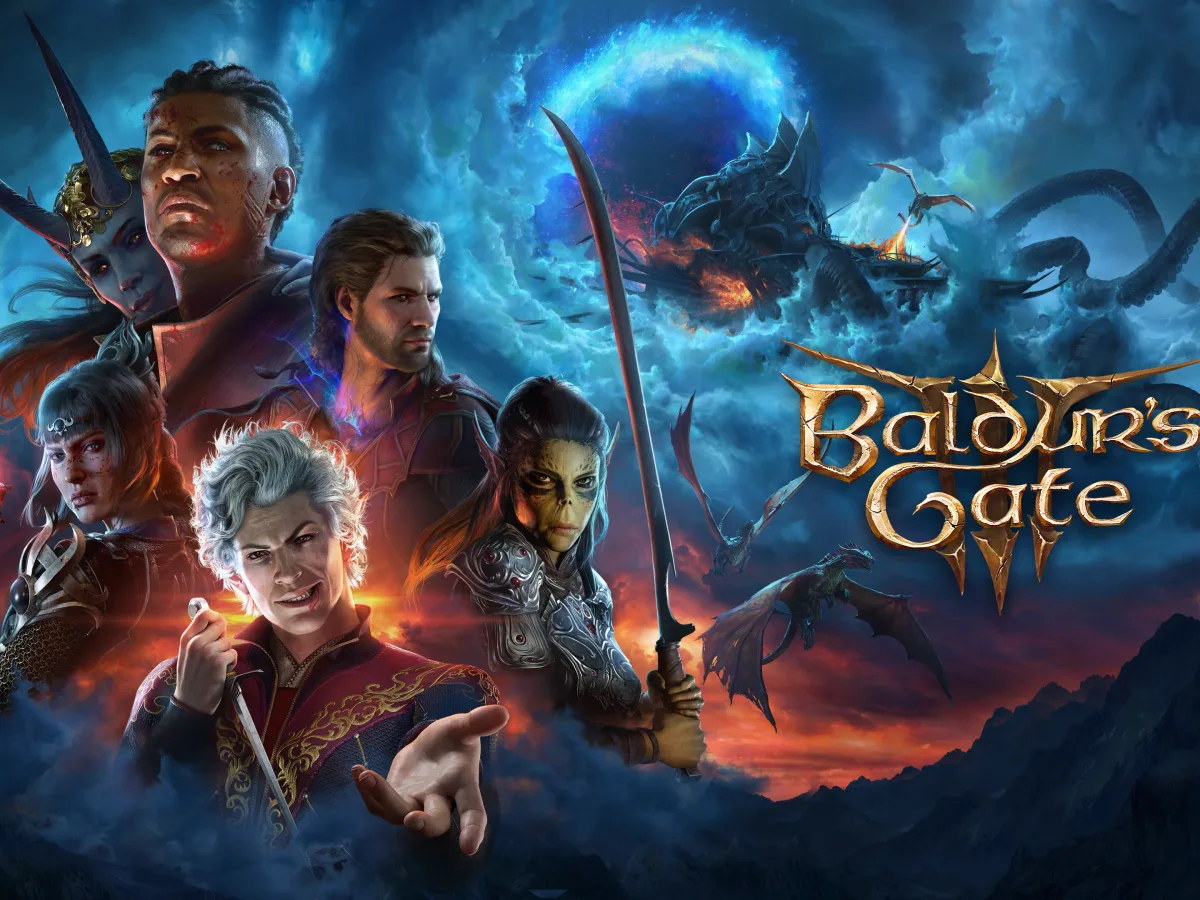
To cross-play in Baldur's Gate 3, every player links their platform account to a Larian Account and ticks Allow Cross-Play in Options. If you're continuing an existing campaign, the host also ticks that save's own Cross-Play box in Load Game before loading it. Then the host invites friends from Multiplayer. Cross-play arrived in Patch 8 and covers PC, Mac, PlayStation 5 and Xbox. Modded campaigns need one more check: everyone must run the same mods.
Check the party can use Larian Network
Every person joining needs their own platform account connected to their Larian Account. Larian directs players to its Connected Accounts page for that link, rather than relying on a PlayStation, Xbox, Steam or other platform friend list. In the game, each player should open Options, choose the Gameplay tab and tick Allow Cross-Play. This is the account-wide permission that makes the Cross-Play tab and Larian Network lobbies available; it does not by itself convert an older campaign into a cross-play save.
Do this while each player is signed in to the account they actually use for the game. A connection made to a spare Larian Account will not make the correct multiplayer identity appear, and repeating account links at random is not a useful troubleshooting step. From the main menu, use the Account Management icon, open Friend List, then add the other player's Larian username. Use the Larian Account username, not a console profile, Steam name or gamertag.
Cross-play readiness
- Supported group
- PC, Mac, PlayStation 5 and Xbox
- Everyone needs
- A linked Larian Account and Allow Cross-Play
- Existing save
- Its own Cross-Play checkbox in Load Game
Enable cross-play on the existing save
The host should return to the main menu and select Load Game. Highlight the particular campaign that will be shared, then enable its Cross-Play checkbox before loading it. This separate save-level step is the easy one to miss: Larian's instructions say an existing campaign has to be marked for cross-play even when the player's game options already permit the feature. Repeat the check only when you intend to host a different campaign; it is a property of the chosen save, not a universal conversion for every file.
Load that campaign once the checkbox is on. When the host is in the world, open Multiplayer and invite the linked friend. A player joining from another platform can instead use Multiplayer on the main menu, choose the Cross-Play tab and select the host's lobby. If the lobby is not visible, first confirm that both accounts are linked and that the host enabled cross-play on the exact save now loaded. Those checks follow the official setup order and avoid changing a healthy save merely to chase a connection problem.
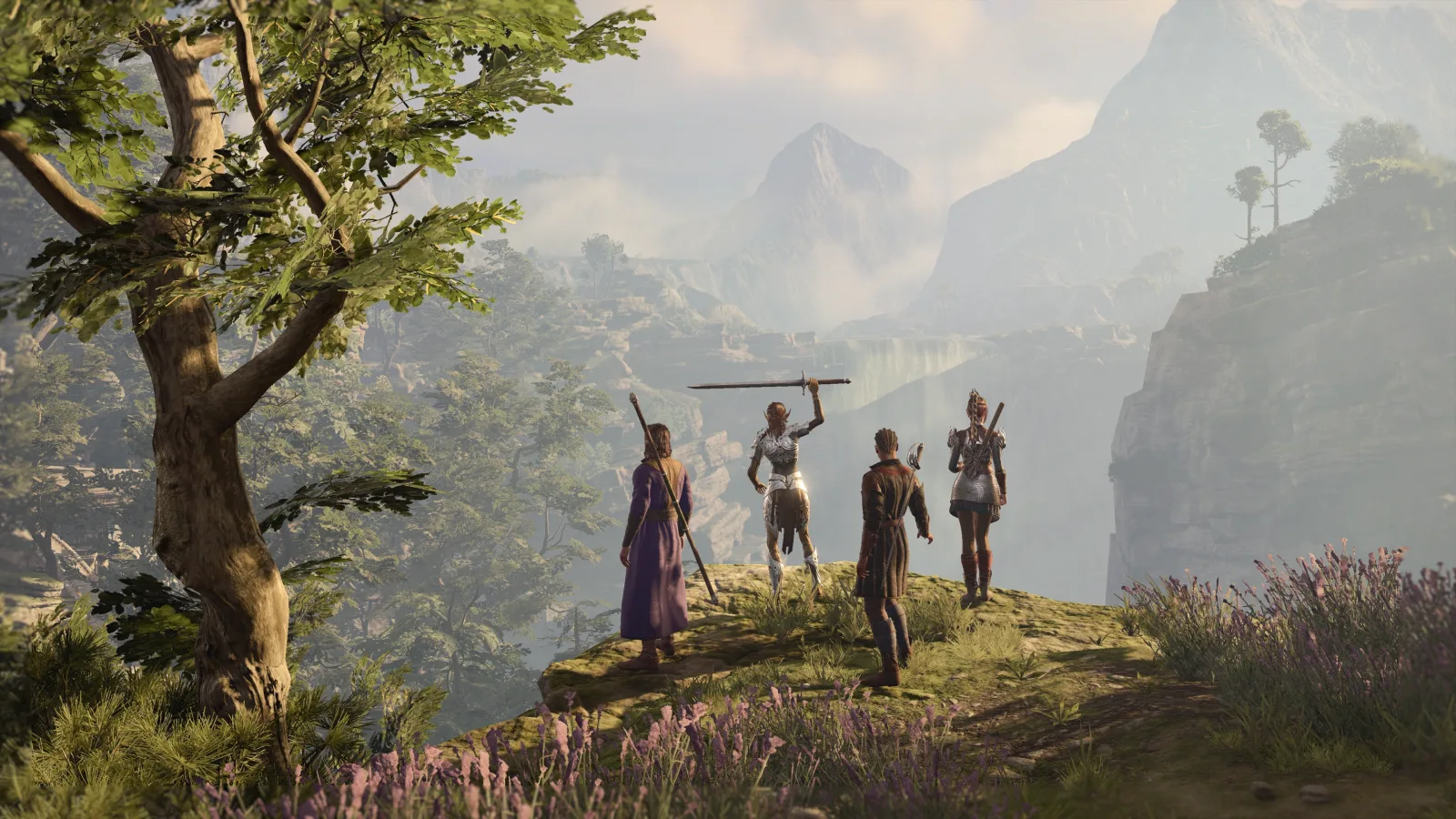
Resolve mods before launching together
Mods do not automatically block cross-play, but they must match. Larian says every player entering the lobby needs the same versions of its mods. When a joining player differs from the host, the Mod Verification window can offer to enable, install, update or downgrade the relevant items. Read that list before accepting it. If an important mod is unavailable for a player, do not launch and hope for the best; agree whether the group will use the host's compatible set or start a separate unmodded campaign.
PC hosts who expect console or Mac friends should build the campaign around mods marked Available on Console and Mac in the in-game Mod Browser. Larian also sets a 100-mod limit on consoles, and states that third-party mods cannot be used there. A PC save with an unapproved third-party mod is therefore not a candidate for the same console cross-play session. Change the enabled mods through the game's mod tools rather than removing files from a live campaign, then check the lobby again.
Use a small test before the real session
Once the lobby is ready, invite one friend first and wait for the Mod Verification window, if any, to finish. Confirm that the guest reaches the campaign rather than merely seeing the lobby, then invite the rest of the group. That short test separates account and save permission issues from a mod mismatch without putting a full party through repeated restarts. It is especially helpful if the host has several campaigns, since only the save loaded after its Cross-Play checkbox was selected is the one the group has prepared.
If a menu name has changed, a newer patch has moved it; your save is fine. Patch 8 was Larian's final major patch, but the studio has issued cross-play fixes since its launch. Check the current Baldur's Gate 3 support update before changing account links or editing save files. The safe fallback is to leave the campaign intact, use the official account and mod checks again, and contact Larian support with the platform, save and error details if the lobby still refuses a properly linked player.
Safe existing-campaign cross-play
- Link first
- Every player connects the platform account they use to a Larian Account, then enables Allow Cross-Play.
- Mark the save
- The host opens Load Game and enables Cross-Play on the specific campaign before loading it.
- Match mods
- Keep all players on identical supported mods; console and Mac groups need compatible in-game mods.
With those three checks complete, use Multiplayer to invite friends into the campaign rather than rebuilding it from scratch.
Sources
Where this story comes from, and where you can check it.
Official sources
- Larian StudiosPatch 8: The Final Patch - New Subclasses, Photo Mode, and Cross-Play ↗
- Larian StudiosCommunity Update #34: Connecting with Cross-Play - Hotfix #32 ↗
- Larian StudiosLarian Studios Press ↗
Independent reporting
- GamesRadar+How to play Baldur's Gate 3 cross-play ↗