Press Jump before you reach the edge in The Legend of Zelda: Ocarina of Time. In the Nintendo Switch 2 remake released on 5 November 2026, Link jumps when you press the button. If you're coming from the Nintendo 64 original, change when you make the input. Walking or running up to a gap used to trigger a leap in certain spots, but in the remake you choose when Link leaves the ground.
Jump before you leave the ledge
Start on level ground and press Jump once to see Link hop. You can do that away from a ledge, so use a clear patch to get the input under your thumb before you try it over a drop. When you reach a gap, line up with the landing, move towards it and press Jump while Link is still on the near side. Look for Link to leave the ground on the press, then check that he lands on the far side.
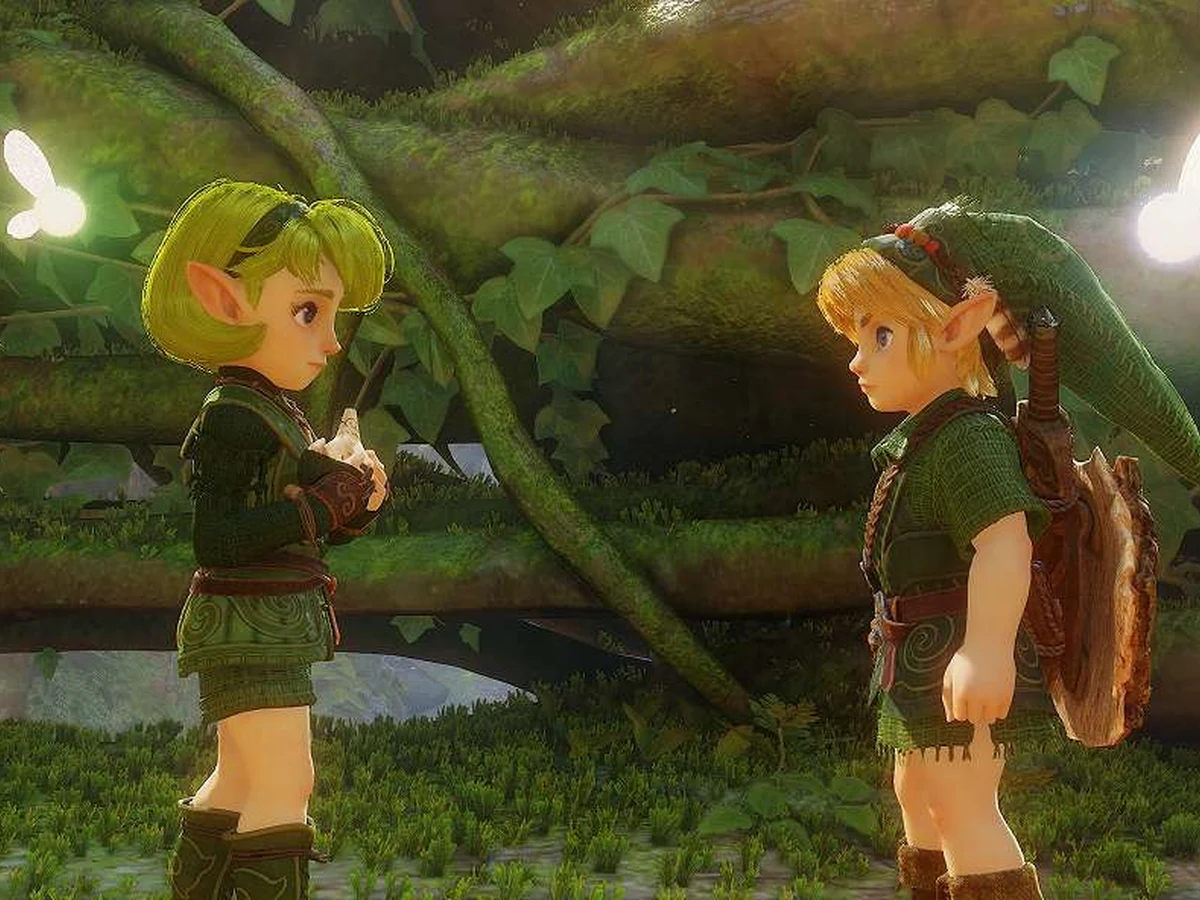
Judge the gap again after switching between Young Link and Adult Link. Their jump distances differ slightly. If you remember clearing a gap with one, give yourself room to line up with the other. If Link steps off a ledge without leaping, try the input on solid ground again, then press it before he reaches the edge on your next approach.
Press Attack in the air for a Jump Attack
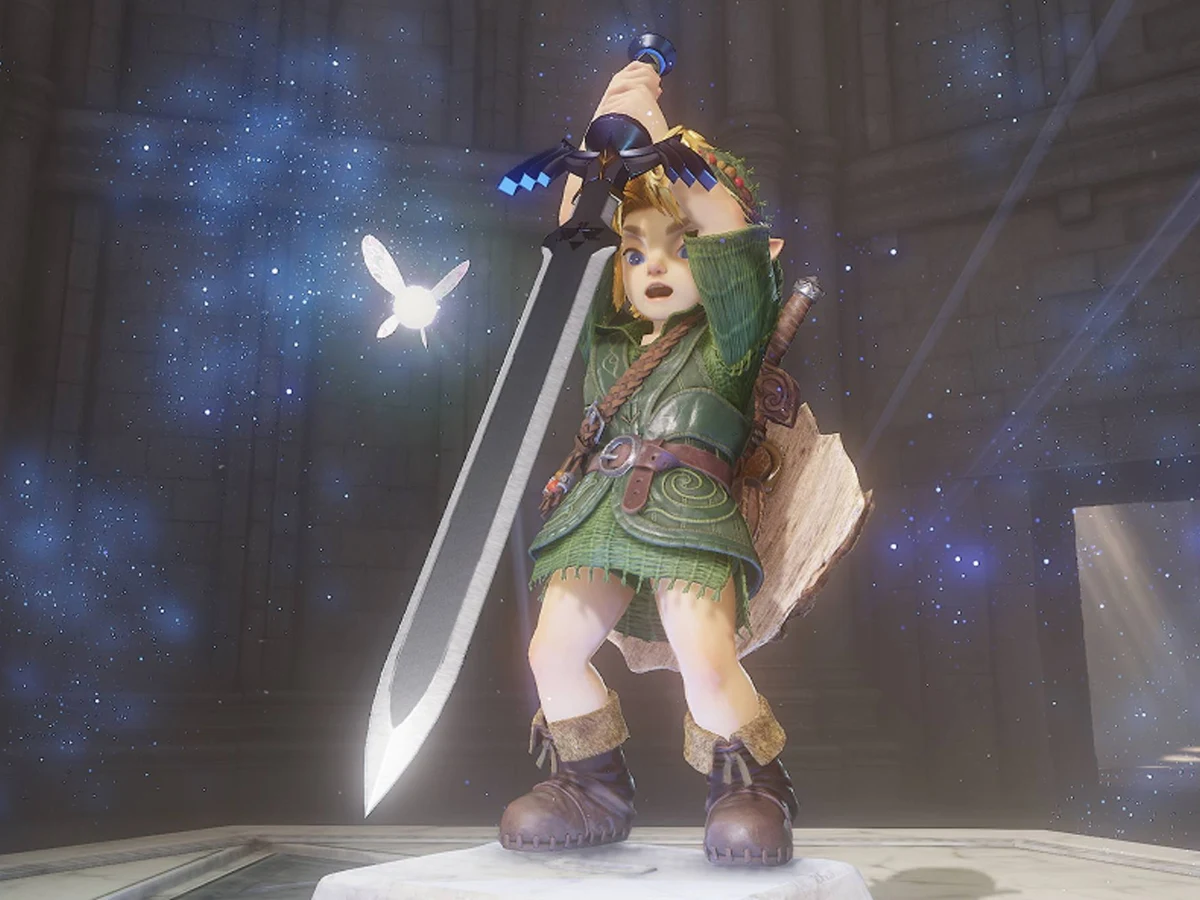
When you want a Jump Attack with your sword, jump first and press Attack while Link is airborne. Wait until his feet leave the ground, then press Attack before he lands. The attack during the leap is the part to watch for. If you only see the hop, try the second press earlier in the jump.
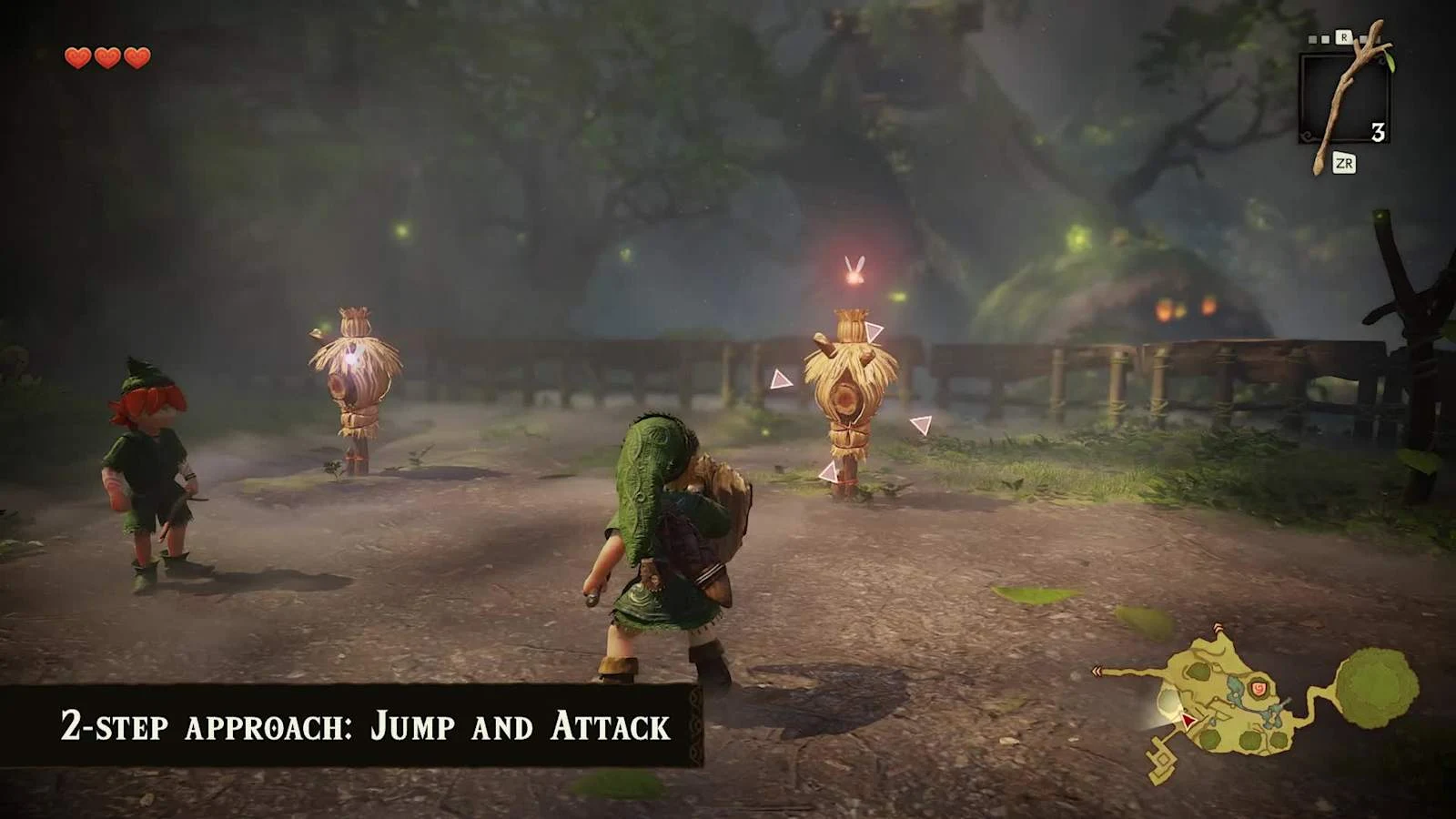
The remake also keeps a single-button way to perform the Jump Attack. If you prefer the old combat input, you can still use that approach for the attack. For a ledge or a gap, use the regular Jump action on its own so the input you practise on flat ground is the one you use to cross.
For help finding your way through Hyrule between jumps, set up Zelda Notes to use the companion app's navigation features.
Sources
Where this story comes from, and where you can check it.