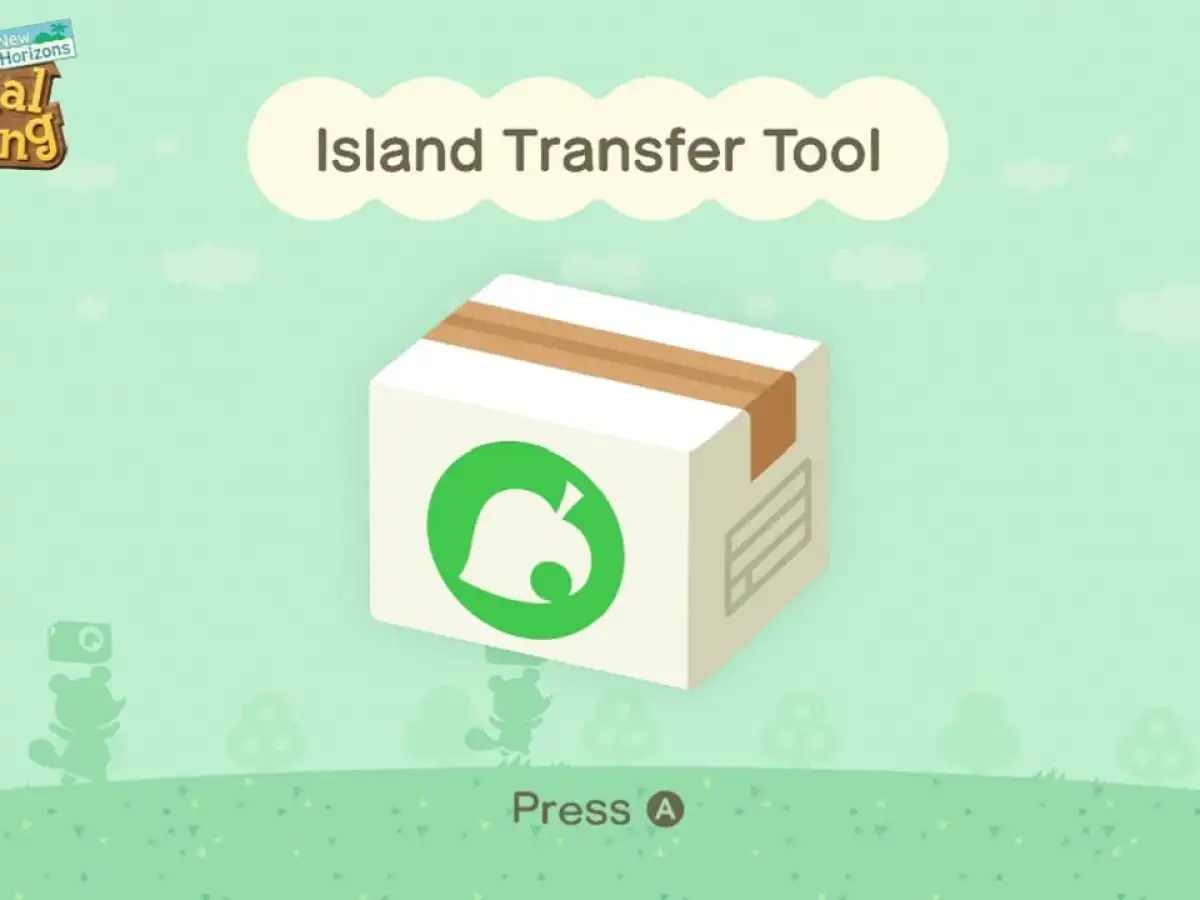
Yes, you can move your Animal Crossing: New Horizons island to Nintendo Switch 2. If the Switch 2 is replacing your old Switch, run Nintendo's full system transfer: it brings the island, its residents and its save data with it, so you don't need the Island Transfer Tool as well. If the Switch 2 is already set up, or you're keeping the old Switch, use the free Island Transfer Tool on both consoles instead. It moves the island and removes it from the old console.
Choose the route before touching the save
Nintendo's current support guidance separates a replacement-console move from a manual island move. When a Switch 2 replaces the old Switch, the Switch-to-Switch 2 system-transfer process moves the Animal Crossing save together with the users and other save data. Treat this as one transfer, not two. After the system transfer, start the game on Switch 2 and check that the familiar island appears before you erase, sell or give away the old hardware.
Use the Island Transfer Tool when the target Switch 2 has already been configured and still needs the island, or when both consoles will continue to be used. That route moves the entire island and all residents, then deletes the island save from the source system. It is a move, not a copy. The target cannot already hold Animal Crossing save data for the transfer to complete, so stop and decide which island should remain there before deleting anything. A target island removed to make room cannot be recovered by this process.
Pick the safe route
- Replacing old Switch
- Use the Switch-to-Switch 2 system transfer
- Keeping both consoles
- Use Island Transfer Tool on both systems
- Target has an island
- Resolve that save before a manual transfer
- Old console unavailable
- Use island-backup recovery only if it was enabled
Use system transfer for a replacement Switch 2
For a straight replacement, follow Nintendo's Switch-to-Switch 2 system-transfer prompts with both consoles available. Keep every household user who plays on the island in the plan, rather than transferring only the account that bought the game. Nintendo says the Animal Crossing save is included in this route alongside the source system's users and other save data. The practical precaution is simple: keep both consoles powered, nearby and charged until the transfer reports completion. Do not begin a new Animal Crossing island on the target while the migration is still unfinished.
Once the transfer is done, install or open Animal Crossing on Switch 2 and confirm the title screen and resident data match the old console. If the household owns Happy Home Paradise, download the DLC on the target before expecting its content to be available; Nintendo says its save data transfers, but the DLC still needs to be present. If the island is visible, there is no reason to download the Island Transfer Tool merely to repeat the move. That extra attempt risks creating confusion around which console currently holds the only working island.
Use the Island Transfer Tool on an existing target
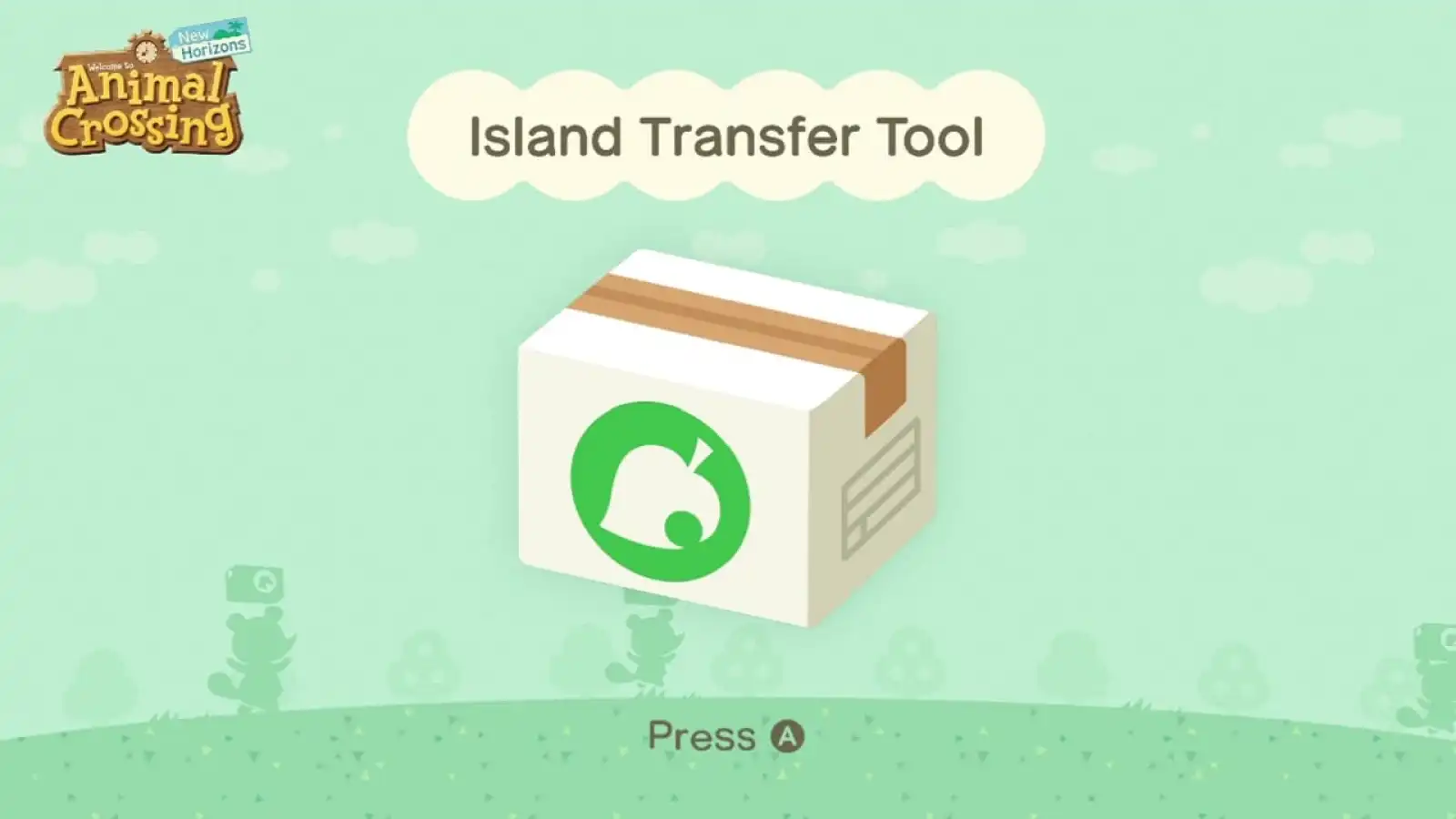
For the manual route, first make sure both consoles have Animal Crossing installed and updated. Turn off Airplane Mode, or enable Wi-Fi while it is on, because the transfer needs local wireless communication. On the target, remove any existing Animal Crossing save data only after confirming it is not an island you intend to retain. Download Nintendo's free Island Transfer Tool on both consoles. The store listing confirms that the tool supports Switch 2, and Nintendo's support steps require the source and target systems to be available at the same time.
Open the tool on both machines, select Continue and then Let's Begin. On the old console choose Source and confirm the displayed island or console nickname; on Switch 2 choose Target. When the systems find each other, choose Transfer data on the source and Proceed on the target. Wait for the completion message on both screens, then launch the game on Switch 2. Nintendo's order matters because the source save is deleted only as the transfer completes. Avoid experimenting with the game or creating a resident on the target mid-process.
- Update Animal Crossing on both systems and enable their local wireless connection.
- Confirm the target has no Animal Crossing island you need to keep.
- Install and open the Island Transfer Tool on both consoles.
- Choose Source on the old Switch, Target on Switch 2, then confirm the detected consoles.
- Wait for completion on both screens and verify the island in the game on Switch 2.
Do not use a full move for one departing resident
A full-island transfer is wrong if just one player is leaving a shared island. Nintendo provides an in-game resident move instead: on the source console, another player opens the title-screen Settings with the minus button and chooses Move to a new island, then Move another resident. The resident being moved must already have a house. On the target console, the transferred user starts the game and follows Timmy and Tommy's moving prompts. This leaves the original island and its resident representative where they are.
The island representative cannot use that individual-resident route, and the destination cannot already have eight residents. Use the whole-island route if the representative must move. If the original console is lost, stolen or has failed, neither direct route can work because both systems are required. Island backup is not a normal migration service: Nintendo says it must have been enabled before the loss, requires a replacement console and is tied to the island rather than a Nintendo Account. In that situation, use Nintendo's restore instructions or support instead of creating a fresh island and hoping it will merge later.
The no-surprises transfer
- New Switch 2 replacing old
- Use the system transfer and let it carry the island.
- Two active consoles
- Use the Island Transfer Tool on both machines.
- One moving player
- Use the in-game resident move, unless they are the representative.
Verify the island on Switch 2 before wiping, selling or handing over the old console.
Sources
Where this story comes from, and where you can check it.
Official sources
- Nintendo SupportHow to Transfer an Island to Another Nintendo Switch 2 or Nintendo Switch System (Animal Crossing: New Horizons) ↗
- Nintendo SupportHow to Back Up and Restore Island Save Data (Animal Crossing: New Horizons) ↗
- NintendoAnimal Crossing: New Horizons Island Transfer Tool for Nintendo Switch ↗