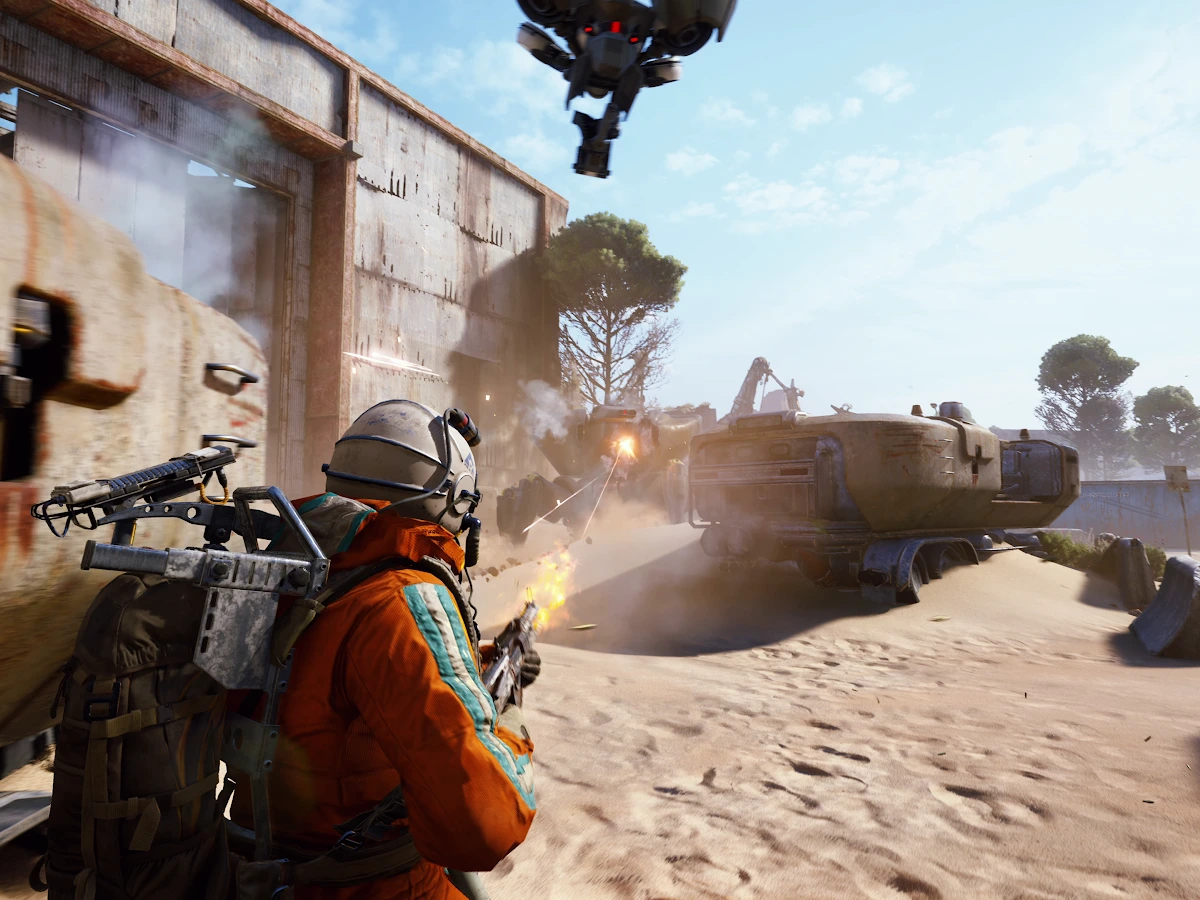
If ARC Raiders keeps crashing on Xbox Series X or Series S, fully quit the game and install the latest update before your next raid. Embark's 5 November 2026 hotfix, 2.4.1, fixes several causes of Xbox crashes. Start there if the game freezes or drops you back to the dashboard. If it happens again after a fresh launch, note whether the game closes, displays a connection error or takes the whole console down.
Close the game and check for the update
Wait until you're out of a raid before quitting. Press the Xbox button to open the guide, highlight ARC Raiders, press the Menu button and select Quit. If the crash already closed the game, go straight to the update check. On your console, open My games & apps > Manage > Updates. Select ARC Raiders if it appears and wait for the installation to finish before opening the game again.
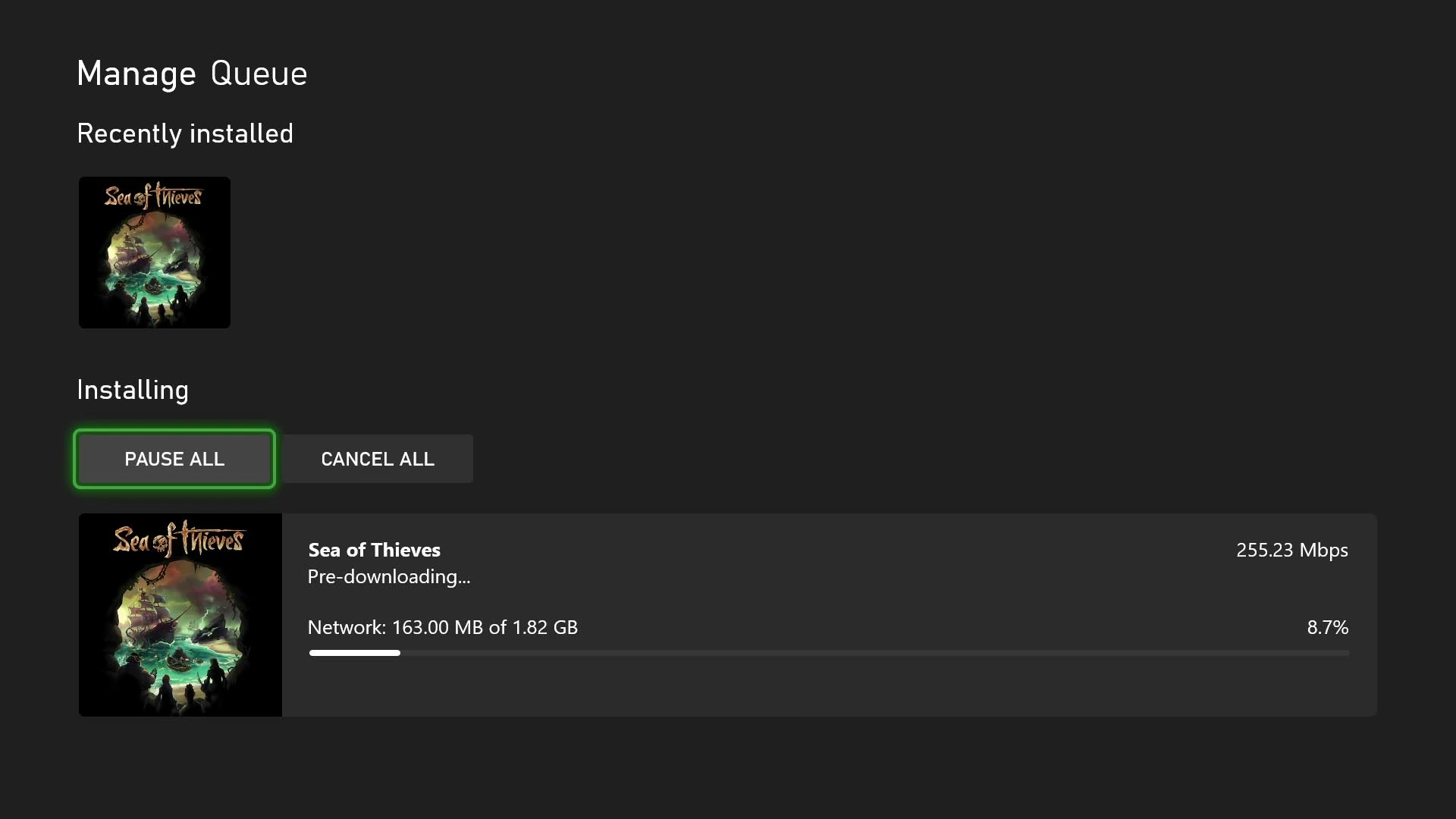
If the game is already updating, check the queue for progress. If there's nothing queued or listed under Updates, launch ARC Raiders afresh and accept any update prompt. Embark's 10 November store update, 2.5.0, added Vanguard outfit colours and required no restart. The Xbox crash fixes came in the earlier 2.4.1 hotfix, so use the current download the console offers instead of looking for a separate 2.4.1 package.
Check what happens on a fresh launch
Load into Speranza first. If you used to crash at the menu or when loading in, see whether you can get past that point and stay in the game. For a crash that only happened in a raid, use a loadout you can afford to lose on your next run. Check the point where the game normally dropped you. Reaching the lobby is a useful first check, while a raid crash needs a check in a raid.
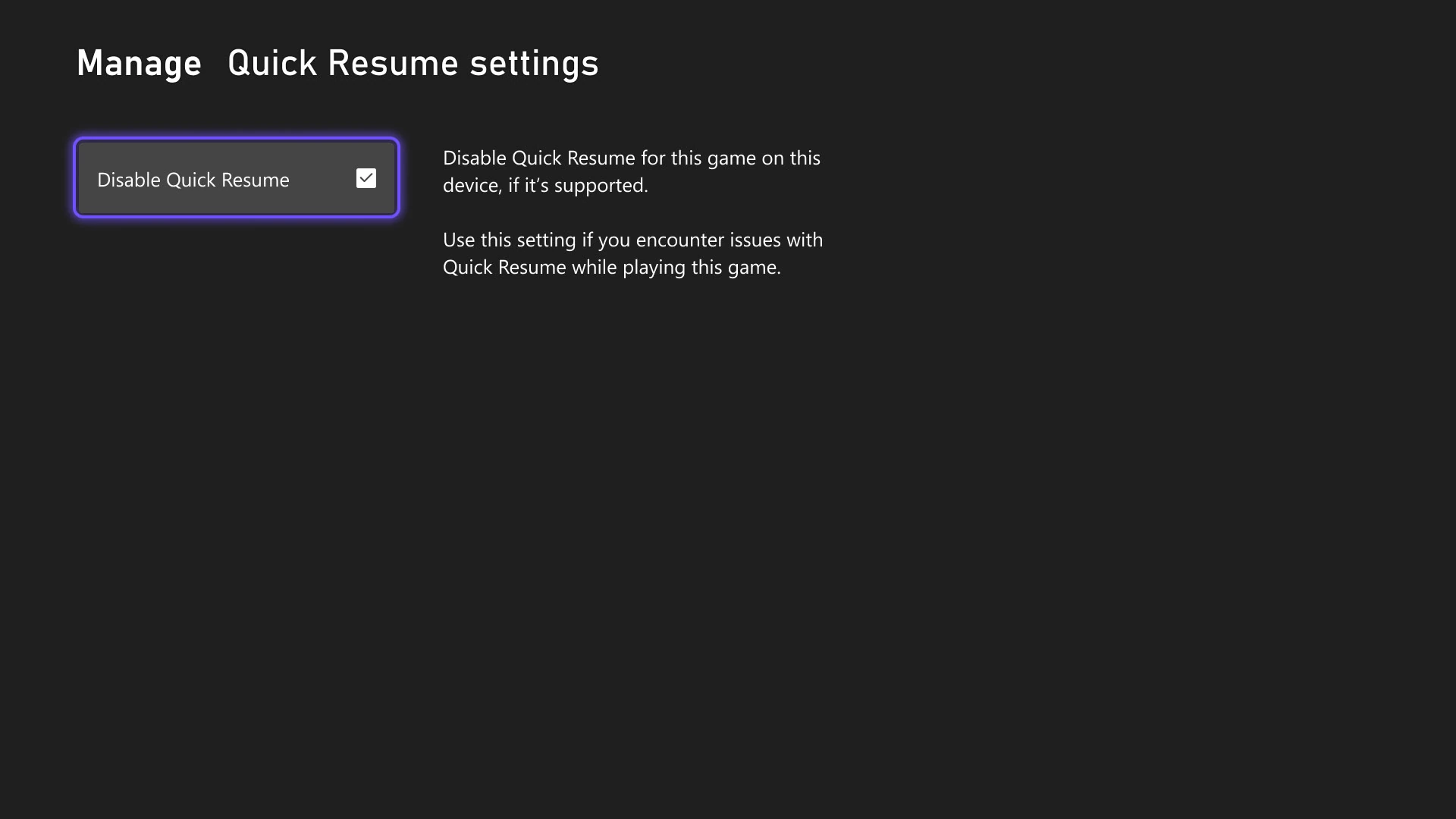
If the crash only happens when returning to a suspended session, try one fresh launch with Quick Resume disabled for ARC Raiders, if the setting is available for the game. Open Manage game and add-ons > Quick Resume settings from the game tile and choose Disable Quick Resume. This checks whether the problem follows a resumed session. Clear the checkbox afterwards if it made no difference and you want to restore the previous behaviour.
Use the symptom to choose your next check
If the game stays open and shows a connection error, write down the message. Press the Xbox button, then go to Profile & system > Settings > General > Network settings > Test network connection. A failed check gives you a connection issue to investigate. If the Xbox itself powers off or shows a ventilation warning when it restarts, stop retrying the raid and use Xbox Support's console troubleshooting.
Report a repeat crash
If the updated game keeps closing to the dashboard, report the crash through the ARC Raiders Help Center. Include your console model, when the crash happened, whether you had just launched or resumed the game, and what you were doing at the time. For a crash during a raid, add the map and what happened just before the game closed. Say whether it happened before or after you installed the update. If you saw the same crash in two sessions, include both times and note whether you were solo or in a squad. Leave your saved data in place while you follow up with support.
Once you can stay in the game through the point where it used to crash, check what you have equipped before taking your usual kit back into a raid. If your gear is worn, you can check whether a weapon upgrade will restore durability before you spend materials on a repair. If you are checking a repeat crash, keep any changes to your loadout separate from the fresh-launch test so you can describe the conditions you played under.
Sources
Where this story comes from, and where you can check it.
Official sources
- Embark StudiosHotfix 2.4.1 ↗
- Embark StudiosStore Update 2.5.0 ↗
- Xbox WireXbox September Update - Game Bar Compact Mode Now Available, Updates for Xbox App on Mobile Coming Soon, and More ↗
- Xbox WireApril Xbox Update: Customize Your Console, Manually Add Your Favorite Games on PC, and More ↗
- Techland SupportClose the game when you finish playing ↗
- Embark StudiosTroubleshooting Connection Issues - Console ↗
- Embark StudiosARC Raiders Help Center ↗