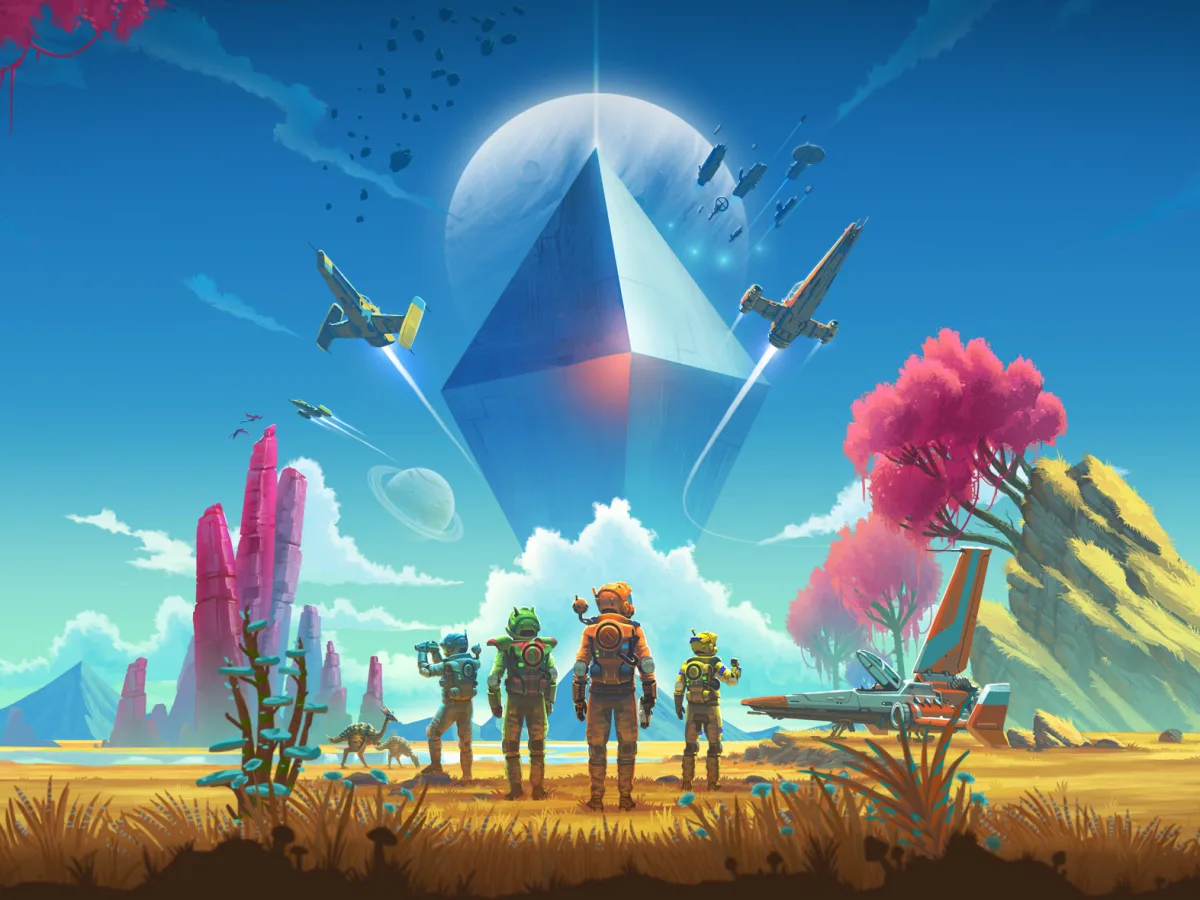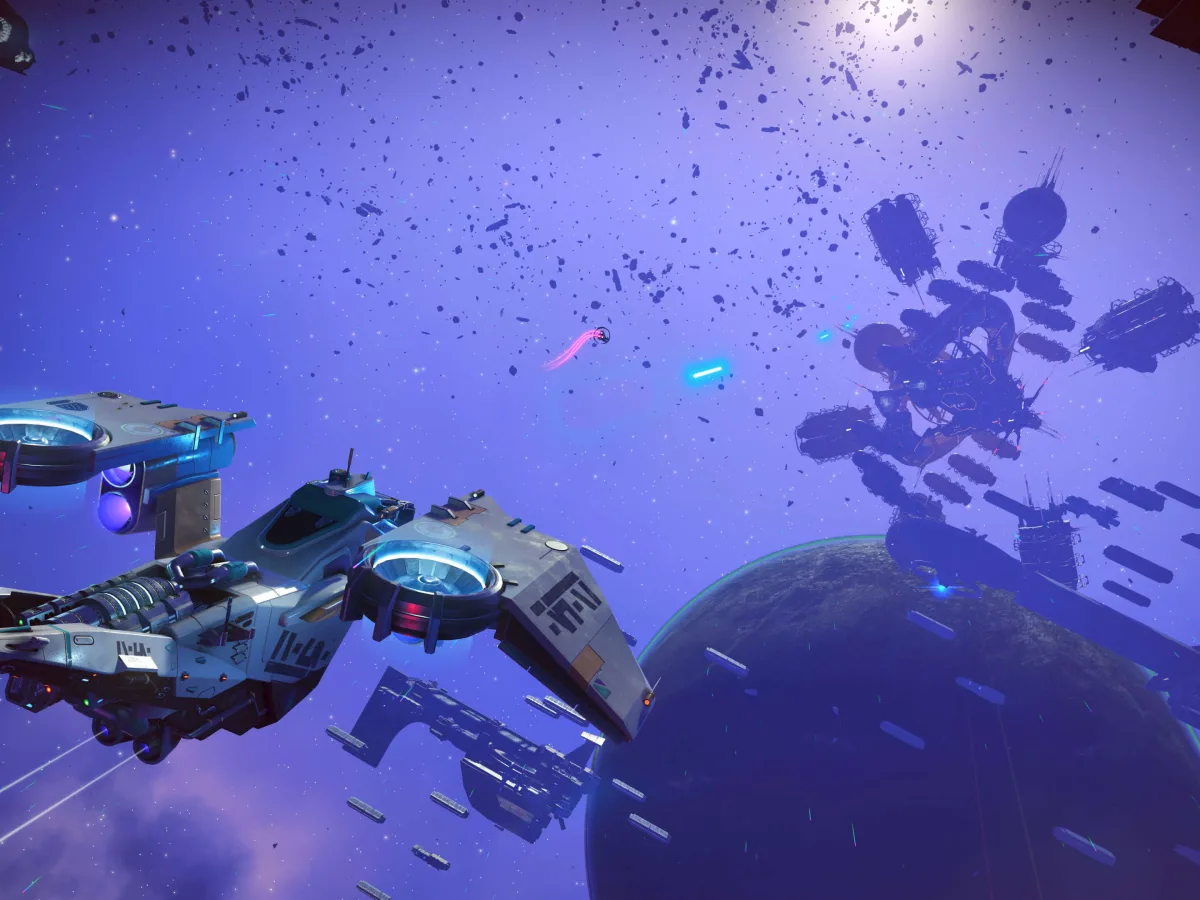
To unlock the star system map in No Man's Sky Cosmos, reach the Space Anomaly for the first time on your save, then follow the short Signals mission that introduces it. After that, open the map from the Quick Menu whenever you're in a star system. It shows the system's planets, its space station, deep-space points of interest and unidentified signals. Mark one destination and your ship's navigation guides you there. The map arrived in the free Cosmos Update 7.0 on PC, PlayStation, Xbox and Nintendo Switch.
Reach the Space Anomaly before looking for the map
First make sure No Man's Sky is running the free Cosmos Update 7.0. The map is part of that update, not a separate purchase. If you have not visited the Space Anomaly on the save you want to use, continue the early game until you reach it for the first time. Hello Games specifically places that milestone before the new deep-space points of interest start appearing on the local system map. A completed campaign, a Corvette or a player-owned space station is not listed as a requirement for the map itself.
After that first Anomaly visit, look for the light tutorial mission called Signals. Hello Games says Signals introduces the star system map and navigation around deep-space points of interest. Follow its prompts; you don't need a station-directorship task. Reaching the Anomaly is the only condition in the update notes, so there's nothing to buy. If the map still isn't there after your first visit, check your mission log for Signals.
Open the local map and mark one destination
Once the feature is available, open the Quick Menu while you are in a star system and choose the local star system map. It is a map of the current system, not the Galaxy Map used for travelling between systems. Hello Games says it displays local celestial bodies, the system's space station and other deep-space points of interest. That makes it useful for choosing a nearby route without relying only on cockpit markers. The same update adds locations including asteroid belts, outposts, hulks, debris fields and platforms, but the map only shows what the save has discovered or can currently identify.
Move the selection to a planet, point of interest or unidentified signal you want to visit, then mark it. Hello Games says marking any planet or point of interest enables starship navigational assistance, so use it as a single-route planning tool before taking off. Marking a location only sets your ship's navigation: it doesn't complete the activity there or make the area any safer. If you are deciding between several targets, mark the one you can actually reach and reassess after arrival instead of assuming the map creates a permanent queue of objectives.
Use the map to choose an activity, not to skip preparation
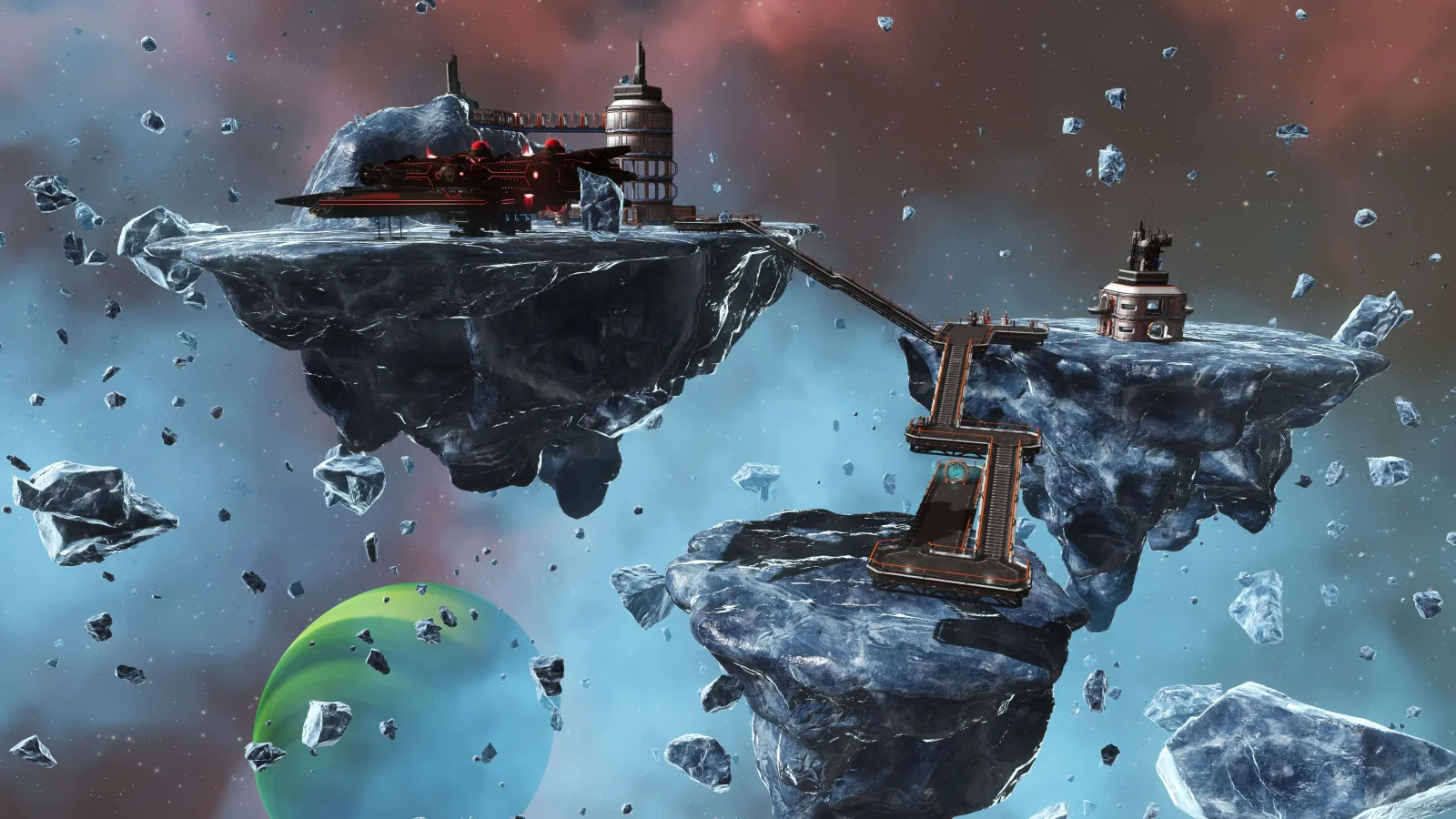
The new markers can lead to profitable work, but their requirements differ. Hello Games says deep-space outposts can process raw materials and offer contracts through a salvage and delivery terminal, while their quartermasters trade maps and salvaged materials. Hulks can contain valuable cargo but are volatile if their structural integrity is disrupted. The update's detailed notes recommend a Gravitino Coil and a Corvette-class ship with a Tractor Beam for hauling physical salvage, yet those are preparation for salvage runs, not prerequisites for opening the system map. Start with a simple marked destination if you only want to confirm that map navigation is working.
Cosmos also lets qualified players become space-station directors, decorate stations and form alliances, but those systems sit beyond the map's initial unlock. Directorship means proving yourself to local authorities first, and it's a separate goal from the map, which opens after the Space Anomaly and Signals. For a first try, open the Quick Menu, look over the current system, mark one reachable point and follow your ship's guidance there.
Cosmos map checklist
- Required update
- No Man's Sky Cosmos Update 7.0
- Unlock condition
- Reach the Space Anomaly once on that save
- Introduction
- Follow the Signals tutorial mission
- Where to open it
- Quick Menu while in a star system
Mark a planet or point of interest to turn the map choice into starship navigational guidance.
Sources
Where this story comes from, and where you can check it.
Official sources
- Hello GamesCosmos: Introducing Update 7.0 ↗
- PlayStation.BlogIntroducing No Man's Sky: Cosmos update, live on PS5 today ↗