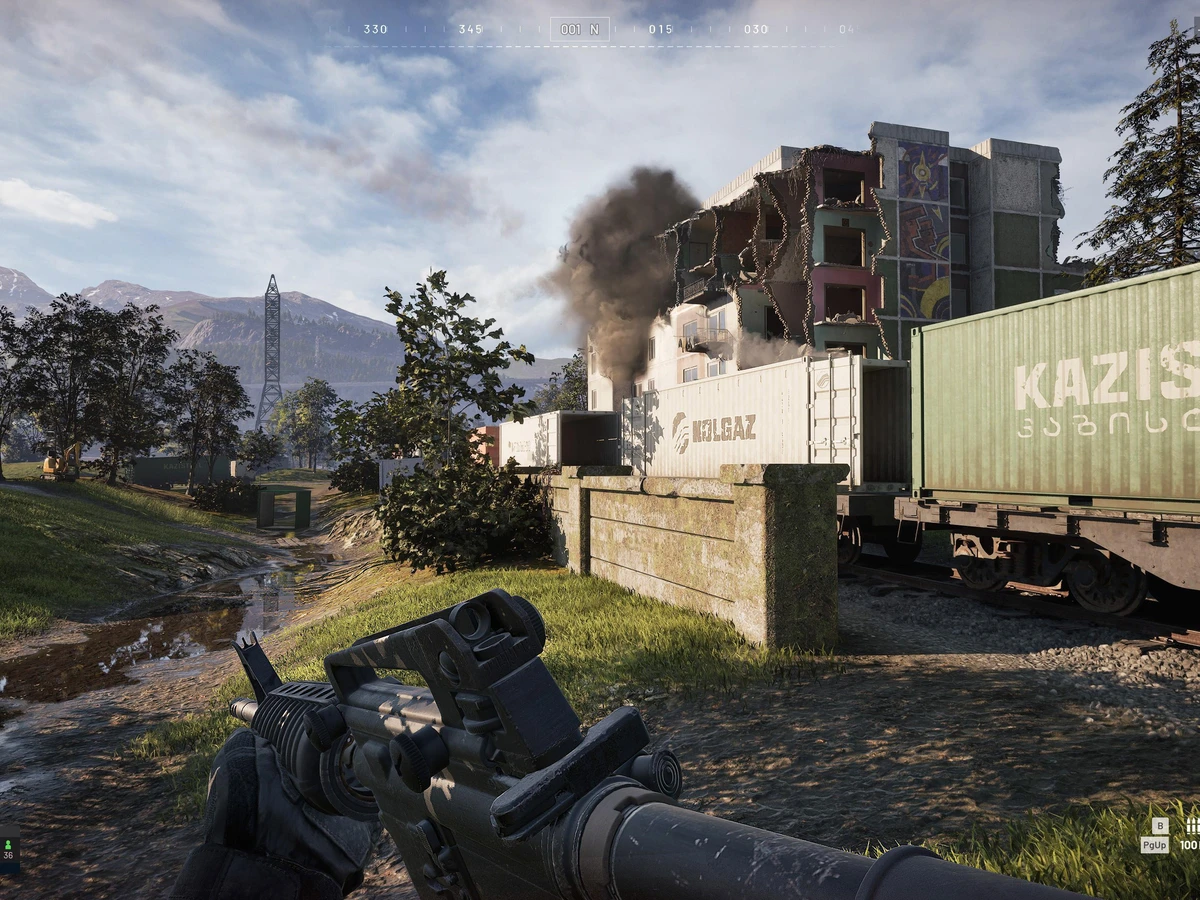
To find WARDOGS servers, select DEPLOY and choose Official, Community, Infantry Mode or Low-Level. Check the browser's filters and region selection if the list looks empty; an empty list alone does not confirm an outage. This covers the PC Early Access browser flow introduced in Update 0.1.2 on 30 September 2026, checked on 10 October.
Choose the list that fits your match
Official and Community are separate browsers. The Infantry Mode and Low-Level choices direct players towards community servers running those modifiers. BULKHEAD's update notes do not specify a universal Low-Level level cap, so do not assume a particular account level guarantees entry. For a regular community match, begin with Community; use the modifier choices when you specifically want those server types.
Before joining a community, check its rules. BULKHEAD's Security & Enforcement policy says these servers are operated by their owners, who can kick or ban players from their own server. Those decisions apply to that server, and BULKHEAD cannot overturn them. Choosing a community therefore includes choosing its administration, rather than simply choosing a different server name.
Check filters before deciding servers are missing
In the Community browser, use text search to find the name you were given. Patch 0.11 added that search, more reliable community filtering and Show Empty/Full controls in the quick bar. If your search produces nothing, remove the name restriction and review those controls before concluding that the community has disappeared. A list hiding empty or full servers is only a subset of the available entries.
For Official servers, Advanced Filters returned in Update 0.1.2. Instructions saying Official filtering was removed describe September's earlier patch. Region select also shows the number of regions selected. Review that selection when looking for a particular region; the count does not tell you which datacentre hosts a match. The cited browser notes do not establish a complete current region list, city locations or a guaranteed local server supply.
Use the server's identity and joining feedback
Patch 0.11 made community server IDs persist through map changes and restarts, and explicitly allows joining by ID. If a community provides its ID, use that identity to distinguish it from similarly named entries. The patch notes do not document the exact ID-entry button label, so this guide does not supply a guessed menu path. A server retaining its ID does not promise that it stays online continuously.
Hover over a long server name to see it in full. Click Join and watch for the connecting feedback, followed by your queue position if there is a queue. These are the documented checks that the client has moved beyond browsing; a queue position is not confirmation that you have entered the match. Anonymous and Streamer modes can hide the server name during loading, so that missing name is not, by itself, evidence that you selected the wrong server.
Separate an empty browser from a service outage
If broader filters still produce no suitable entry, check BULKHEAD's latest official announcements on Steam before treating the problem as a local installation fault. Its September update announcement explicitly scheduled service downtime; that old maintenance window is not evidence of an outage today. This guide does not provide a live service-status check or a verified repair for every empty-browser result.
PC Gamer's 15 September report described populated official and community lists, but its observation cannot establish today's availability. Keep the distinction when asking for help: no entries, a connecting message and a queue position are different failure stages. Record the chosen browser, region selection, filters and any error text so your report describes what the client actually showed.
Know who handles a server restriction
Community play uses the same online anti-cheat policy as official play. If one community has banned you, contact its administrators about that decision. A suspension or permanent ban imposed by BULKHEAD instead blocks online access across servers. Switching browser categories cannot remove it.
For cheating or abuse during a match, the official Player Safety page directs you to the in-game report feature: select the player, choose the reason and add useful details such as the server name and approximate time. Reports reach BULKHEAD on community servers too. Community moderation supplements that reporting route; it does not replace it.
Sources
Where this story comes from, and where you can check it.
Official sources
- BULKHEAD on SteamWARDOGS | Update 0.1.2 (Minor Patch) ↗
- BULKHEAD on SteamSCHEDULED MAINTENANCE & PATCH 0.11 ↗
- BULKHEADSECURITY & ENFORCEMENT ↗
- BULKHEADWARDOGS PLAYER SAFETY ↗