To unlock ranked in Dota 2, complete 100 hours of normal match play and associate a qualifying phone number with your Dota account. Check any behaviour or matchmaking restriction separately: meeting the playtime requirement does not clear a penalty.
This covers the Windows, Mac and Linux game through patch 7.41f, released on 15 September 2026, including the ranked changes in Summer Scrub on 30 July. Start with the requirement shown when you try to enter Ranked, then follow the matching step below.
Finish the match-play requirement
Build your 100 hours by playing normal matches. The requirement measures time spent playing matches, so use the eligibility information inside Dota rather than treating Steam's overall hours as a completed checklist. Keep playing normal matches while the ranked playtime requirement remains unfinished.
You are working towards a time requirement, rather than a fixed number of wins or matches. A short game and a long game therefore contribute different amounts of playtime. Use normal matchmaking for this route instead of assuming that time in menus, watching games or practising alone completes the requirement.
Associate your phone inside Dota
Add a qualifying phone number to the Steam account you use for Dota. Once your Dota account is eligible, open the ranked find-match window and select Associate Phone With Dota. That registers your Steam account's number with Dota; adding it to Steam and associating it with Dota are separate actions.
Use a real qualifying number. Online virtual-number services, including popular VoIP providers, are excluded. The Steam Guard Mobile Authenticator is optional for this requirement, although keeping it enabled protects your account.
Before removing an existing association, check the consequence: the removed number enters a three-month waiting period before reuse. You can add a different number immediately. One number can belong to only one Dota account at a time. To manage an existing association, open Settings, then Account. Avoid repeatedly removing a working number as a troubleshooting experiment.
Choose roles in the current ranked menu
Return to the Ranked Play tab after completing the account requirements. First-time ranked unlocks now grant five role queue tokens. Keep that token balance separate from the 100-hour access requirement: it belongs to choosing roles once you have reached ranked play.
When the tokens run out, the Ranked Play tab offers Automatically select all roles when no Role Queue Tokens available. Enable it if you are happy to queue with every role selected. It starts switched off. Be ready to play the role you receive, rather than selecting broadly and expecting your preferred position regardless.
Returning players should use the current choices. Summer Scrub removed Ranked Classic and Random Draft from ranked modes, so an older instruction to switch to Classic no longer matches the menu.
Clear the restriction your account shows
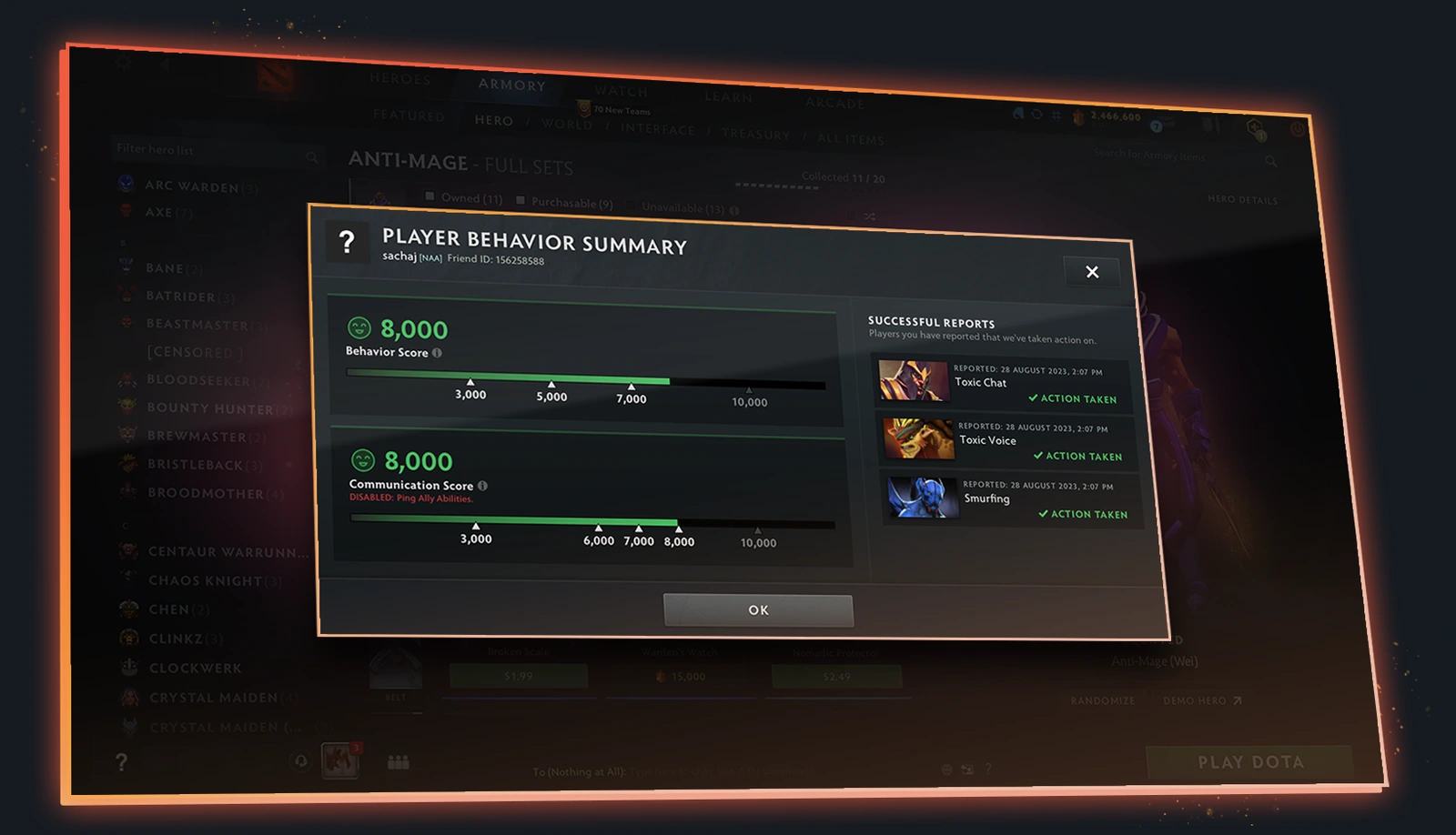
If ranked remains blocked, check your Player Behavior Summary and any active matchmaking notice. Behaviour score can restrict access to ranked play. Communication score controls a different set of features, including text and voice chat, so a communication restriction needs to be read separately from ranked eligibility.
For Low Priority, play Single Draft and win the number of games assigned to your account. Wins clear this penalty; simply waiting or finishing more ordinary matches is not the removal route. Steam Support cannot remove or alter the penalty. Repeated offences can add further games or matchmaking restrictions.
Check your party too. Joining a player in Low Priority puts the group into that pool. Leave the group to check your own access separately, or help that player complete the required Single Draft wins. Address crashes or connection trouble before joining again if those problems are causing abandons.
Earn your medal after the queue opens
Once you can enter ranked matchmaking, play ranked matches to establish your rating. Calibration uses Rank Confidence rather than a fixed ten-game checklist. As you play, the system gathers more information about your skill; the number of matches needed can vary.
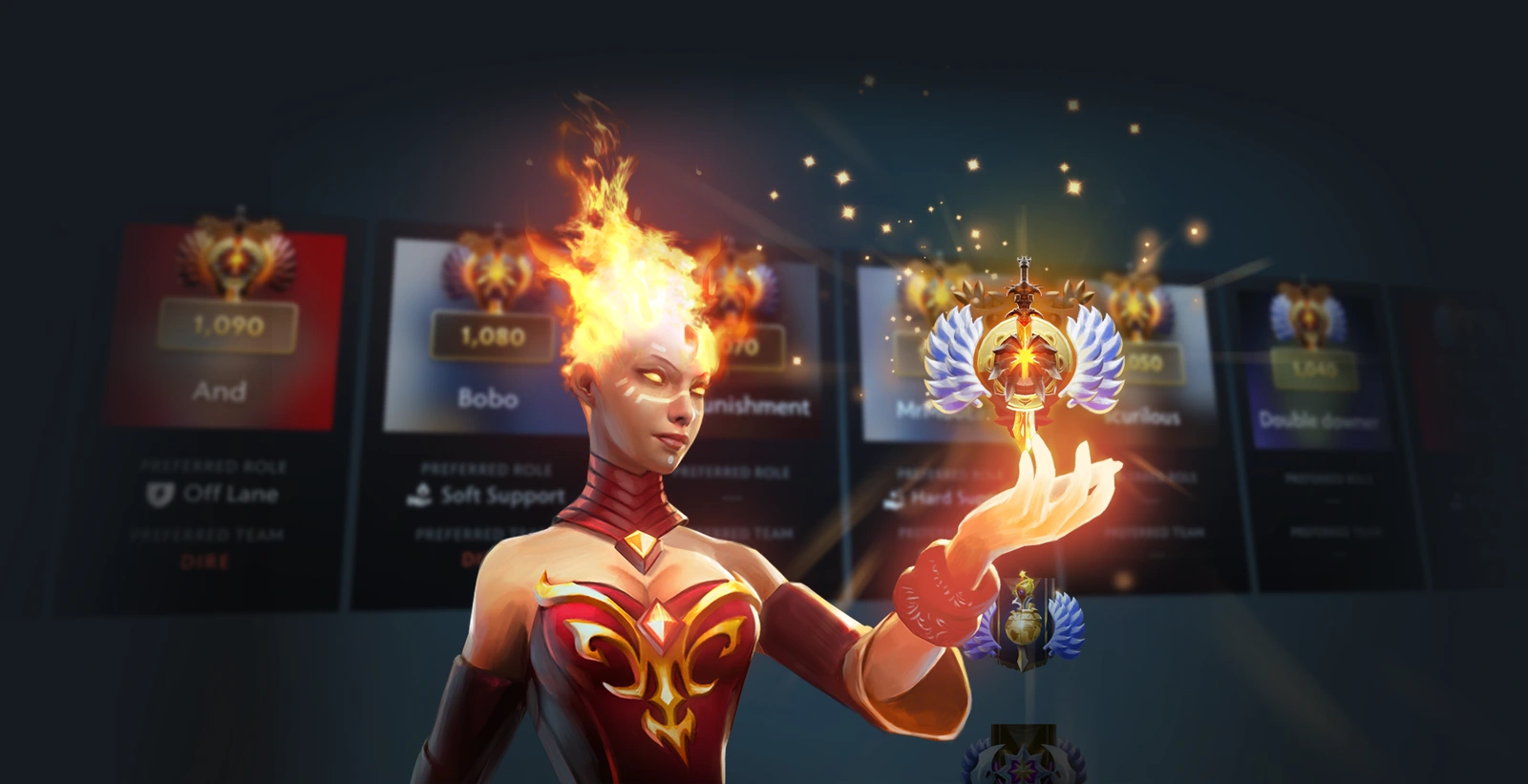
Keep the two stages separate: the 100 hours and phone association open access, while calibration establishes your visible rank. For an unresolved access error, keep the exact message, a screenshot, your completed playtime requirement and phone-association status for Steam Support. Record whether the problem happens alone or in a party.
Sources
Where this story comes from, and where you can check it.
Official sources
- Dota 2新开始,新征程:DOTA2全新天梯赛季提升匹配质量 ↗
- Steam SupportAdding a Phone Number to a Dota Account ↗
- Dota 2Summer Scrub 2026 ↗
- Dota 2The Summer Client Update ↗
- Steam SupportDota - Low Priority Matchmaking ↗
- Dota 2The New Frontiers Update ↗
- Dota 27.41f Gameplay Patch ↗
- SteamDota 2 ↗