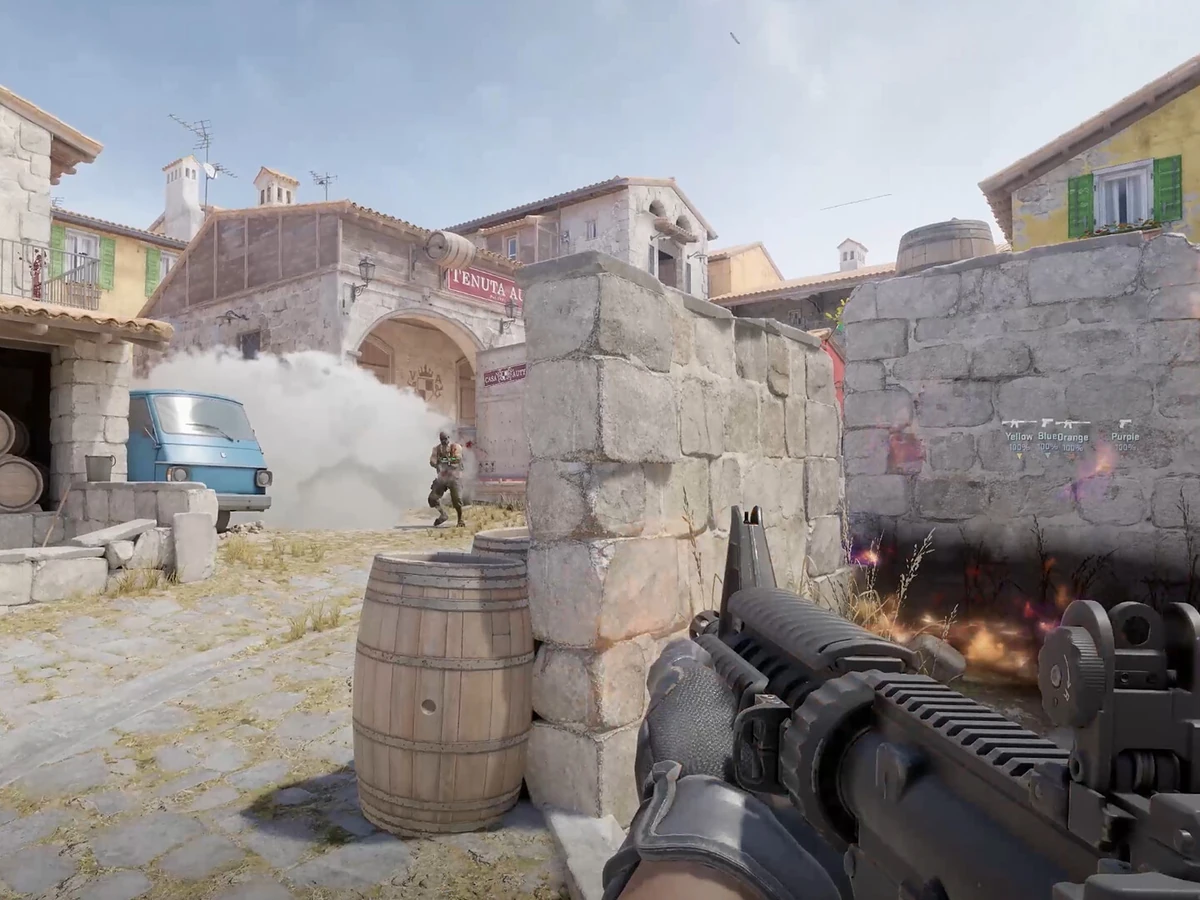
Hold your reload key to start a silent reload in Counter-Strike 2. With Toggle selected, release the key once the reload starts. The 28 October 2026 update added Toggle alongside Hold, and the 5 November update left those controls in place. The same inputs apply to the Windows and Linux versions on Steam.
Find Silent Reload Mode
Open Settings and select Keyboard / Mouse. In Keyboard & Mouse Settings, look just below Walk Mode for Silent Reload Mode. Choose Toggle if you want to release the key during the reload, or Hold if you want to keep the original input. If you use a custom reload key, check Reload under Weapon Keys on the same tab before you try it in a match.
Missing the setting? Check the Keyboard / Mouse tab first, then close CS2 and let Steam finish any queued game update before reopening it. Silent reloading itself arrived in September, so being able to do a quiet reload is an earlier feature. Seeing both Hold and Toggle in the drop-down is the check that you have the newer control.
Start quietly, then release or cancel
In Toggle mode, press and hold Reload until the quiet reload begins, then let go. The slow reload continues with your finger off the key. If you hear someone push while the reload is in progress and need your weapon ready sooner, tap Reload again to switch to the fast reload. A quick tap from the start is your regular reload input.
In Hold mode, keep Reload pressed while the silent reload runs. To go back to that behaviour after trying Toggle, choose Hold in the same drop-down. Practise with the same weapon and some reserve ammunition so you can see the difference: start the quiet reload in Toggle, release when it begins and watch the ammo counter refill when the reload finishes.
Check your reserve before reloading
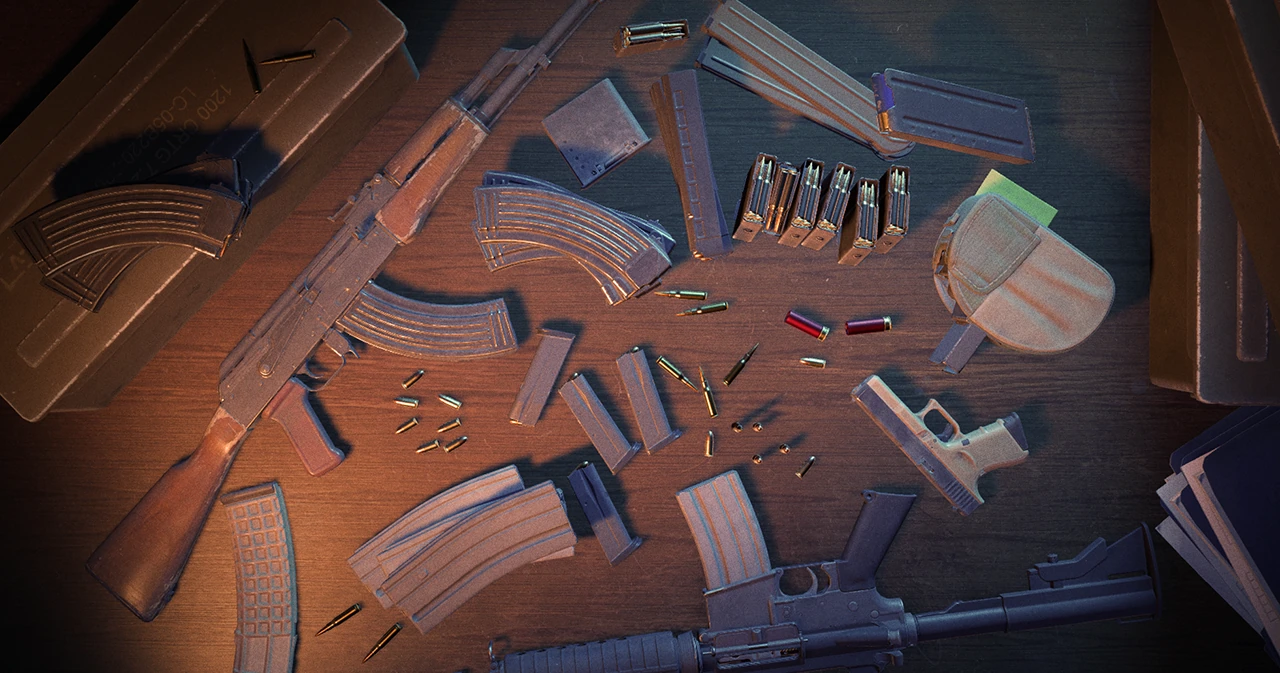
For a magazine-fed weapon, look at the current ammo and the magazines in reserve before pressing Reload. A reload replaces the current magazine and discards the rounds still in it. If you only fired a few shots and still have enough ammo for the next fight, you can keep the magazine you have and save the full one for later.
Give yourself time behind cover if you choose the quiet reload. Toggle frees up your reload finger, and the quieter animation still takes longer. If you need to be ready for an immediate peek, use the fast reload from cover. When practising, check the ammo counter before moving back into the open. If your practice session also feels choppy on a G-Sync display, check your CS2 frame cap and sync settings separately.
Sources
Where this story comes from, and where you can check it.
Official sources
- ValveCounter-Strike 2 Update ↗
- ValveRush Hour ↗
- ValveGuns, Guides, and Games ↗