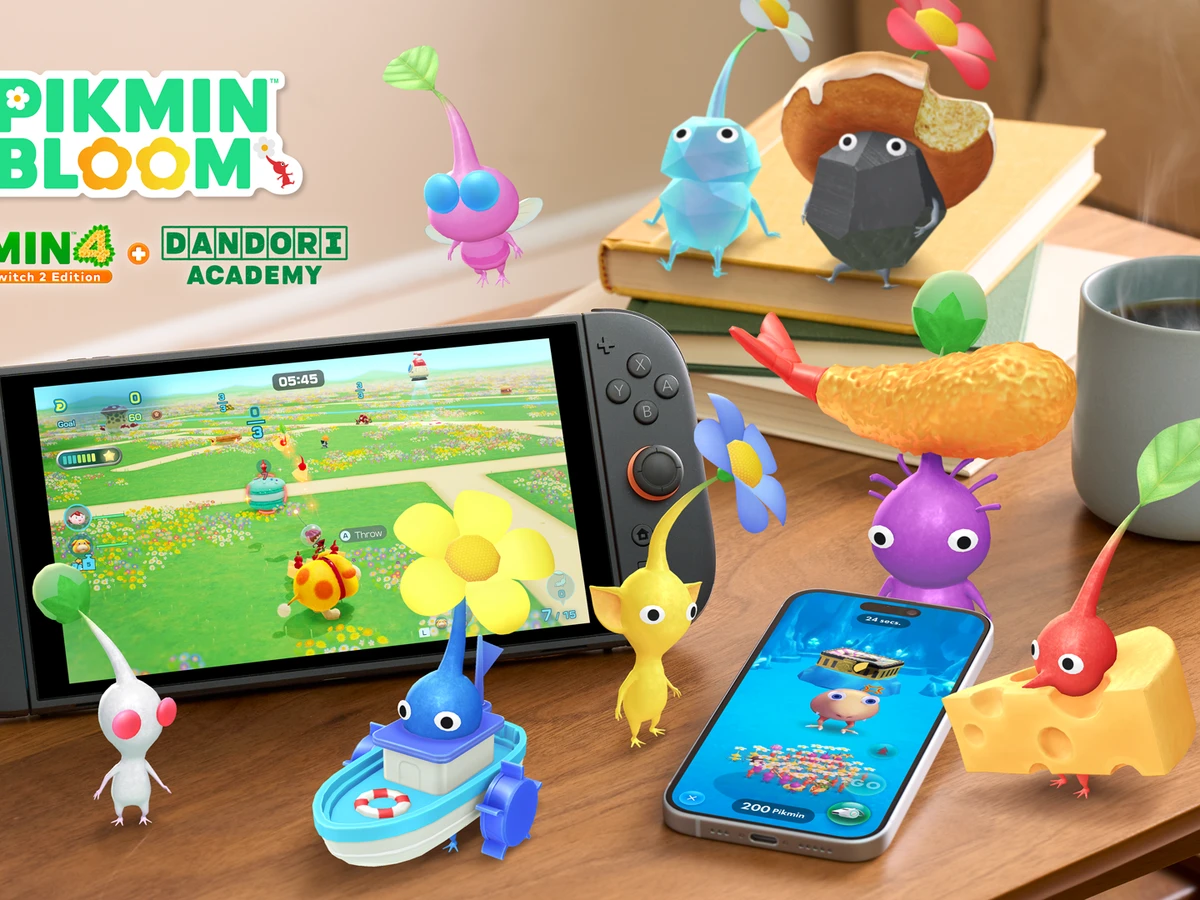
To get Pikmin Bloom rewards from Pikmin 4, earn a qualifying result on Switch 2, choose Send, then open Pikmin Bloom on your phone. Use the same Nintendo Account in both games. This covers Pikmin 4's Dandori Academy release on 12 November 2026 and the companion app on iOS and Android.
Check which account will receive the gifts
In Pikmin Bloom, go to Settings > Account and look for Nintendo under Login Account or Linked Accounts. Compare the email address there with the Nintendo Account attached to the Switch 2 user you play Pikmin 4 with. Check this before you send your results. Once a gift has gone to a Pikmin Bloom account, it stays with that account even if you later change the link.
Connect your Switch 2 and phone to the internet and update Pikmin Bloom through the App Store or Google Play. If you use a UK Nintendo Account and you're under 16, ask your parent or guardian to allow Pikmin Bloom to receive gameplay data through Linked Apps and Services in the Nintendo Account Family Group. Resend your results after permission is granted if you already earned a gift.
Pick a reward and earn it
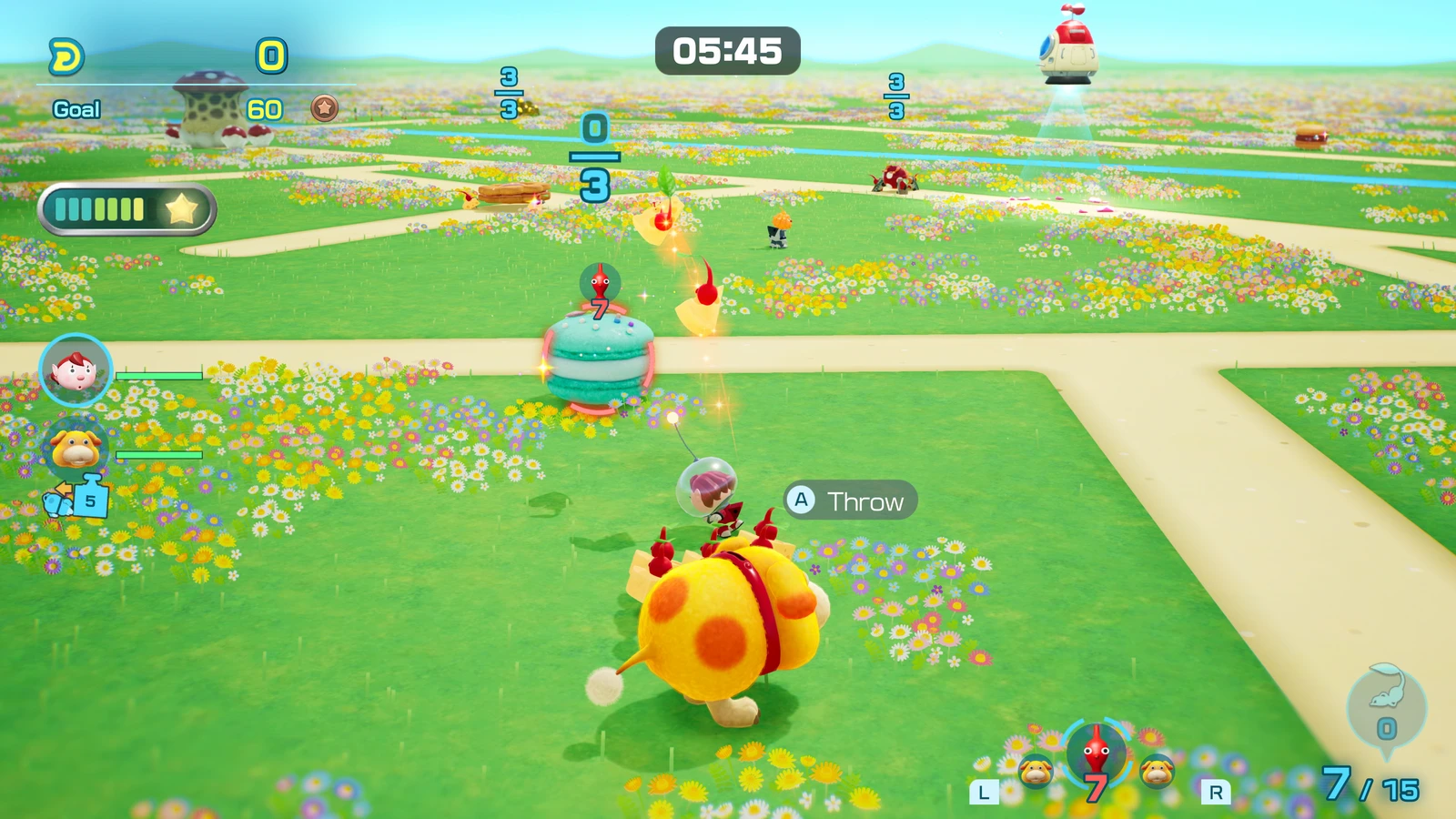
For the full game's Mushroom Mash postcard, take that course's exam in Dandori Academy. Use Practice to learn the course, then enter the exam itself during the regular Friday-to-Sunday exam window to qualify. In the Switch 2 demo, take the Mushroom Mash or Treat Transport exam for the demo postcard. That demo postcard is also available through the full game's Story Mode, so you can claim it once across those routes.
Full-game Dandori Points rewards
- 600 points
- A Cave Map for Secret Caves in Pikmin Bloom.
- 1,400 points
- One Oatchi-Rider Costume in green, orange, blue, purple or pink. Your colour choice is final.
- 2,500 points
- A special postcard.
To work towards the points rewards, take more Academy exams and improve your medals. A participation award is worth 30 points, bronze 50, silver 75 and gold 100. Platinum and Master both give the course maximum of 125. With six courses released each month, one month's courses can contribute up to 750 points. At the monthly maximum, you can reach the Cave Map in the first month, the costume in the second and the final postcard in the fourth. If you want the red costume, use Story Mode and view your exploration results for the first time on Day 2 or later. If you completed the demo and already collected the red costume in Bloom, check your gift history before replaying the story for it.
Send your results and check the gift
When Pikmin 4 prompts you to share your results, review the details and choose Send. Open Pikmin Bloom on the phone linked to that Nintendo Account to receive the gift. Go to Settings > Pikmin 4 Linked Gifts to check the item, quantity and date received. If your Cave Map appears there, you've collected it. You can use it once Secret Caves are available to you.
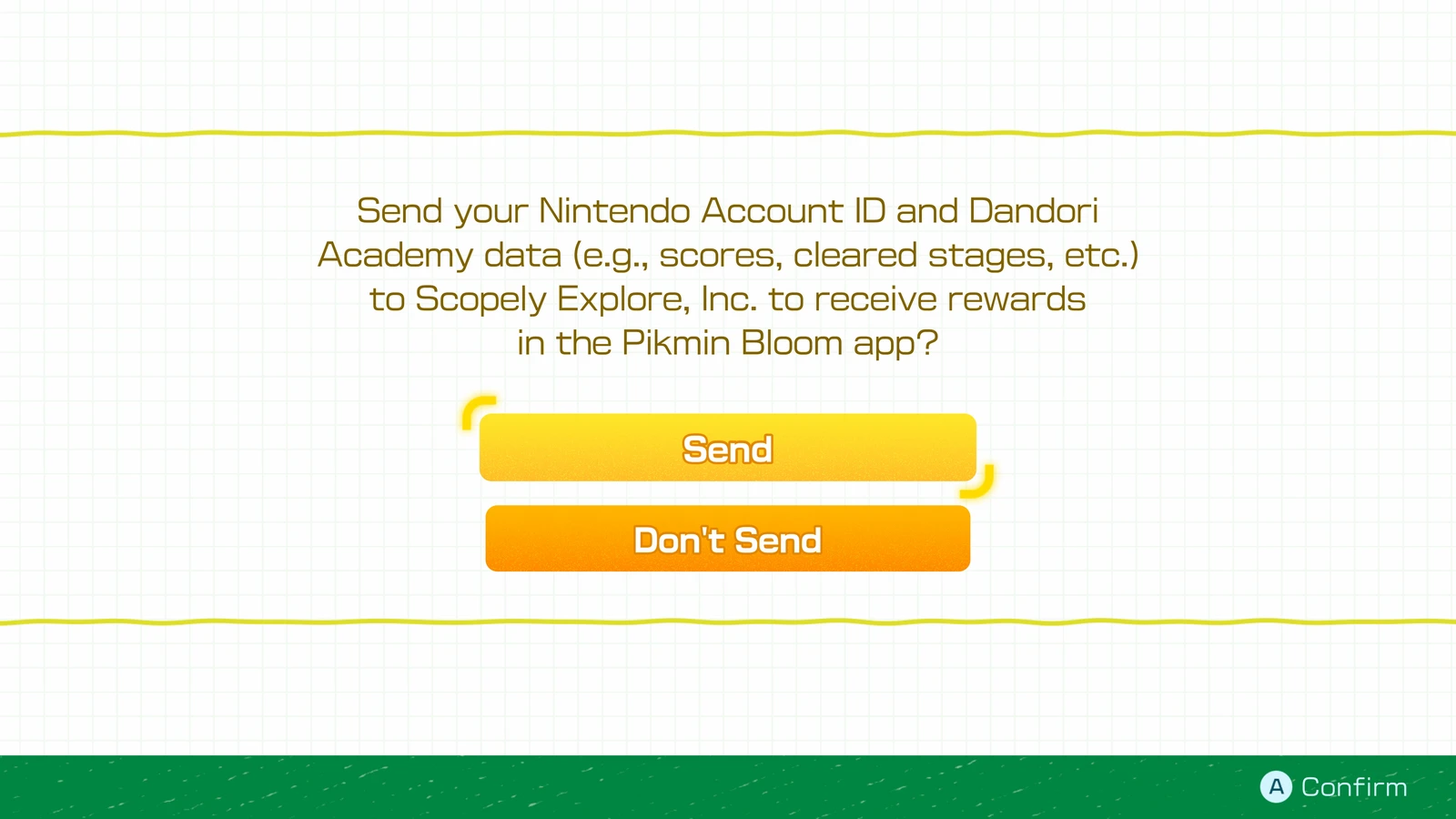
If you missed the prompt, press Minus in Pikmin 4 to open Options. Go to Settings > Dandori Academy Save Data and set Pikmin Bloom Gift to Send. If it already says Send and your connection dropped, switch it to Don't Send and back to Send while online. That retries the transfer for gifts you've earned so far. Reopen Pikmin Bloom and check Pikmin 4 Linked Gifts again.
If the account email differs and you need to change it, first link a second sign-in method in Pikmin Bloom under Settings > Account > Linked Accounts. Log out, sign back in with that second method, then unlink Nintendo in Linked Accounts. Select Nintendo again, choose Log in with a different Nintendo Account and link the account you use in Pikmin 4. Check the linked email before retrying the transfer.
Sources
Where this story comes from, and where you can check it.
Official sources
- Pikmin Bloom Help CenterHow to Receive the Nintendo Switch 2 Edition + Dandori Academy Linked Gifts in Pikmin Bloom ↗
- Pikmin BloomPikmin 4 Dandori Academy ↗