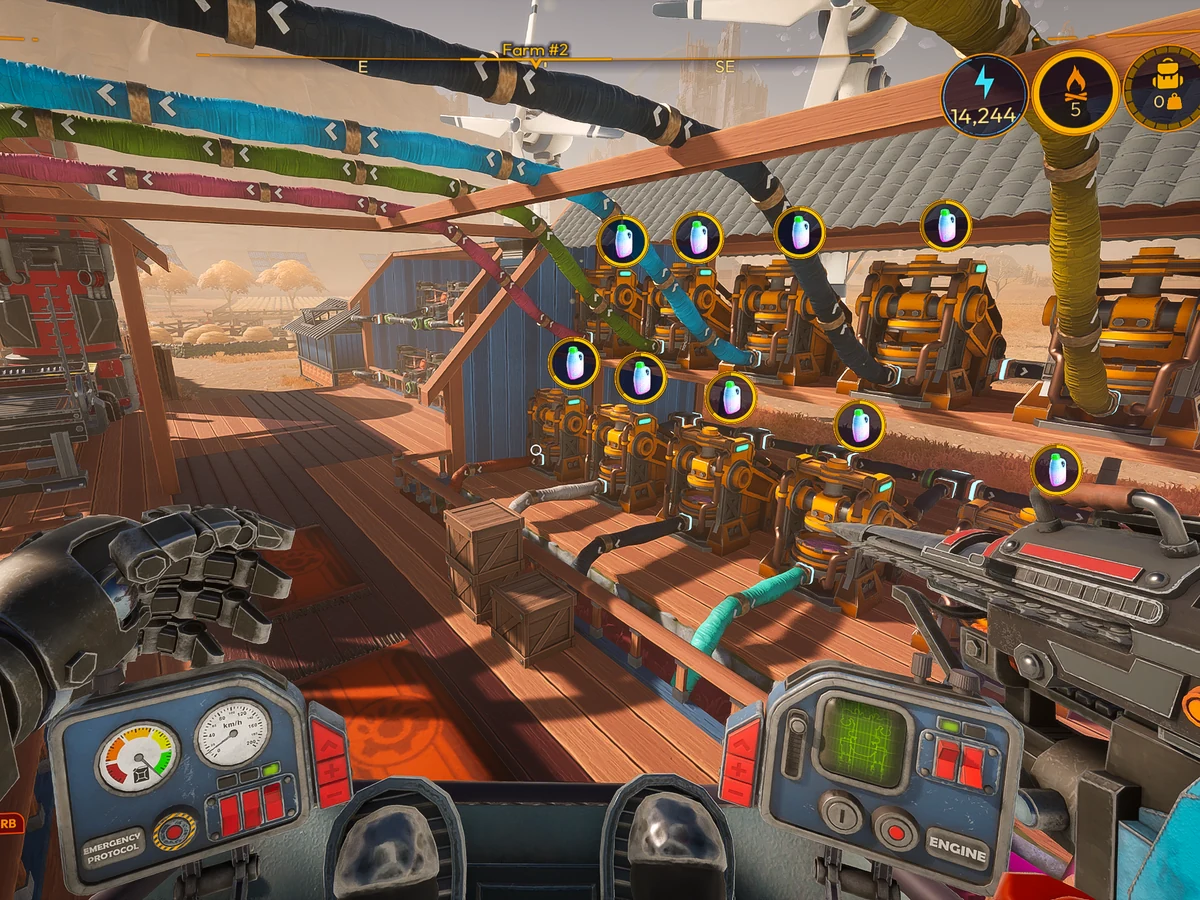
Connect a storage Output to a crafting machine's Input with an Automation Pipe and it can draw ingredients directly from the store. Automation starts at Milestone 4 in Lightyear Frontier 1.0, released on 4 November 2026 for PC and Xbox Series X|S. A single pipe makes the crate part of the workshop: what's in it, where it can go and how much Energy the line uses become decisions you can make as you build.
The crate joins the machinery
Hover over a storage building in the Build Menu to see its Inputs and Outputs. Storage Box II, Silo, Silo II, Small Shed and Storage Shed have Outputs in 1.0. Start with a store that has one, put the ingredients for a single unlocked recipe inside it and run an Automation Pipe from the store's Output to the crafting Construct's Input. Budget Energy for the pipe before you add more branches.
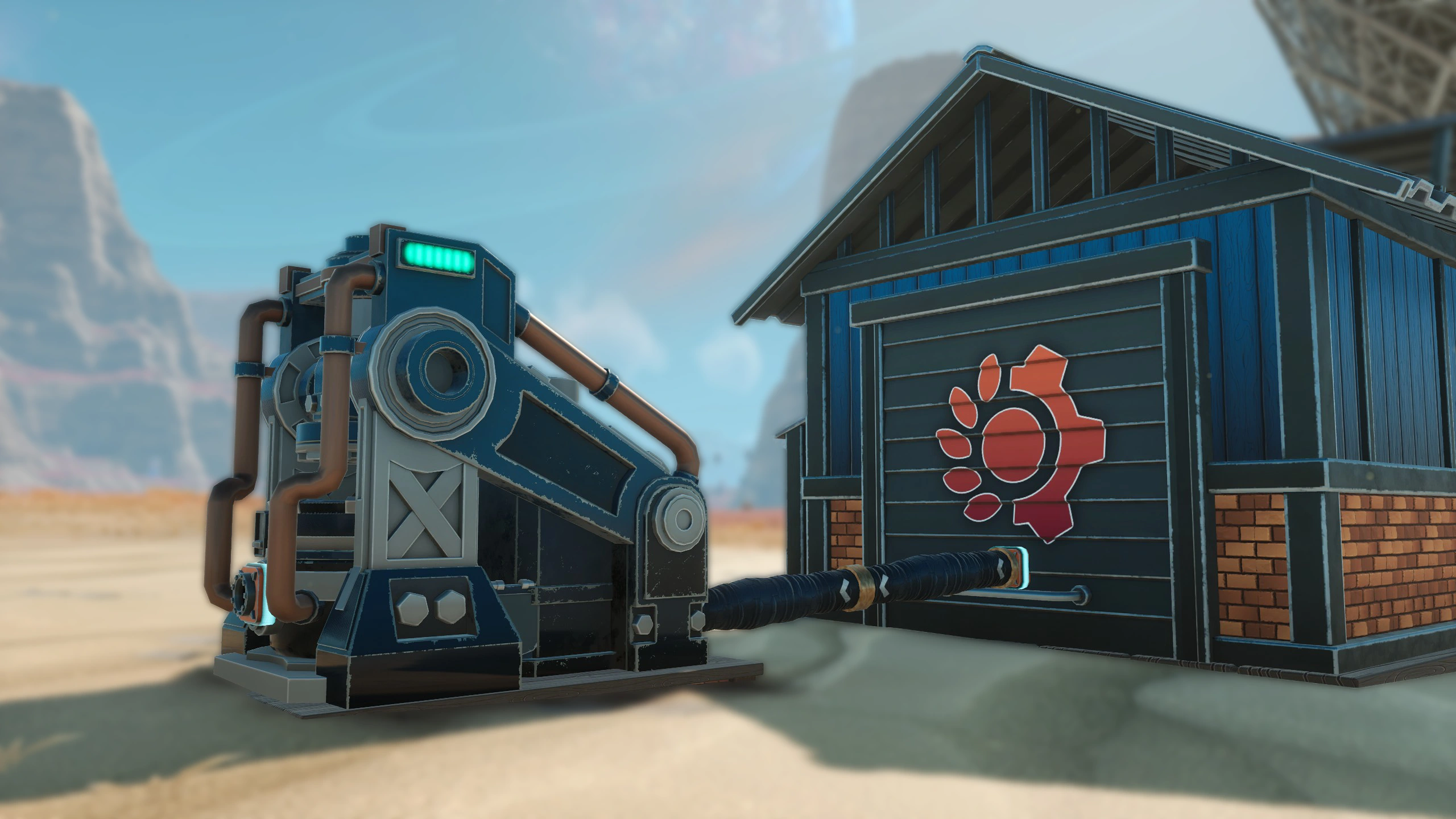
Select one recipe for Auto Craft and watch for the machine to finish it using ingredients from your store. If the machine already held enough for a batch, watch the store's ingredient count during the next run to check that the pipe is supplying it. If the build preview says the pipe is too short, leave more room between the ports and try the connection again. That gap is worth allowing for when you plan the layout of a new homestead.
Reconnect the Water Reservoir in an older save
If a water line stopped working after you moved an older save to 1.0, check where it leaves the Water Reservoir. The launch update shifted the Reservoir's Output to fix a construction bug. Rebuild the pipe attached to that Output at its new position, then check that water reaches the receiving Construct. If your old save already had Automators, you can keep using and building them. New progression puts their job into the pipes themselves.
A box can refuse the wrong harvest
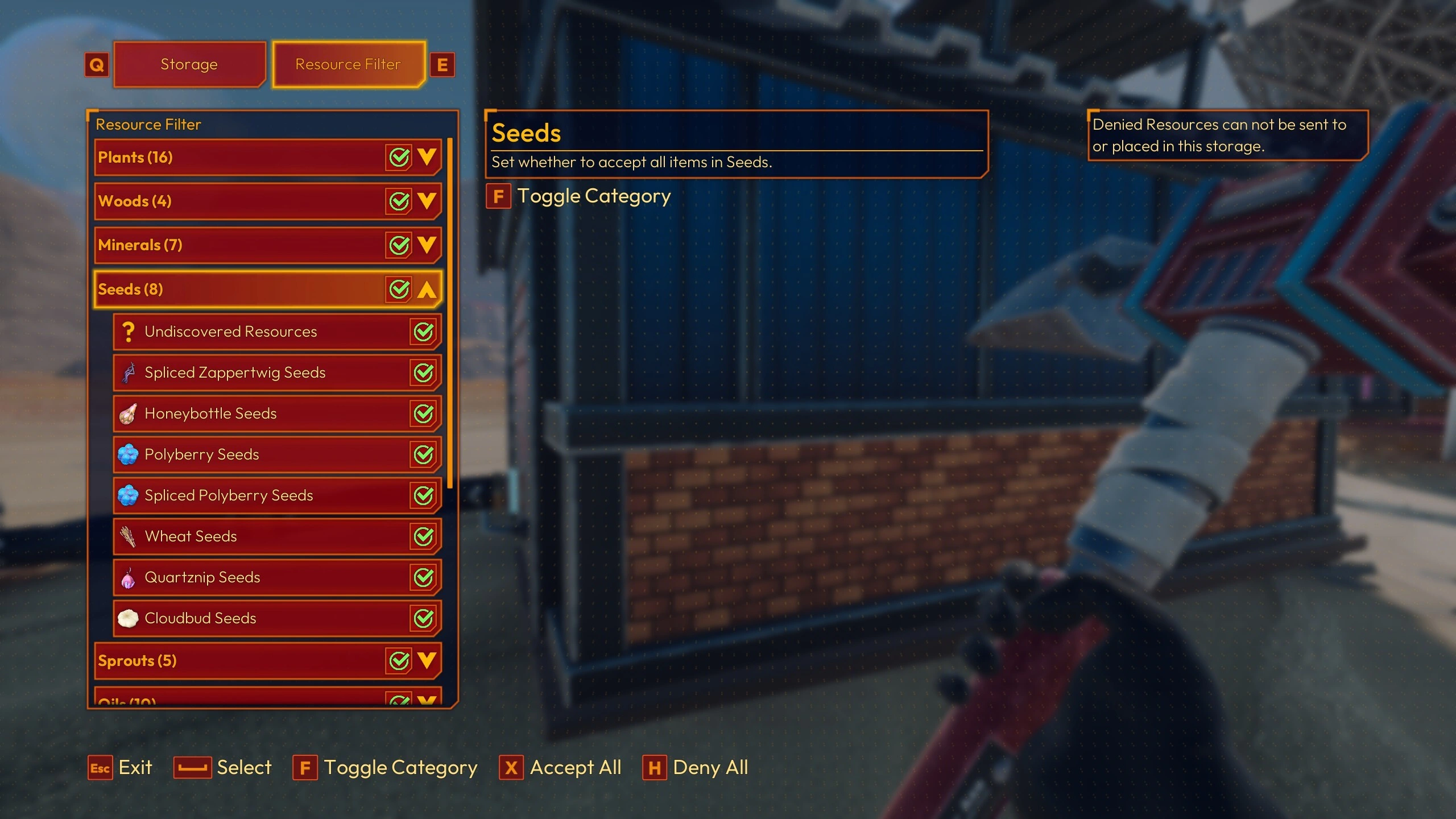
Open the receiving store's Resource Filter tab if a particular ingredient never arrives. Deny blocks that item from entering through pipes, while Accept lets it in when the store has room. Filters belong to each individual store. Set up two connected destinations with different filters and a mixed load can be sorted into separate stores. A box assigned to seeds can keep that job even when you drop off the rest of the harvest nearby.
Three recipes, one machine
Once the first recipe runs from storage, you can queue up to three recipes on that Construct. It cycles through them and skips any whose ingredients are missing. If the second recipe keeps getting skipped while the first still runs, check what that second recipe needs against the contents of the store. The workshop can keep making what you have ingredients for as the harvest changes, and a stocked cupboard feeding the right machine is what makes that rotation possible.
Sources
Where this story comes from, and where you can check it.
Official sources
- Lightyear Frontier1.0 Automation Improvements – Frontier News ↗
- Lightyear FrontierLightyear Frontier 1.0 coming November 4th! ↗
- SteamLightyear Frontier ↗
- Lightyear FrontierLightyear Frontier 1.0 OUT NOW! ↗