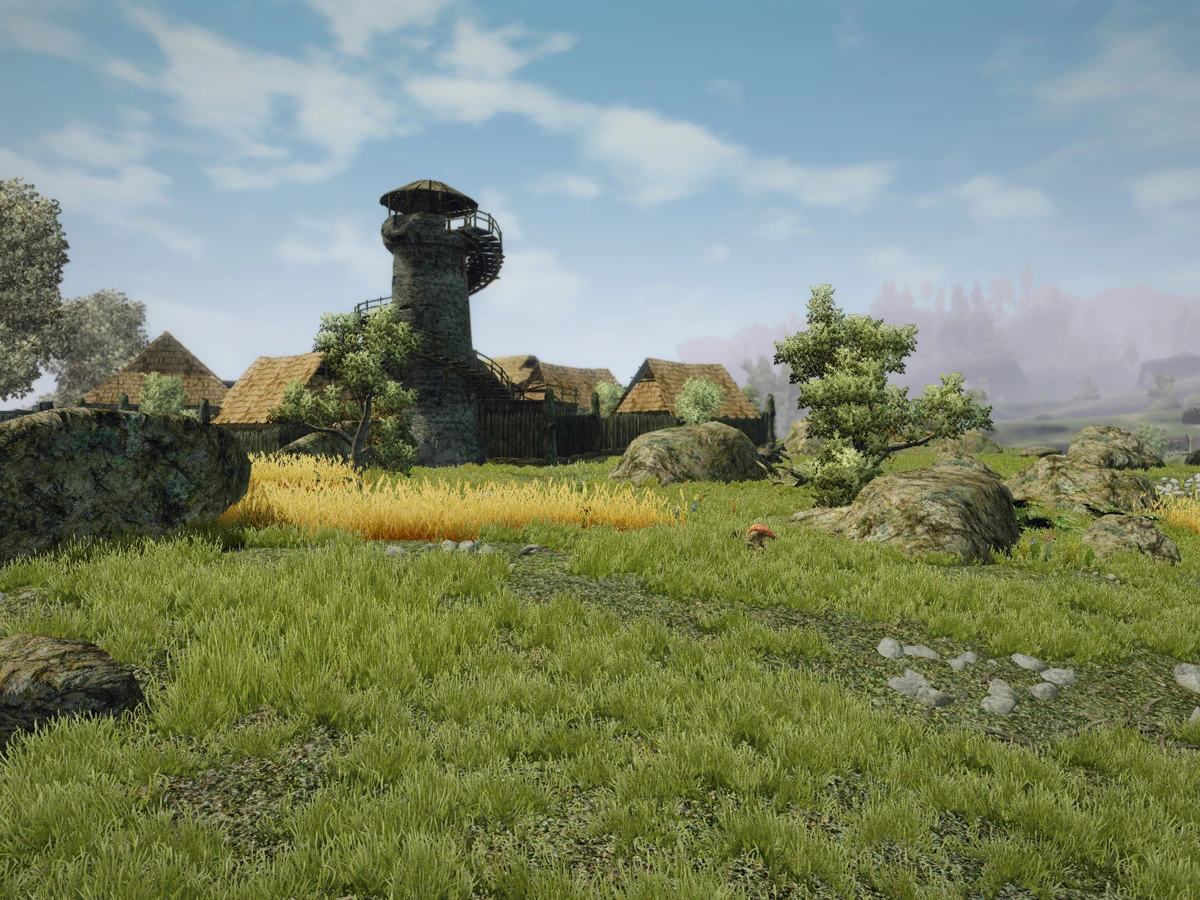
Install Patch 4 if Gothic 3 Classic crashes around your save on PS5 or Xbox Series X|S. The update addresses savegame crashes in the console version that launched on 24 November 2026. It also fixes invisible chests.
Install Patch 4 on your console
On PS5, highlight Gothic 3 Classic on your games home and press the options button. Select Check for Update. If the console offers an update, follow the on-screen instructions and let it finish before reopening the game.
On Xbox Series X|S, open My games & apps, then go to Manage and select Updates. If Gothic 3 Classic appears there, select its update and let the installation finish before opening the game.
Check your save after updating
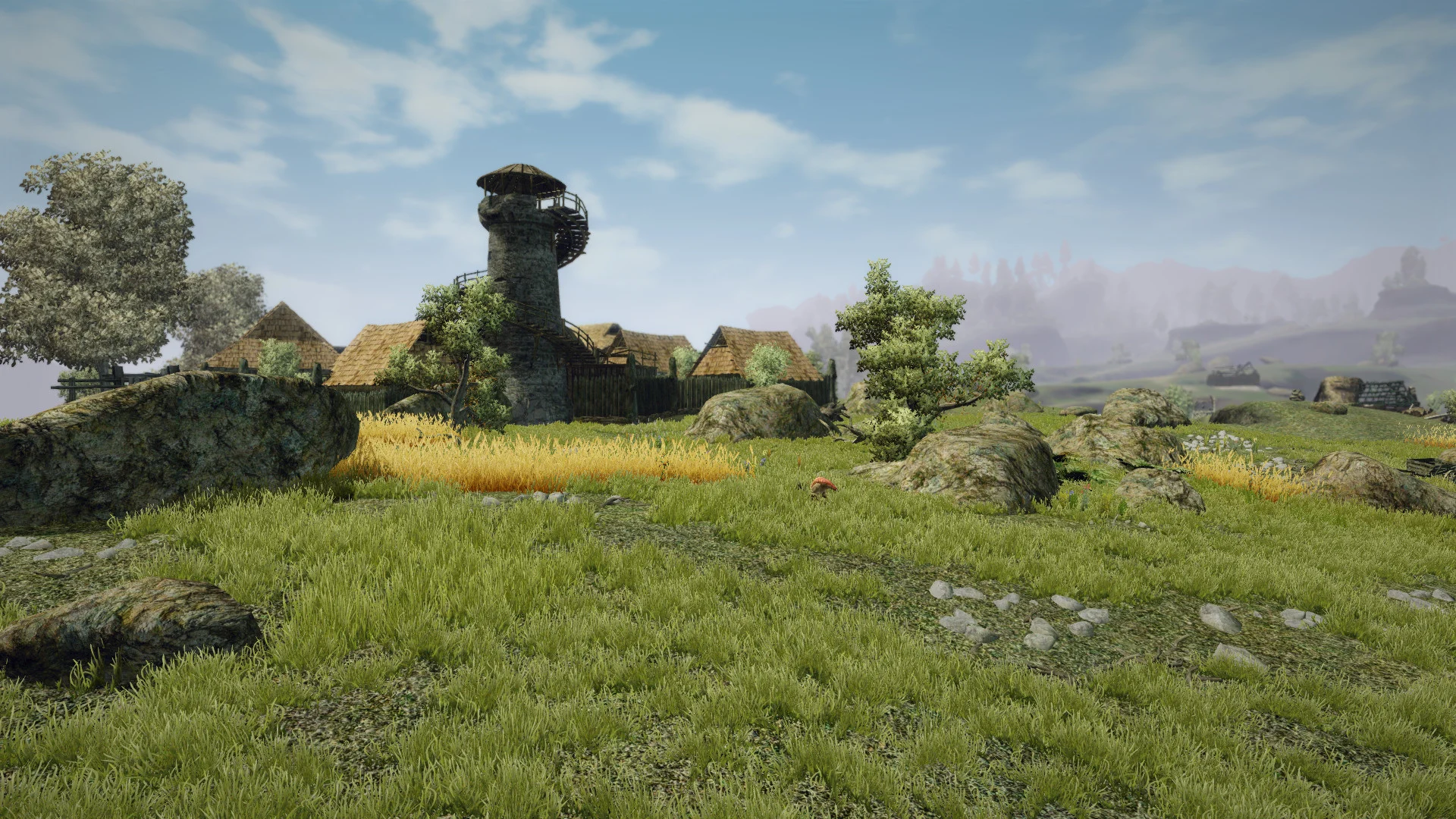
Once the update is installed, open the game and try the save that was crashing if it's still listed. Patch 4 addresses the crash, but recovery of missing saves is unconfirmed. If the crash persists, use THQ Nordic's bug-reporting platform and include your console and whether the crash happened while saving or loading.
The console release already includes Community Patch 1.75. Use your console's game update to get Patch 4.
Sources
Where this story comes from, and where you can check it.
Official sources
- Alkimia InteractiveGothic 3 Classic - Patch 4 ↗
- PlayStation SupportHow to check for updates on PS5 consoles and PS4 consoles ↗
- Xbox WireXbox September Update – Game Bar Compact Mode Now Available, Updates for Xbox App on Mobile Coming Soon, and More ↗
- THQ NordicVice City Has Its Problems, but Have You Seen Myrtana? Gothic 3 Classic Is OUT NOW on Consoles! ↗