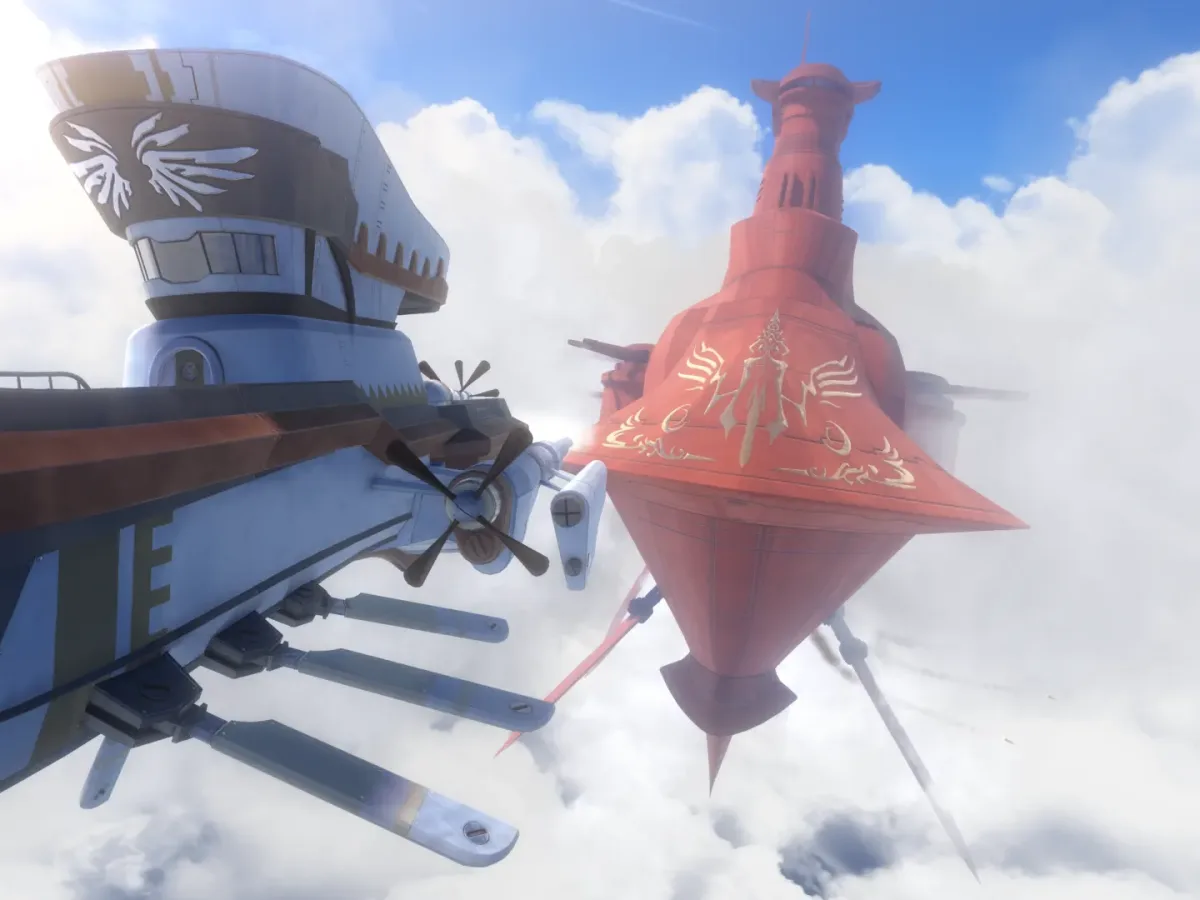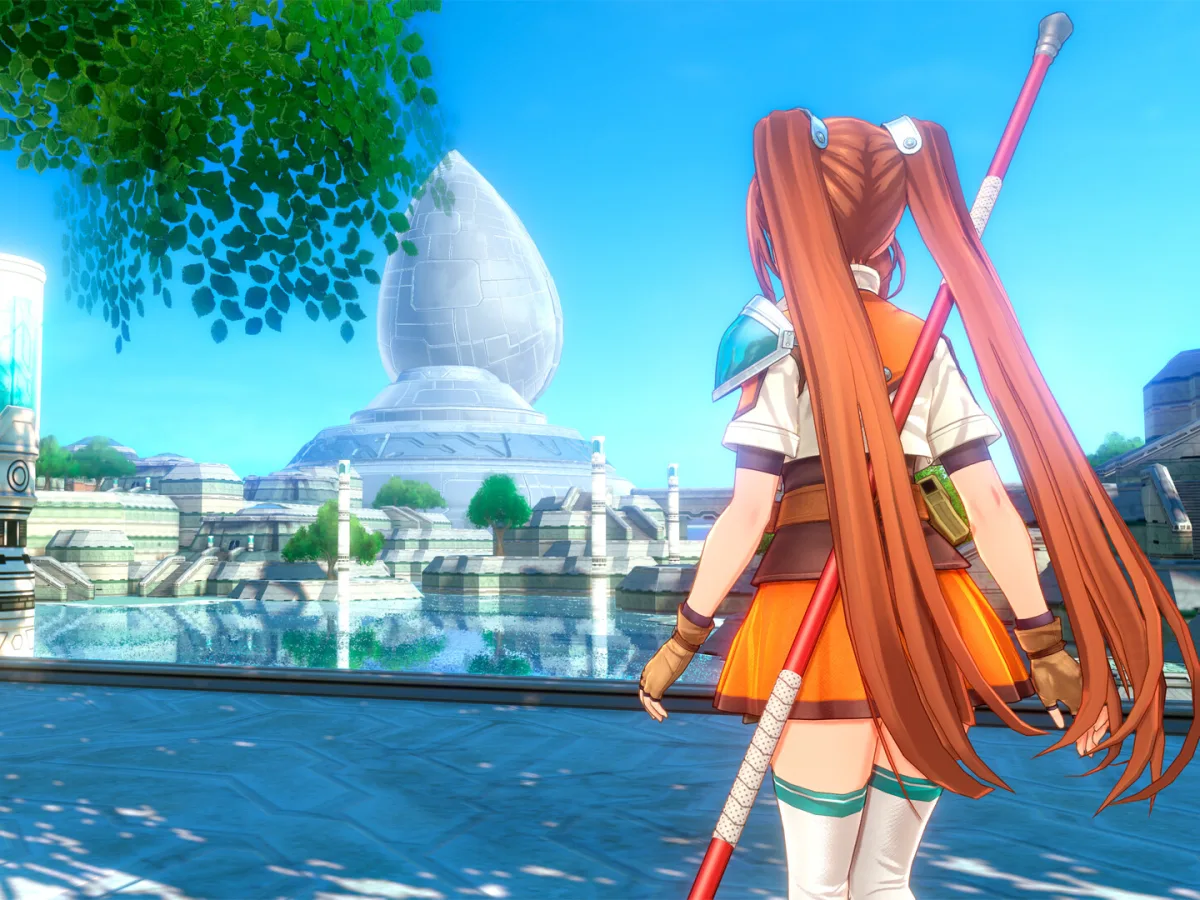
Your Trails in the Sky 2nd Chapter demo save carries over to the full game. On PC, update the full Steam version, launch it, and choose Load Game on the title screen, then pick your demo slot instead of starting a new game. This continues the second chapter's own demo progress; the bonus items for clear data from 1st Chapter are a separate system.
Prepare the full Steam release first
Buy or install the full PC game through Steam, then let it finish updating before trying to load anything. The full game must be on its latest version to read the demo save, so check this first if your slot doesn't appear. Close the demo once it has made a normal save, but keep its installed data in place until the full version has opened your progress successfully.
These steps cover the Steam version, starting from a demo save you made on Steam. If you never saved in the demo, start a new game instead. The Nintendo versions handle demo data through a separate Transfer menu.
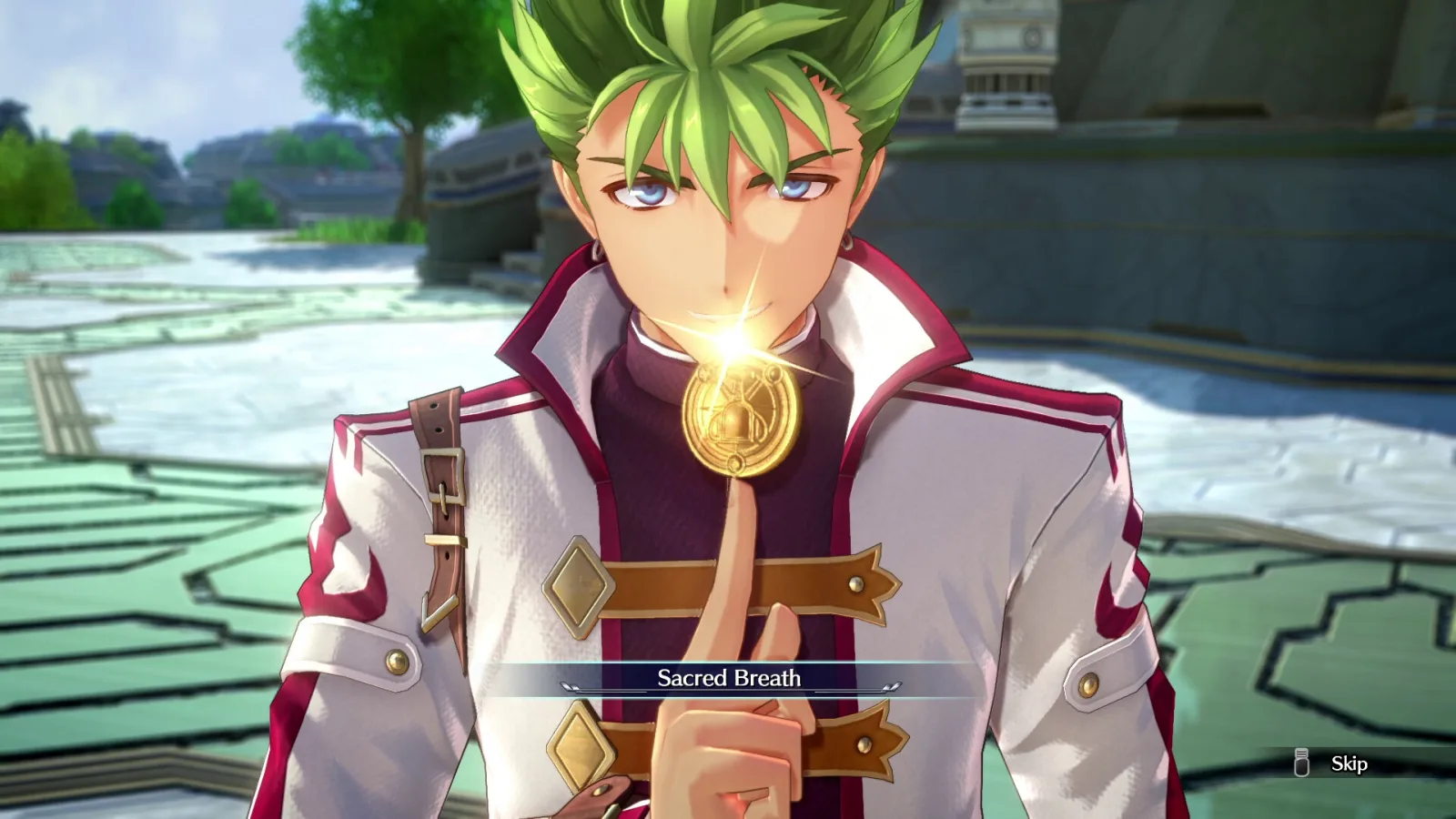
Load the demo slot from the title screen
Start the full game from the Steam library and go to Load Game on its title screen. Inven Global's demo report confirms the Steam version loads demo data straight from this menu. Select the demo slot there rather than choosing New Game. Once it loads, continue as normal and make a fresh full-game save when you reach a safe point. That gives you a clear confirmation that the full release, rather than the demo executable, is now holding the progress you intend to keep playing.
If no demo slot appears, confirm that you opened the full game rather than the demo and that the full game has completed its update. Leave the save files where they are rather than renaming or moving them, keep the demo installed, and check the title-screen menu again. If the slot remains absent after those basic checks, use the publisher's support route before overwriting anything with a new full-game save.
Keep the two kinds of carry-over separate
The demo transfer continues progress made in 2nd Chapter. It is not the same system as importing completed data from Trails in the Sky 1st Chapter. Steam says clear data from the earlier game can award bonus items in 2nd Chapter, while the demo announcement says the demo save continues the journey in the full version. Both can matter to a returning player, but they answer different questions. A 1st Chapter reward doesn't mean your demo slot loaded, and loading the demo doesn't replace the clear-data check.
Once the demo slot loads, check your story position and party, then make a new full-game save. Some demo details may differ from the final game, so expect small changes as you continue.
PC demo transfer checklist
- Use this version
- The full Steam release of Trails in the Sky 2nd Chapter
- Before loading
- Update the full game and keep the demo save in place
- Title-screen choice
- Load Game, then choose the demo slot
- Do not confuse it with
- The separate 1st Chapter clear-data bonus
Load the demo slot in the full PC game, confirm the expected progress, then make a new save.
Sources
Where this story comes from, and where you can check it.
Official sources
Independent reporting
- Inven GlobalTrails in the Sky the 2nd Demo Released ↗