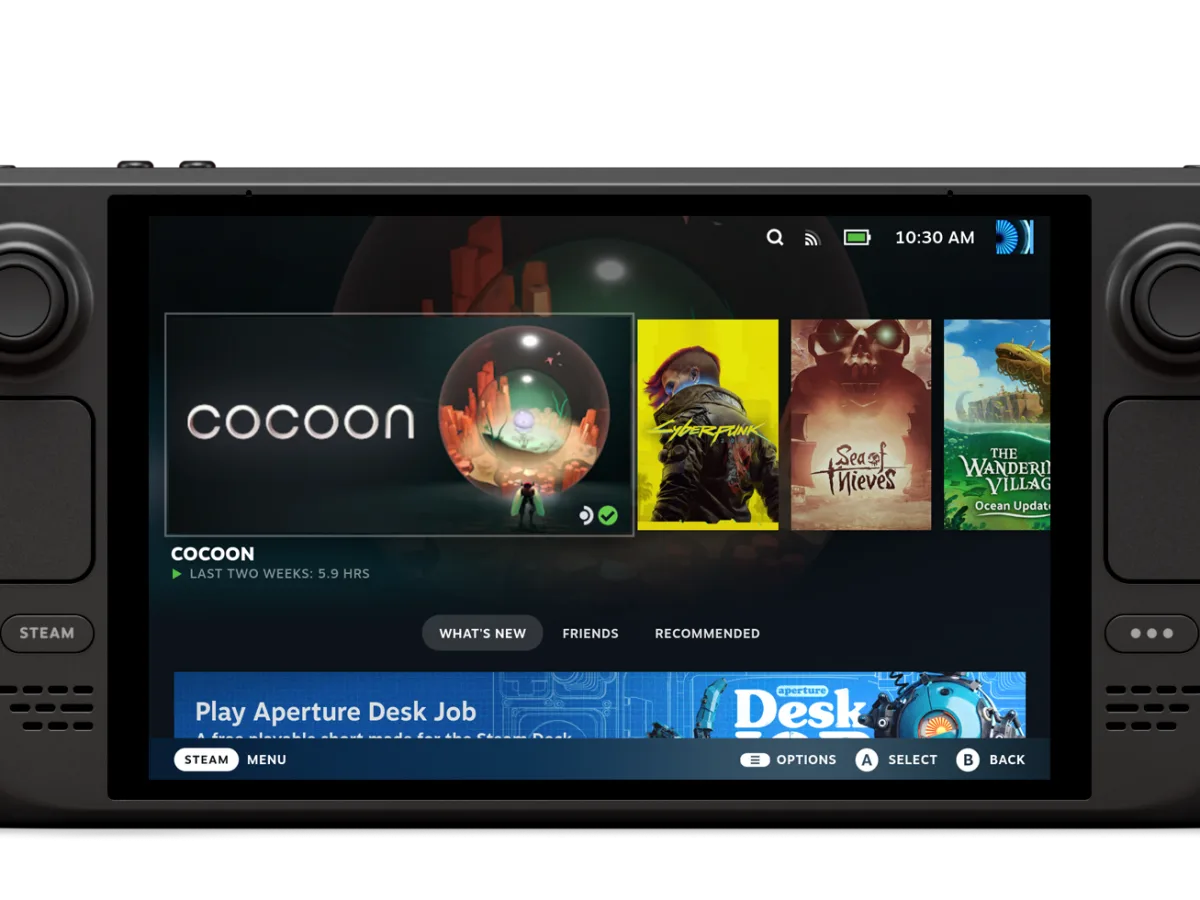
Steam's stable client now supports HDR streaming through Remote Play on Steam Deck OLED. The change arrived in the client update released on 1 September, so it is not restricted to Steam's beta channel. It gives Valve's OLED handheld a way to receive a streamed HDR game from another device, rather than limiting its HDR screen to games running locally on the Deck.
The scope is narrower than a general Remote Play HDR rollout. Valve's notes name Steam Deck OLED specifically, and its hardware page identifies that model's 7.4-inch display as HDR OLED. The update also improves Remote Play's video colour range on all platforms, but that separate line does not establish HDR streaming for LCD Steam Decks, other handheld PCs or every Remote Play client. Players using the OLED model need a compatible HDR stream at the sending end as well as the updated Steam client; Valve's release notes do not list game-by-game support.
For people who use a desktop PC as the host and the Deck as a portable screen, the practical difference is that a supported HDR image can now be delivered to the OLED panel through Steam's own streaming path. Valve also fixed a Remote Play case that could show a black window and one where enabled remote devices did not appear as streamable, alongside Linux-specific capture and frame-rate fixes. Gaming-Insider's report on the release likewise identifies the HDR support as part of the stable client update, not a new Steam Deck hardware revision.
The same update changes a few account and library behaviours outside Remote Play. Steam now permits an account change while a game is running, although its warning says continuing closes active games. It can ask which account to use at startup, and it now waits for a just-closed game to finish cloud synchronisation before Steam exits. Those are separate changes: they do not let two accounts play at once or guarantee a cloud save is available on another service. Steam distributes client updates automatically, with Valve also offering a manual check from the Steam menu.
Sources
Where this story comes from, and where you can check it.
Official sources
- SteamSteam Client Update: September 1st ↗
- Steam DeckSteam Deck :: Tech Specs ↗