Open Config in the full Switch 2 version of Metaphor: ReFantazio and choose Performance for a steadier frame rate. Use Balanced for a mix of clarity and smoothness, or Graphics for higher visual quality. The three presets are available in handheld and TV modes in the 12 November 2026 launch release.
Choose your mode in Config
Open the game's Config menu and select the preset that suits how you're playing. If you're still in the Prologue Demo, open the full game to get the selector. The demo uses a fixed preset. You can carry your Prologue Demo progress into the full Switch 2 game before changing your settings there.
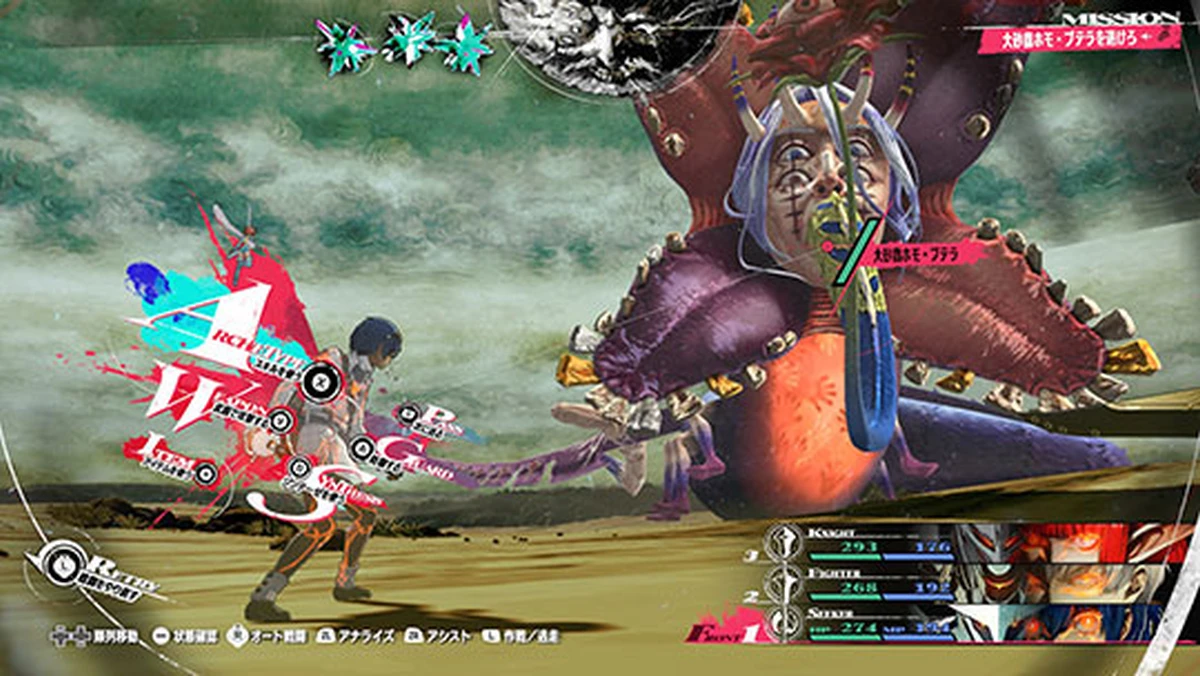
- Performance lowers the rendering resolution to help the frame rate stay steadier. Start here when uneven motion bothers you more than a softer picture.
- Balanced splits the difference between picture quality and frame rate. Pick it when you want a clearer image than Performance while keeping some emphasis on smoothness.
- Graphics prioritises rendering quality. Pick it when you want the best-looking image of the three and are comfortable with frame-rate drops in some scenes.
Compare the same scene
Use the screen you intend to play on and compare the same stretch of movement in two presets. In Performance, look for steadier motion as you move through the scene. If the softer image bothers you, return to Config and choose Balanced. If you tried Graphics and the motion feels uneven, step back to Balanced or Performance and repeat the same comparison.
Sources
Where this story comes from, and where you can check it.